
Chessigma analyzes games from Chess.com, Lichess or PGN files and generates reports without requiring signup.
PackCrafter
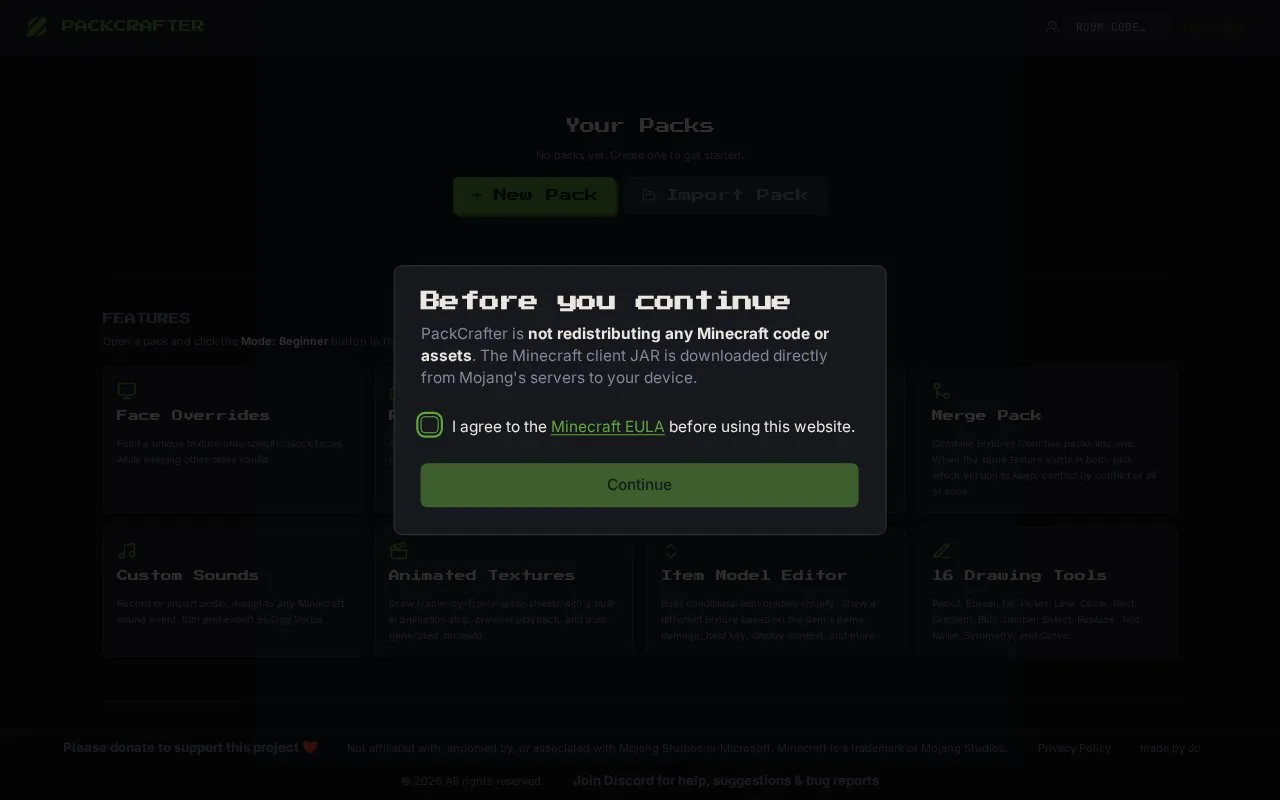
PackCrafter edits Minecraft resource packs in a browser without requiring an account.
About PackCrafter
PackCrafter is a browser-based editor for Minecraft resource packs. It runs on the web with no installation and no account required. Users can browse vanilla Minecraft textures and sounds grouped into categories such as Blocks, Items, Entity, GUI, and Particles.
The site includes a built-in pixel editor for changing textures, with layers, opacity and blend modes, undo history, and import of images. It supports animations, random texture variants, face overrides, display transforms for item positioning and scaling, splash text edits, and custom sounds by recording or importing audio. Finished blocks can be previewed in 3D, and packs export as a ready-made .zip file. Documentation and six step-by-step video tutorials cover common tasks.
It suits players who want to make small texture changes or full packs without installing software. Beginner, Intermediate, and Advanced interface levels, customizable shortcuts, and an on-canvas hint bar help new users learn the tools.
Key features
- Edit textures in browser pixel editor with layers
- Browse vanilla textures and sounds by category
- Create animations and random texture variants
- Preview edited blocks in 3D
- Record or import custom sounds
- Export packs as .zip file
Best for: Minecraft players who want to edit textures and sounds without installing software or creating an account.
Good for
- No account or installation required
- Includes written documentation and video tutorials
- Three interface levels for different experience
- Exports finished packs as .zip
PackCrafter at a glance
- Website
- packcrafter.net
- Category
- Gaming › Game Guides, Wikis & Tools
- Type
- Website
- Pricing
- Free
- Platforms
- Web
- Open source
- Not stated
- Language
- English
- Last checked
- Oct 5, 2026 · Online when checked
- Listed
- Oct 5, 2026
PackCrafter alternatives
Tools and sites you could use instead, ranked by how closely they match.

Prism Launcher manages Minecraft instances, accounts, and mods, including modpack installation and updates.
MapVerse lets users play Minecraft maps without local downloads or setup, with maps hosted online around the clock.

Block Display Models lets users create and publish Minecraft 3D models through an online editor without mods or installation.

Load shader packs in Minecraft with Oculus, an unofficial fork of Iris designed to work with FML.

Browse and download Minecraft PvP texture packs and resource packs from creators on PVPRP.
Popular in Game Guides, Wikis & Tools
Well-known listings from the same topic.
GTA Bossgtaboss.ggGTAGaragegtagarage.comPocket Bardpocketbard.appSerebii.netserebii.netWorldPainterworldpainter.net2-Minute Tabletop2minutetabletop.com


PackCrafter FAQ
Do I need an account to use PackCrafter?
No. PackCrafter works in the browser with no account, installation, or setup required.
What can I edit with PackCrafter?
You can edit textures, create animations and variants, change splash texts, adjust display transforms, and add custom sounds.
How do I save my resource pack?
You can export your work as a ready-made .zip pack, and export the current canvas as PNG.
Is something wrong or out of date?
Tell us and an editor will check it.
Own this website?
Claim this listing
Claim the listing and suggest updates yourself. An editor checks every claim first.