

Play mini-games, meet other players, and join monthly events in the Club Penguin Journey community.
Plane Food Simulator
Play Plane Food Simulator, a game about eating during a plane journey.
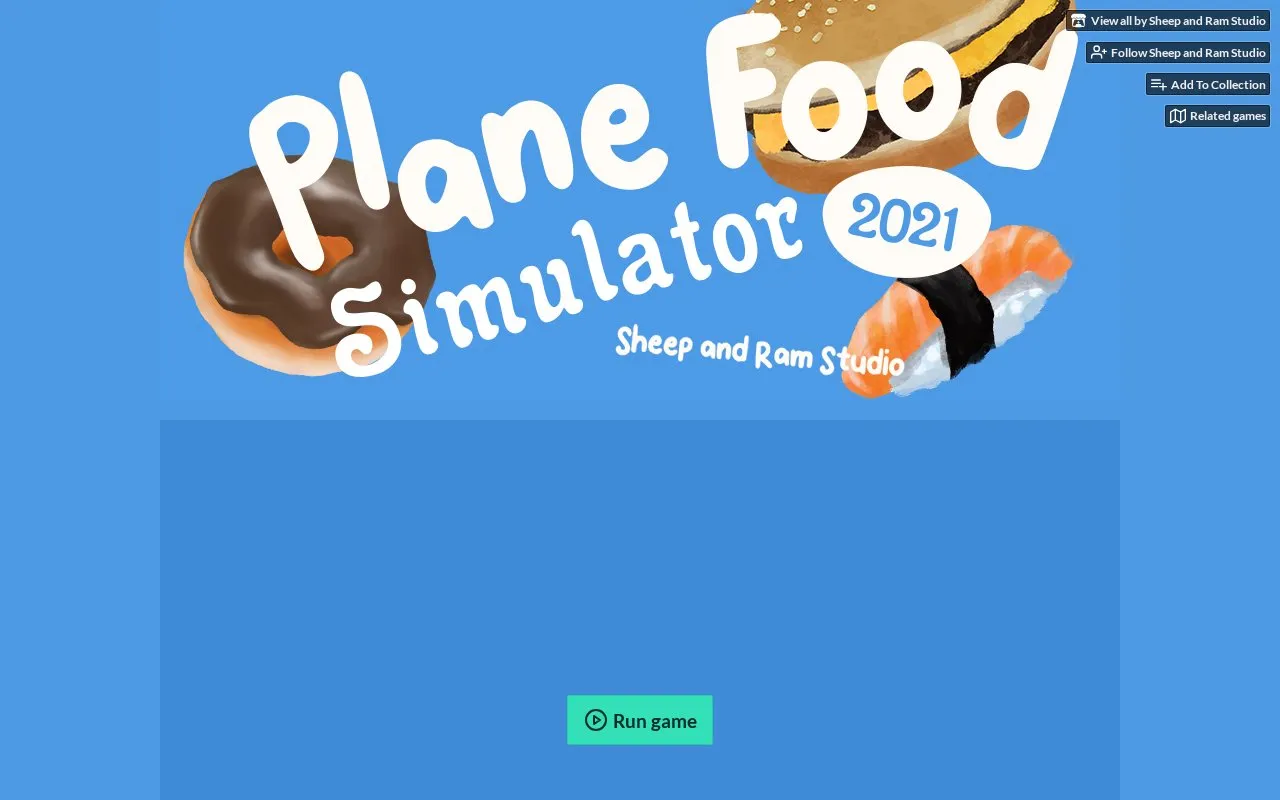
About Plane Food Simulator
Plane Food Simulator 2021 by Sheep and Ram Studio is a simulation game about eating an in-flight meal. The aim is to complete the meal without causing a spillage, using mouse and keyboard controls to grab, move and fling items.
It can be played in a WebGL 2.0 compatible browser and is also available as downloads for Windows and macOS. The creator notes Google Chrome and fullscreen use with a mouse and keyboard, and the downloaded local copy includes Turbulent Mode.
Key features
- Finish in-flight meal without causing spillage
- Grab, move and fling items with mouse and keyboard
- Browser play with WebGL 2.0 compatible browser
- Downloadable files for Windows and macOS
- Turbulent Mode in downloaded local copy
- Fullscreen view for handling food
Best for: People looking for a short comedy simulation game about airplane meals.
Good for
- Available as browser play and Windows and macOS downloads
- Downloaded copy includes Turbulent Mode
- Rated 4.5 out of 5 stars from 14 ratings on itch.io
Watch out for
- Web play needs a WebGL 2.0 compatible browser
- Needs mouse and keyboard; trackpad use may cause difficulty
- Desktop versions need 500 MB free hard drive space
Plane Food Simulator at a glance
- Website
- sheepandram.itch.io/pfs2021
- Category
- Gaming › Browser Games
- Type
- Website
- Pricing
- Not confirmed. Check the site
- Platforms
- Web, Windows
- Open source
- Not stated
- Language
- English
- Last checked
- Oct 5, 2026 · Online when checked
- Listed
- Oct 5, 2026
Plane Food Simulator alternatives
Tools and sites you could use instead, ranked by how closely they match.

Play Snake brings the classic mobile snake game to a web browser, where players guide the snake toward food and avoid collisions.
Free
24 alternativesPopular in Browser Games
Well-known listings from the same topic.
DuckDuckgo 2048duckduckgo.com?ia=answer&q=play+2048GuessWhereYouAreguesswhereyouare.comCountlecountle.orgMoney Simulatorsimulator.moneyArtifact Guesserartifactguesser.comMoreWordsmorewords.com


Plane Food Simulator FAQ
How do I control food items?
Grab with left click, move by holding left click with W, A, S, D, and fling by holding W, A, S, D and releasing left click.
How do I get Turbulent Mode?
The downloaded local copy has Turbulence mode activated, according to the studio.
Does it work on iPad or with a trackpad?
The studio notes iPad is not currently supported and recommends keyboard and mouse for play.
Is something wrong or out of date?
Tell us and an editor will check it.
Own this website?
Claim this listing
Claim the listing and suggest updates yourself. An editor checks every claim first.