

Wikipedia Gacha turns Wikipedia articles into trading cards in a free browser game.
PlayAnyPage
Turn news pages, Wikipedia, or Reddit into arcade games with a bookmarklet that runs on the current webpage.
About PlayAnyPage
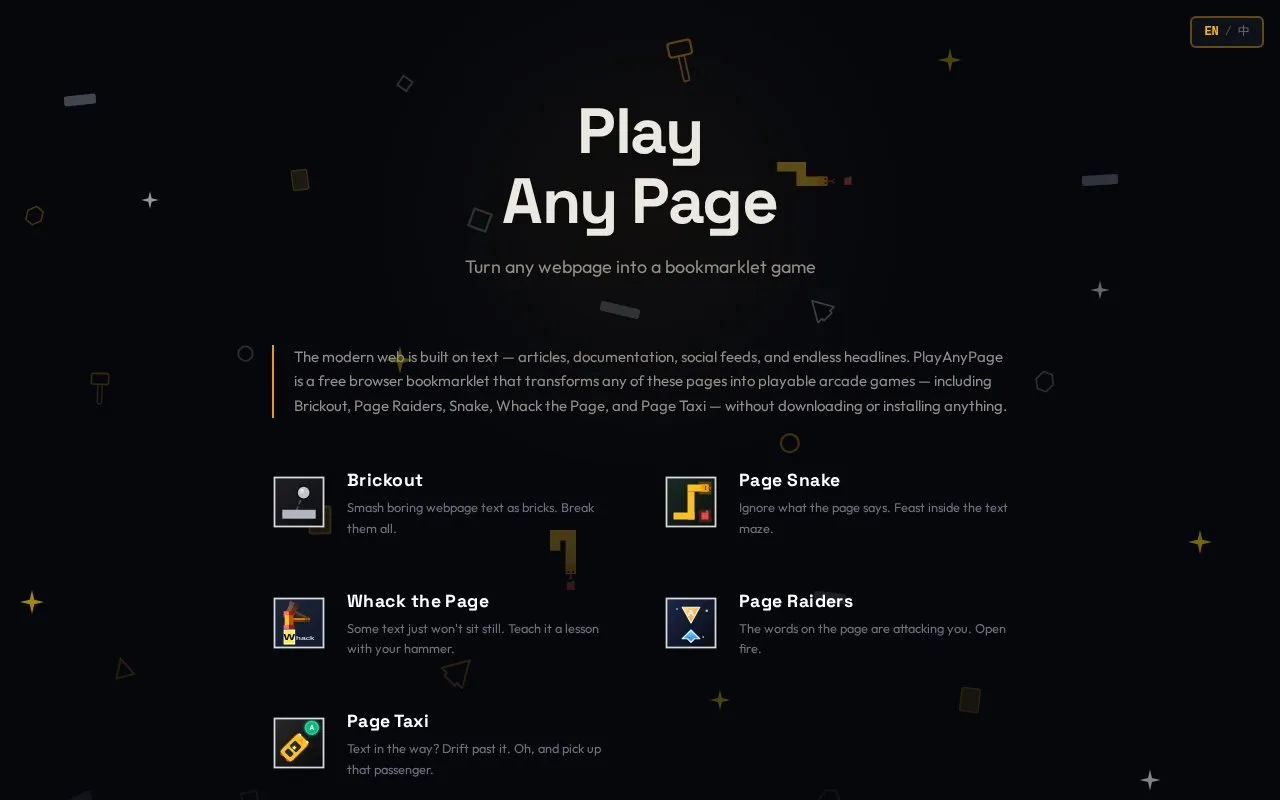
PlayAnyPage is a free browser bookmarklet that turns the current webpage into a playable arcade game. It includes Brickout, Page Raiders, Snake, Whack the Page, and Page Taxi, and uses the page's actual text, images, and layout as game elements. No extension, account, download, or page redirect is required for play.
Key features
- Bookmarklet turns the current webpage into an arcade game
- Includes Brickout, Page Raiders, Snake, Whack the Page, and Page Taxi
- Uses page text, images, and layout as game elements
- No extension, account, or app download required
- Click to play or stop without page redirects
- Optimized for desktop browsers with keyboard controls and bookmarks bar
Best for: People on desktop browsers who want a quick arcade break on news, Wikipedia, documentation, social media, or learning pages without installing an extension.
Good for
- Five arcade games are included at no cost.
- No account, subscription, or browser extension is required.
- Gameplay runs client-side according to the homepage, with optional score sharing limited to hostname and game stats.
Watch out for
- Mobile browsers are not officially supported due to bookmarklet execution limits and touch-control constraints.
- Setup requires dragging the bookmarklet to the browser bookmarks bar.
- Play is optimized for desktop browsers with physical keyboard controls.
PlayAnyPage at a glance
- Website
- playanypage.com
- Category
- Gaming › Browser Arcade Games
- Type
- Website
- Pricing
- Free
- Platforms
- Web
- Open source
- Not stated
- Language
- English
- Last checked
- Oct 5, 2026 · Online when checked
- Listed
- Oct 5, 2026
PlayAnyPage alternatives
Tools and sites you could use instead, ranked by how closely they match.

WikiRacer turns Wikipedia navigation into a race where players compete to reach a target article.
The Wiki Game turns exploring Wikipedia articles into a game of racing through pages.
Popular in Browser Arcade Games
Well-known listings from the same topic.
Jezzamonjezzamon.itch.ioRaptjsmadebyevan.com/raptTheBestarcadehtml5.thebestarcadescript.comSpinnerhyperspace-wizard.itch.io/spinnerCelesteClassicmaddymakesgamesinc.itch.io/celesteclassicCouchplaycouchplay.tv/index_en.php


PlayAnyPage FAQ
How do I play games on a webpage without installing an extension or app?
The homepage says PlayAnyPage works as a lightweight JavaScript bookmarklet. After dragging it to the bookmarks bar, clicking it runs game logic directly on the current page; no Chrome, Firefox, or Edge extension is required.
Does the bookmarklet send page content during play?
The homepage states that gameplay is client-side and no webpage content is read or transmitted during play. If you choose to share a score, the site hostname and game stats are included; page text, full URLs, and browsing history are not shared.
Which browsers support PlayAnyPage?
It is optimized for modern desktop browsers with a visible bookmarks bar and physical keyboard controls. Mobile browsers are not officially supported due to bookmarklet execution limits and touch-control constraints.
Is something wrong or out of date?
Tell us and an editor will check it.
Own this website?
Claim this listing
Claim the listing and suggest updates yourself. An editor checks every claim first.