
Plugins
This Grayjay plugin directory lists add-ons that can be installed into the Grayjay media app.
About Plugins
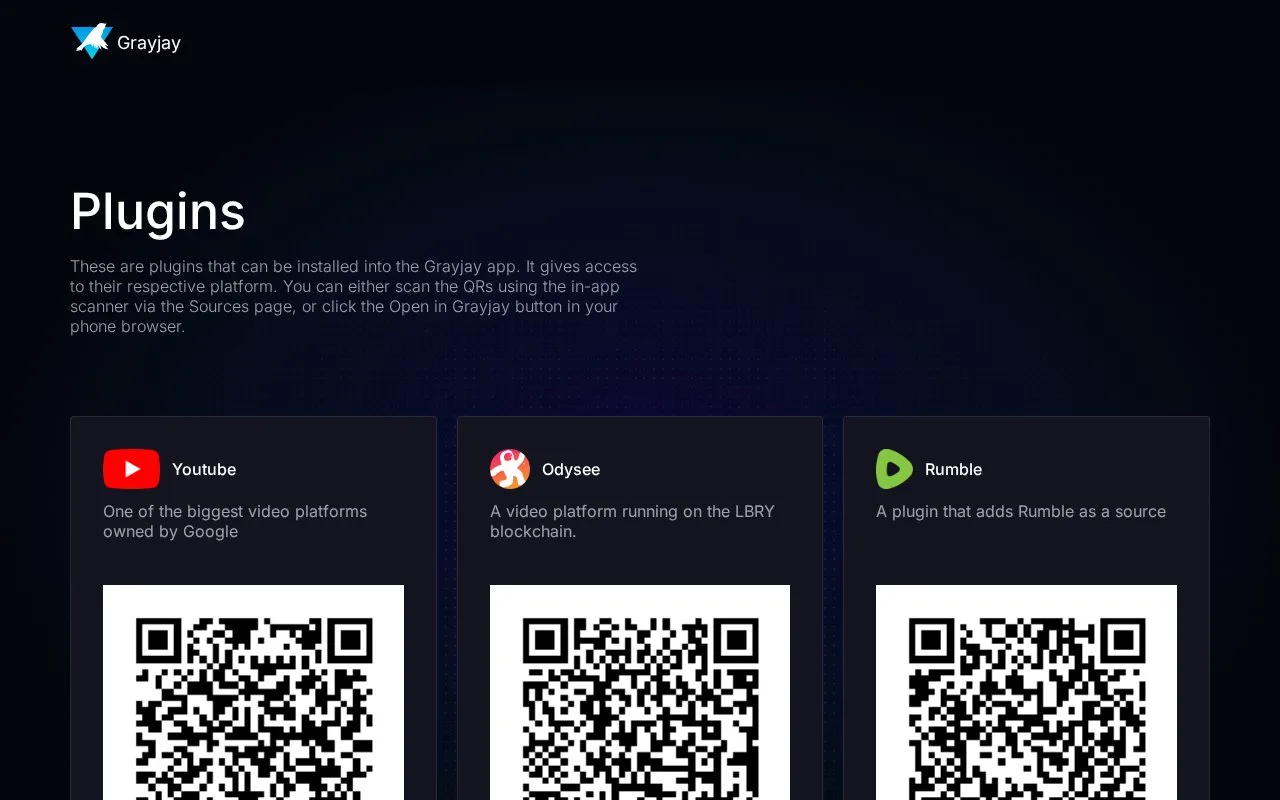
This page lists plugins that add content sources to the Grayjay media app. Each entry names a platform, such as YouTube, Rumble, Twitch, SoundCloud, or NASA+, with a short description and an install option. Plugins can be installed by scanning a QR code with the in-app scanner on the Sources page, or by clicking the "Open in Grayjay" button in a phone browser.
The plugins cover video, livestreaming, podcasts, music, radio, and educational or archive content. Several are labeled Beta or Alpha, which indicates they are still in testing. The page does not describe what each plugin supports beyond its short description, and it does not state pricing.
Key features
- Lists plugins for video, livestream, podcast, music, and radio sources
- Installs plugins by scanning a QR code in the in-app Sources page
- Installs plugins through an "Open in Grayjay" button in a phone browser
- Includes plugins for YouTube, Odysee, Rumble, Patreon, Nebula, and PeerTube
- Includes plugins for Radio Browser, which lists over 50,000 radio stations
- Includes educational and archive sources such as TED Talks and Internet Archive
- Brings many different platforms and content types into one app
- Offers two install methods: an in-app QR scanner and a phone browser button
- Several plugins are labeled Beta or Alpha, so they may be less developed
- The BiliBili plugin requires login to access higher video quality, subtitles, and premium content
Plugins at a glance
- Website
- plugins.grayjay.app
- Category
- Marketing & SEO › Social Media Tools
- Type
- Website
- Pricing
- Not confirmed. Check the site
- Platforms
- Web
- Open source
- Not stated
- Last checked
- Oct 6, 2026 · Online when checked
- Listed
- Oct 5, 2026
Popular in Social Media Tools
Well-known listings from the same topic.


Plugins FAQ
How do I install a plugin in Grayjay?
Which plugins are labeled Beta or Alpha?
Does the BiliBili plugin require an account?
Tell us and an editor will check it.
Claim the listing and suggest updates yourself. An editor checks every claim first.