Proofread Bot
Proofread Bot checks grammar and spelling in text fields across browsers, email, messaging, documents, and its web editor.
About Proofread Bot
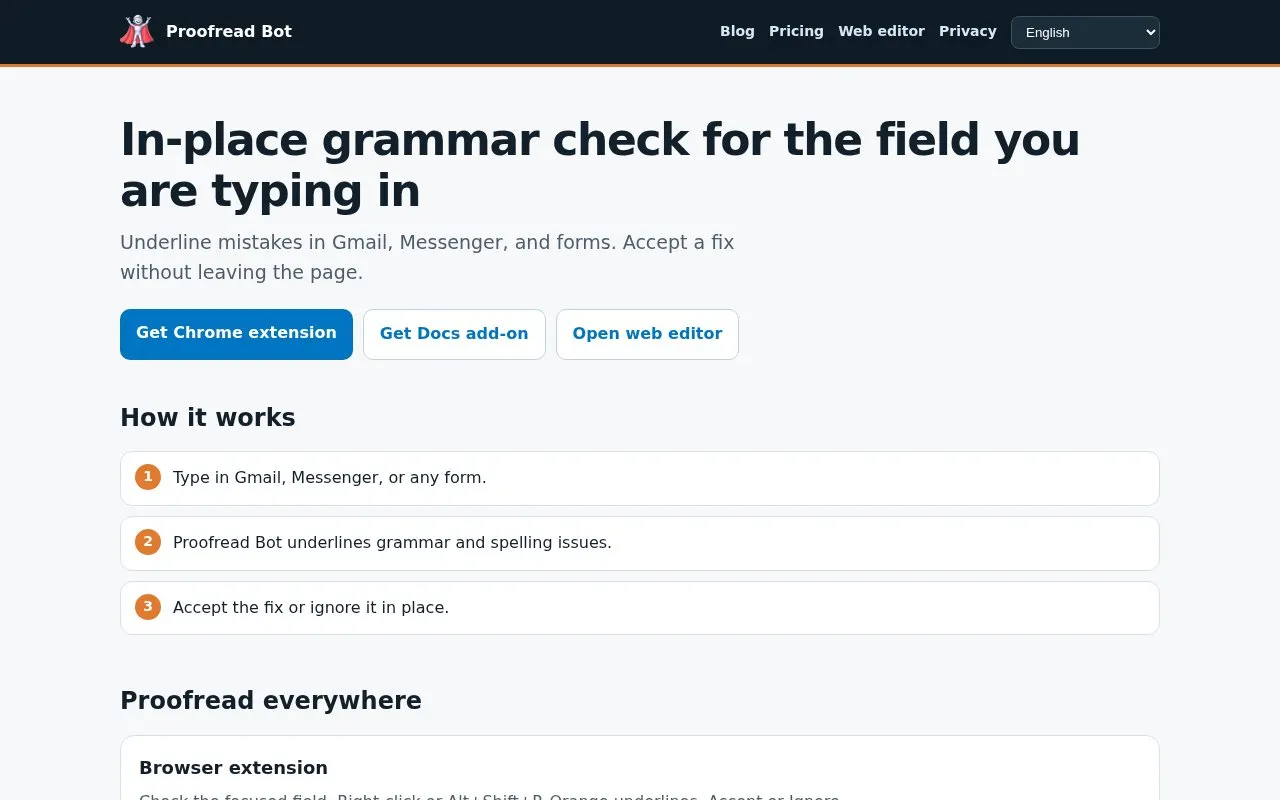
Proofread Bot checks grammar and spelling in the text field being typed in, including Gmail, Messenger, and web forms. It underlines issues in place and lets users accept or ignore fixes without leaving the page.
It provides a browser extension triggered by right-click or Alt+Shift+P, a separate add-on for Google Docs, and a standalone web editor at /app. The Chrome extension does not run in Google Docs.
Key features
- Underlines grammar and spelling issues in focused text field
- Accept or ignore fixes without leaving the page
- Trigger checks with right-click or Alt+Shift+P
- Separate add-on for proofreading inside Google Docs
- Standalone web editor at /app for pasted text
- Extension support for Chrome, Firefox, and Edge
Best for: People who want in-place grammar and spelling checks while typing in email, messaging, and web forms.
Good for
- Accept fixes in place without leaving Gmail, Messenger, or forms
- Works across extension, Docs add-on, web editor, and mobile tools
Watch out for
- Chrome extension does not run in Google Docs
Proofread Bot at a glance
- Website
- proofreadbot.com
- Category
- Productivity › Productivity Suites
- Type
- Online tool
- Pricing
- Not confirmed. Check the site
- Platforms
- Android, Browser extension, iOS, Web
- Open source
- Not stated
- Language
- English
- Last checked
- Oct 5, 2026 · Online when checked
- Listed
- Oct 5, 2026
Guides for Productivity Suites
Proofread Bot alternatives
Tools and sites you could use instead, ranked by how closely they match.
Reverso provides translation between 28 languages, document translation, vocabulary tools, and grammar checking.
Popular in Productivity Suites
Well-known listings from the same topic.
RescueTimerescuetime.comFocus To-Dofocustodo.cnTryScribetryscribe.inRamboxrambox.appNumerous.ainumerous.aiTTSReaderttsreader.com


Proofread Bot FAQ
Does the Chrome extension check text in Google Docs?
No. Proofreading in Google Docs needs the separate Docs add-on.
How do I run a check with the browser extension?
Check the focused field with right-click or Alt+Shift+P, then Accept or Ignore.
Where is the standalone editor?
At /app, where you can paste or write text for checking.
Is something wrong or out of date?
Tell us and an editor will check it.
Own this website?
Claim this listing
Claim the listing and suggest updates yourself. An editor checks every claim first.