

Retype builds static documentation websites from simple text files and Markdown content.
Retype
Retype turns Markdown files into production-ready documentation websites.
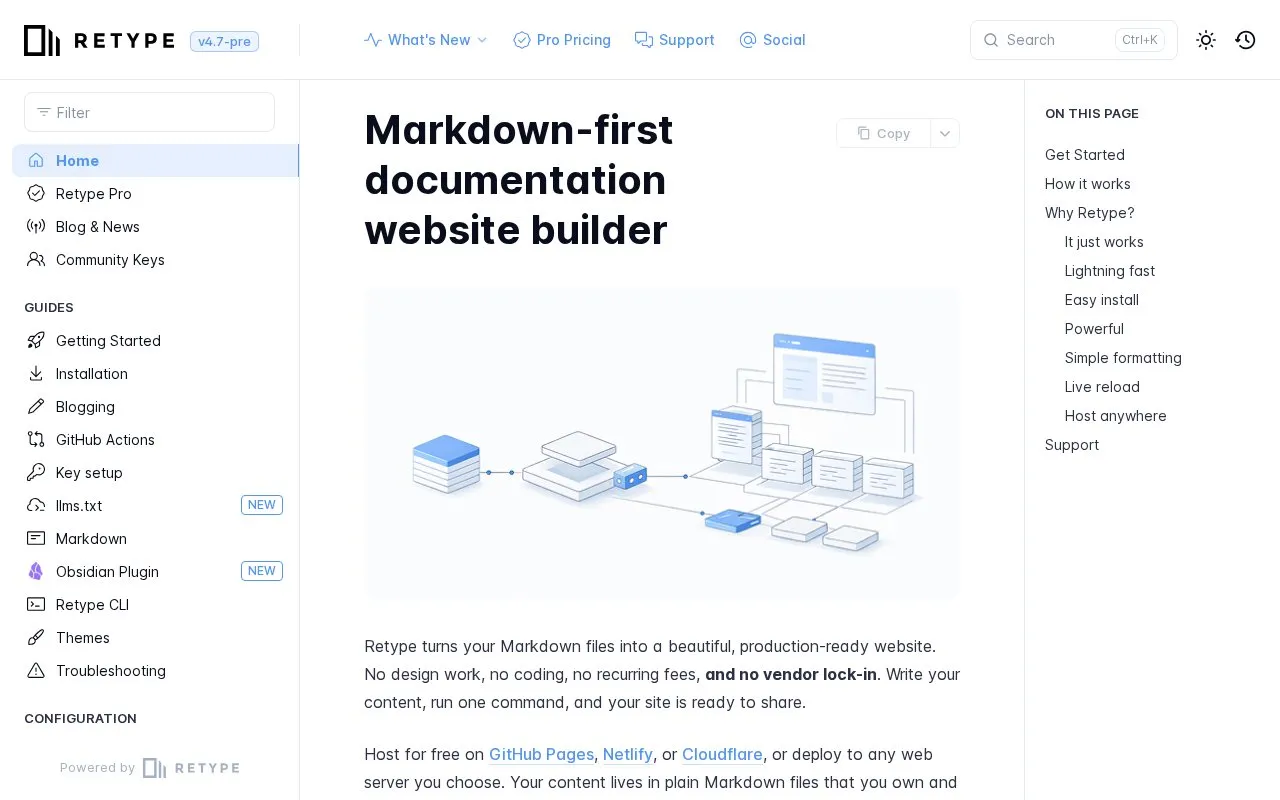
About Retype
Retype converts Markdown files into static HTML documentation websites. A site can start from a single .md file, with project settings in a retype.yml file and page settings for items such as navigation labels and icons.
It installs through npm, Yarn, or the dotnet CLI and builds a local preview with the retype start command, updating the preview when files are saved. The output can be placed on any web server, including GitHub Pages, Netlify, or Cloudflare, for public use or on a private organization network without special server-side software.
Key features
- Converts Markdown files into static HTML documentation websites
- Installs with npm, Yarn, or the dotnet CLI
- Starts local preview with the retype start command
- Customizes projects through a retype.yml configuration file
- Adds tabs, callouts, and cards to Markdown content
- Generates output for GitHub Pages, Netlify, Cloudflare, or any server
Best for: Writers and teams who want to publish documentation from Markdown files without managing a build pipeline.
Good for
- Content stays in plain Markdown files without proprietary formats
- Generates static HTML that needs no special server-side software
- Refreshes the browser preview when a Markdown file is saved
Retype at a glance
- Website
- retype.com
- Category
- Development › Web Development
- Type
- Online tool
- Pricing
- Not confirmed. Check the site
- Platforms
- Web
- Open source
- Not stated
- Language
- English
- Last checked
- Oct 5, 2026 · Online when checked
- Listed
- Oct 5, 2026
Retype alternatives
Tools and sites you could use instead, ranked by how closely they match.

Websites can be created without coding or design experience with SITE123’s website builder.

Playcode uses AI to build websites, stores, portals, and internal tools from user descriptions.

Trickle uses an AI canvas to build and launch apps and websites with image and video generation, models, and a database.

Automate browser tasks and scrape websites with Browserflow, a visual tool that requires no coding.

Replit builds working apps and websites from natural language descriptions, with no coding required to get started.
Free
9 alternativesPopular in Web Development
Well-known listings from the same topic.
cron-jobcron-job.orgCrontab Generatorcrontab-generator.orgPelicangetpelican.comCrontab.iocrontab.ioSemantic UIsemantic-ui.comWordpresswordpress.org


Retype FAQ
How do I install Retype?
Install it with npm, Yarn, or dotnet, for example with `npm install retypeapp --global`.
How do I start a site?
Go to a folder containing Markdown files and run `retype start`, which builds the site and opens it in a browser.
Where can I host the generated site?
On any web server, including GitHub Pages, Netlify, or Cloudflare, as a public site or on a private organization network.
Is something wrong or out of date?
Tell us and an editor will check it.
Own this website?
Claim this listing
Claim the listing and suggest updates yourself. An editor checks every claim first.