
Cross-platform source code editing is available in CudaText, with downloads and documentation.
Free
19 alternativesC# code can be edited and run in RoslynPad, a cross-platform environment built with Roslyn.
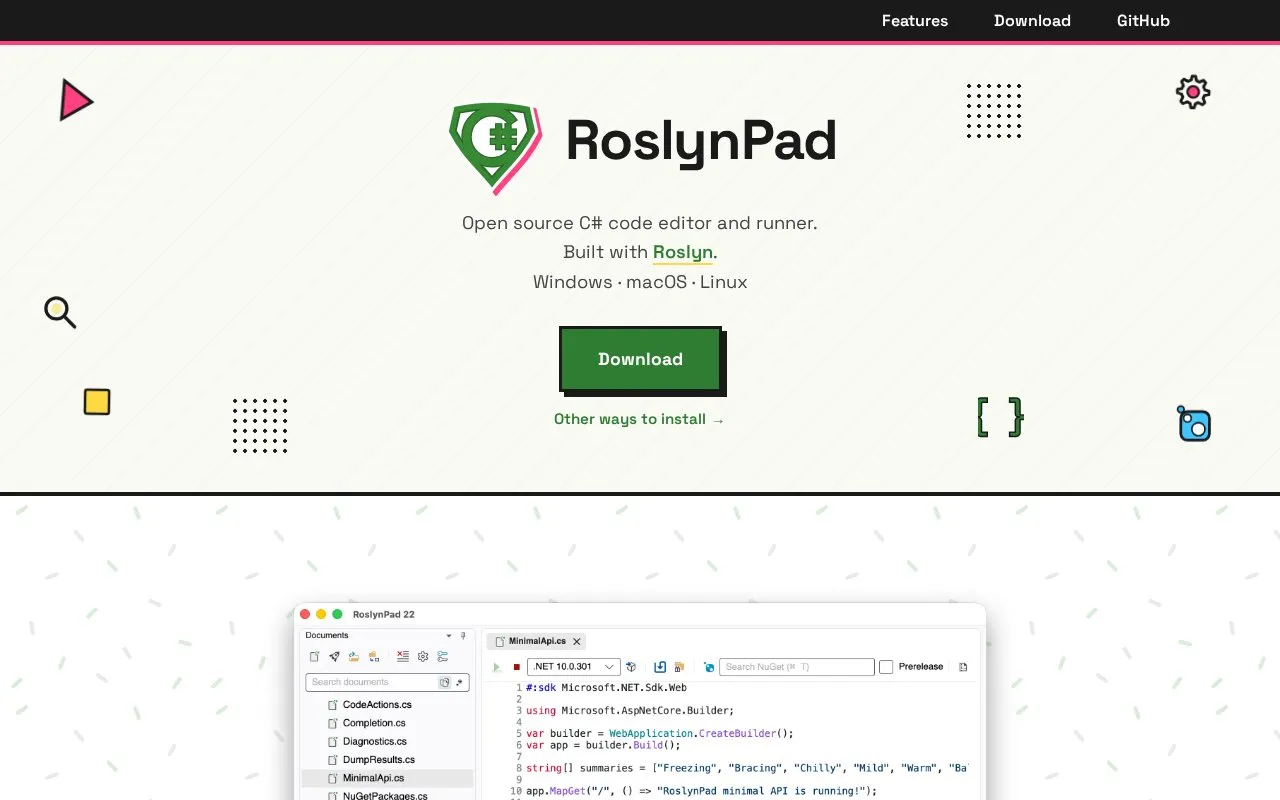
RoslynPad is a C# code editor and runner built with Roslyn for Windows, macOS, and Linux. It provides code completion, hover information, error detection, and code fixes while editing. Users can run C# file-based apps, add NuGet packages, and organize scripts in a documents panel.
Tools and sites you could use instead, ranked by how closely they match.
Cross-platform source code editing is available in CudaText, with downloads and documentation.
Download community-built, freely licensed binaries of Visual Studio Code through VSCodium.
Code can be edited, compiled, and run in many languages through myCompiler’s online IDE.
C++ code can be written and run in a browser with cpp.sh, an online compiler environment.
Well-known listings from the same topic.
Tell us and an editor will check it.
Claim the listing and suggest updates yourself. An editor checks every claim first.


