
Rubik's Cube Explorer
Rubik's Cube Explorer presents interactive material on the basics of solving the cube and recommends Chrome.
About Rubik's Cube Explorer
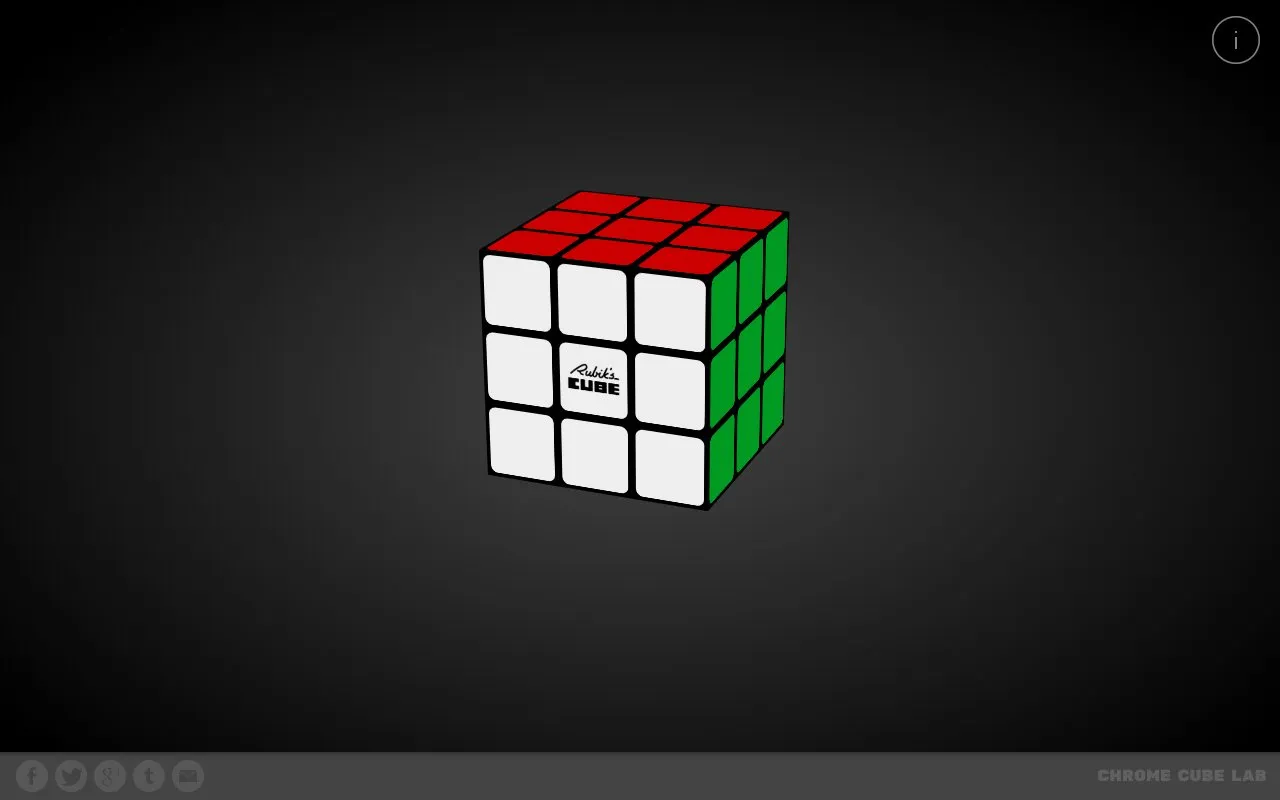
Rubik’s Cube Explorer is an interactive presentation that helps users understand the basics of Rubik’s Cube. It lets users experiment with centers, edges, and corners, and it responds to cube twist notation commands. The homepage says the demo runs on the Cuber framework created by Stewart Smith at Google Creative Lab, the same framework used for the Rubik’s Cube Google Doodle and Chrome Cube Lab experiments. For best viewing, it recommends the latest version of Google Chrome.
Key features
- Interactive presentation on the basics of Rubik’s Cube
- Experiment with cubelets: centers, edges, and corners
- Responds to cube twist notation commands
- JavaScript console inspection with colorful ASCII diagrams where supported
- Console commands such as cube.twist and cube.inspect
- Built on the Cuber framework also used by Chrome Cube Lab
Best for: People who want an interactive, browser-based introduction to Rubik’s Cube structure and twist notation, especially those comfortable with JavaScript console experimentation.
Good for
- Focuses on centers, edges, and corners to explain how the cube’s structure works.
- Responds to twist commands and supports console-based cube inspection.
- Built on the Cuber framework, also used by the Rubik’s Cube Google Doodle and Chrome Cube Lab experiments.
Watch out for
- Best experienced in the latest version of Google Chrome, though several browsers can run it.
- Console and twist-notation features are aimed at users familiar with JavaScript or cube notation.
- No pricing information is provided on the page.
Rubik's Cube Explorer at a glance
- Website
- iamthecu.be
- Category
- Gaming › Browser Games
- Type
- Website
- Pricing
- Not confirmed. Check the site
- Platforms
- Web
- Open source
- Not stated
- Last checked
- Oct 6, 2026 · Online when checked
- Listed
- Oct 5, 2026
Popular in Browser Games
Well-known listings from the same topic.
DuckDuckgo 2048duckduckgo.com?ia=answer&q=play+2048GuessWhereYouAreguesswhereyouare.comCountlecountle.orgMoney Simulatorsimulator.moneyArtifact Guesserartifactguesser.comMoreWordsmorewords.com


Rubik's Cube Explorer FAQ
Which browser is recommended?
The site says it is best experienced in the latest version of Google Chrome, while noting it can be enjoyed in several browsers.
What can I experiment with?
You can experiment with the different kinds of cubelets: centers, edges, and corners.
Can I control the cube from the JavaScript console?
Yes. The page shows console commands such as cube.twist, cube.inspect, cube.front.inspect, and other inspection examples.
Is something wrong or out of date?
Tell us and an editor will check it.
Own this website?
Claim this listing
Claim the listing and suggest updates yourself. An editor checks every claim first.