

Burn My Note creates encrypted notes that self-destruct after reading, with optional password protection and configurable expiration times.
s.cr
Share encrypted notes and files that self-destruct with s.cr, without creating an account.
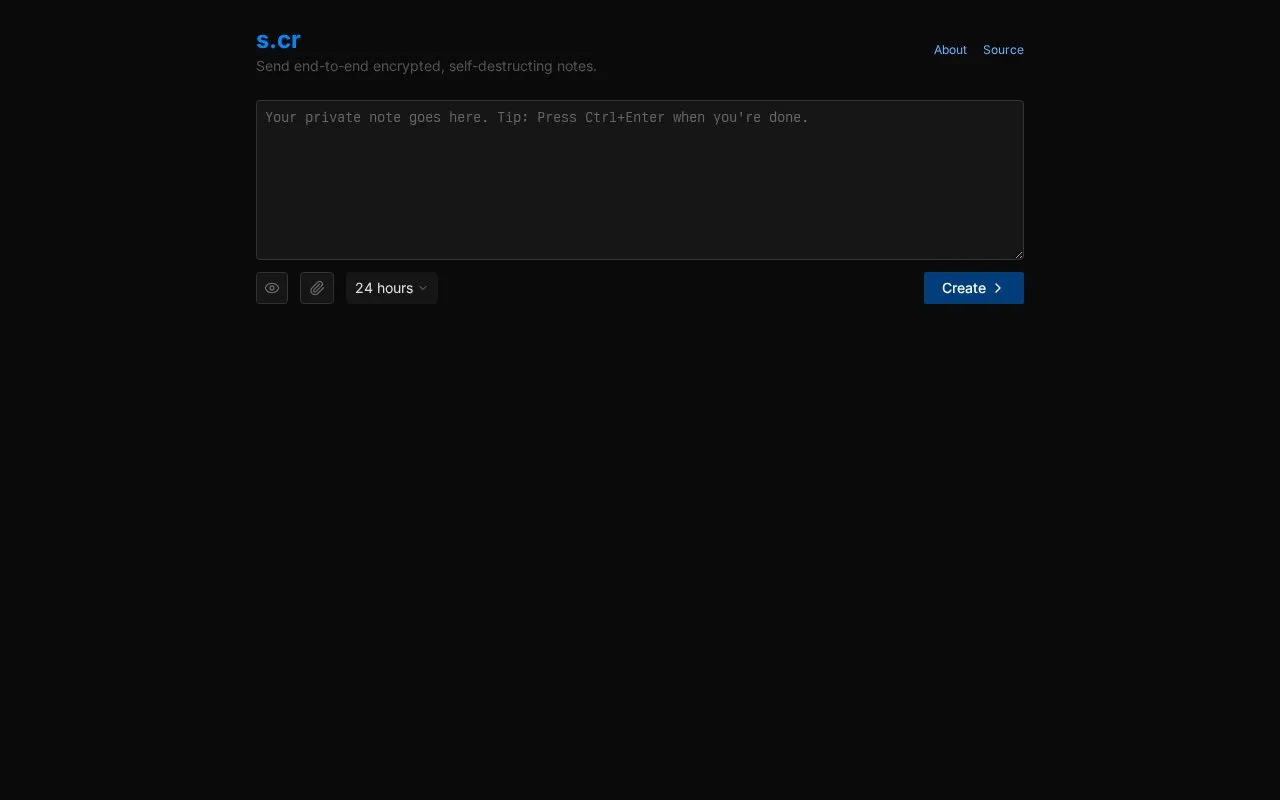
About s.cr
Share encrypted notes and files that self-destruct with s.cr, without creating an account.
s.cr is a website in our Encryption & Private Sharing collection, part of the Privacy & Security directory. It runs in your web browser, so there's nothing to install.
People usually find s.cr when they’re looking for encryption and encrypted notes.
Not quite what you need? Close alternatives include Burn My Note, Yopass, and Hemmelig — compare them below.
s.cr at a glance
- Website
- s.cr
- Type
- Website
- Pricing
- Not confirmed. Check the site
- Platforms
- Web
- Open source
- Not stated
- Language
- English
- Last checked
- Oct 5, 2026 · Online when checked
- Listed
- Oct 5, 2026
s.cr alternatives
Tools and sites you could use instead, ranked by how closely they match.
Yopass encrypts secrets in the browser and creates one-time links that expire, providing a way to share sensitive information without accounts.

Hemmelig lets users share encrypted messages that automatically self-destruct after being read, according to its site description.

OneTimeSecret creates self-destructing links for sharing passwords and other sensitive information; the page also describes self-hosting.

Available on web, iOS, Android, and desktop, Proton Mail is an encrypted email service that offers free accounts.
FreemiumOpen sourcePick
24 alternatives
SafeNote encrypts notes or files and shares them through links that expire after they are read, with selectable message lifetimes.
Popular in Encryption & Private Sharing
Well-known listings from the same topic.
MIT PGP Key Serverpgp.mit.eduPassword Pusherpwpush.comNordLockernordlocker.comPeergospeergos.orgInternxtinternxt.com


s.cr FAQ
What is s.cr?
Share encrypted notes and files that self-destruct with s.cr, without creating an account.
Can I use s.cr in my browser?
Yes. s.cr works on the web, so you can use it from any modern browser without installing anything.
What is s.cr used for?
People use s.cr for encryption and encrypted notes, within our encryption & private sharing category.
Is s.cr working?
s.cr responded when checked on Oct 5, 2026. Its current availability has not been confirmed.
What are the best alternatives to s.cr?
Popular alternatives to s.cr include Burn My Note, Yopass, Hemmelig, and OneTimeSecret. We list 12+ options matched by topic, tags and features.
Is something wrong or out of date?
Tell us and an editor will check it.
Own this website?
Claim this listing
Claim the listing and suggest updates yourself. An editor checks every claim first.