

LocalModelsLinks collects guides and references for running and tuning language models locally.
Screenpipe
Screenpipe records screen activity locally and provides context to AI agents.
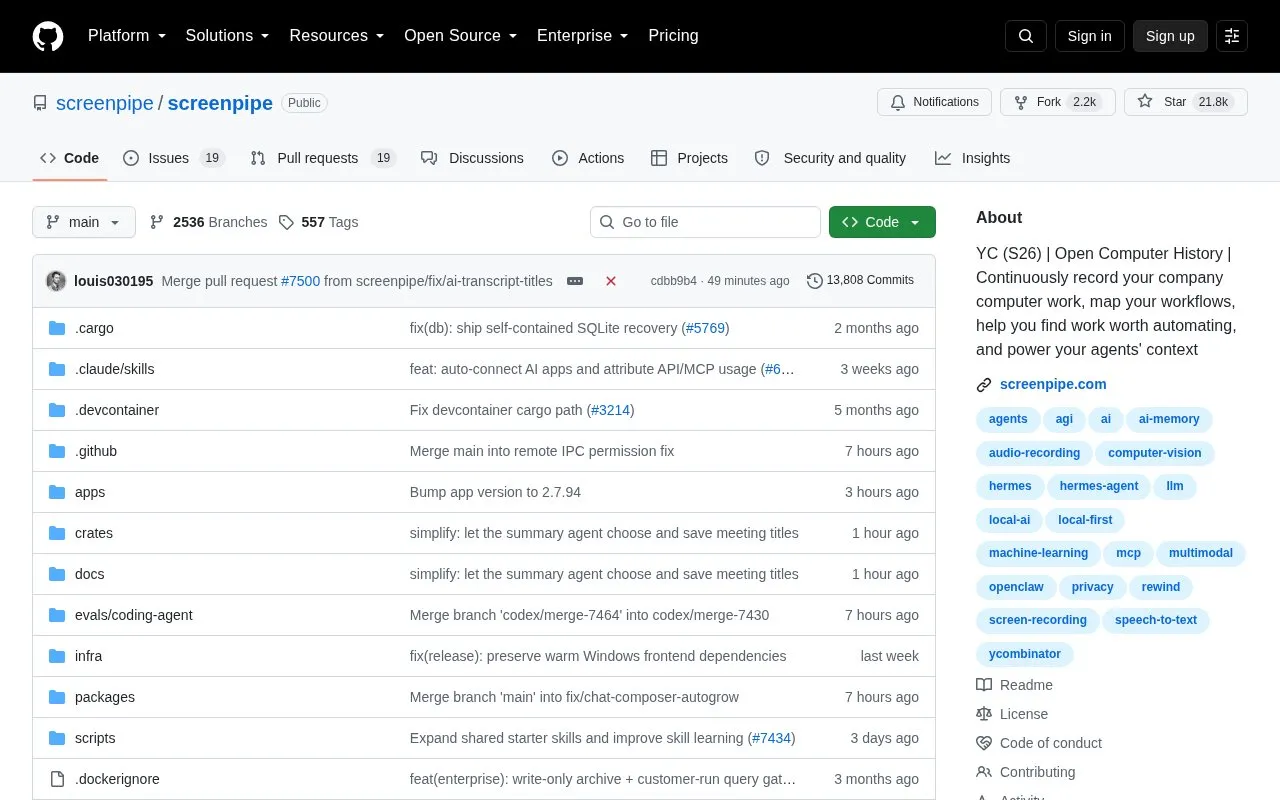
About Screenpipe
Screenpipe continuously records computer screen and audio work and stores it locally to provide context to AI agents. It maps workflows to identify work worth automating and can generate agents, skills, and automations based on observed activity.
It includes natural-language search across captured history, accessibility-tree capture with OCR fallback, audio transcription with speakers, and tracking of keyboard inputs and app switches. Local capture and search work offline after setup. Cloud AI, sync, integrations, and managed team storage use separate data paths and require network access. Available features depend on plan, and the desktop app is offered for macOS, Windows, and Linux.
Key features
- Records screen and audio activity to local storage by default
- Maps computer workflows to identify tasks worth automating
- Searches captured history using natural-language queries
- Captures accessibility tree with OCR as fallback
- Transcribes audio with speaker and app-switch tracking
- Filters recording by app, window, passwords and PII
Best for: Companies and teams that want to record computer work locally to map workflows and supply context to AI agents.
Good for
- Local-first storage keeps capture history on device by default
- Local capture and search work offline after setup
- Source-available code can be inspected and audited
Watch out for
- Available features depend on plan
- Capture uses approximately 5-20% CPU and 0.5-3 GB RAM
- Storage use varies and requires measuring a representative day
Screenpipe at a glance
- Type
- Open-source project
- Pricing
- Not confirmed. Check the site
- Open source
- Not stated
- Language
- English
- Last checked
- Oct 5, 2026 · Online when checked
- Listed
- Oct 5, 2026
Screenpipe alternatives
Tools and sites you could use instead, ranked by how closely they match.

This repository teaches 22 prompt engineering techniques through Jupyter Notebook tutorials.

This repository curates platforms, tools, practices, and resources for running language models locally.
Open source
24 alternatives
Estimate language model memory requirements by selecting a Hugging Face model, GPU, context length, and quantization.

This repository collects prompts, system prompts, and instructions for large language models.
Open source
24 alternatives
A curated list of large language model resources maintained in the Awesome-LLM repository.
Open source
24 alternativesPopular in AI Directories & Resources
Well-known listings from the same topic.
getdesign.mdgetdesign.mdfuturepediafuturepedia.ioAwesomeclaudeawesomeclaude.aiLLM Explorerllm-explorer.comAI Depotaidepot.coAI Valleyaivalley.ai


Screenpipe FAQ
Where is recorded data kept?
Capture history stays on the device by default. Cloud AI, sync, integrations, and managed team storage have separate data paths.
Does Screenpipe work offline?
Local capture and search work offline after setup. Cloud AI, sync, and connected services require network access.
How can it be installed?
Download the desktop app for macOS, Windows, or Linux, or run the CLI with npx screenpipe record followed by npx screenpipe setup.
Is something wrong or out of date?
Tell us and an editor will check it.
Own this website?
Claim this listing
Claim the listing and suggest updates yourself. An editor checks every claim first.