

MoeWalls provides live and animated wallpapers for Windows and Mac, with categories and resolution filters.
ScreenPlay
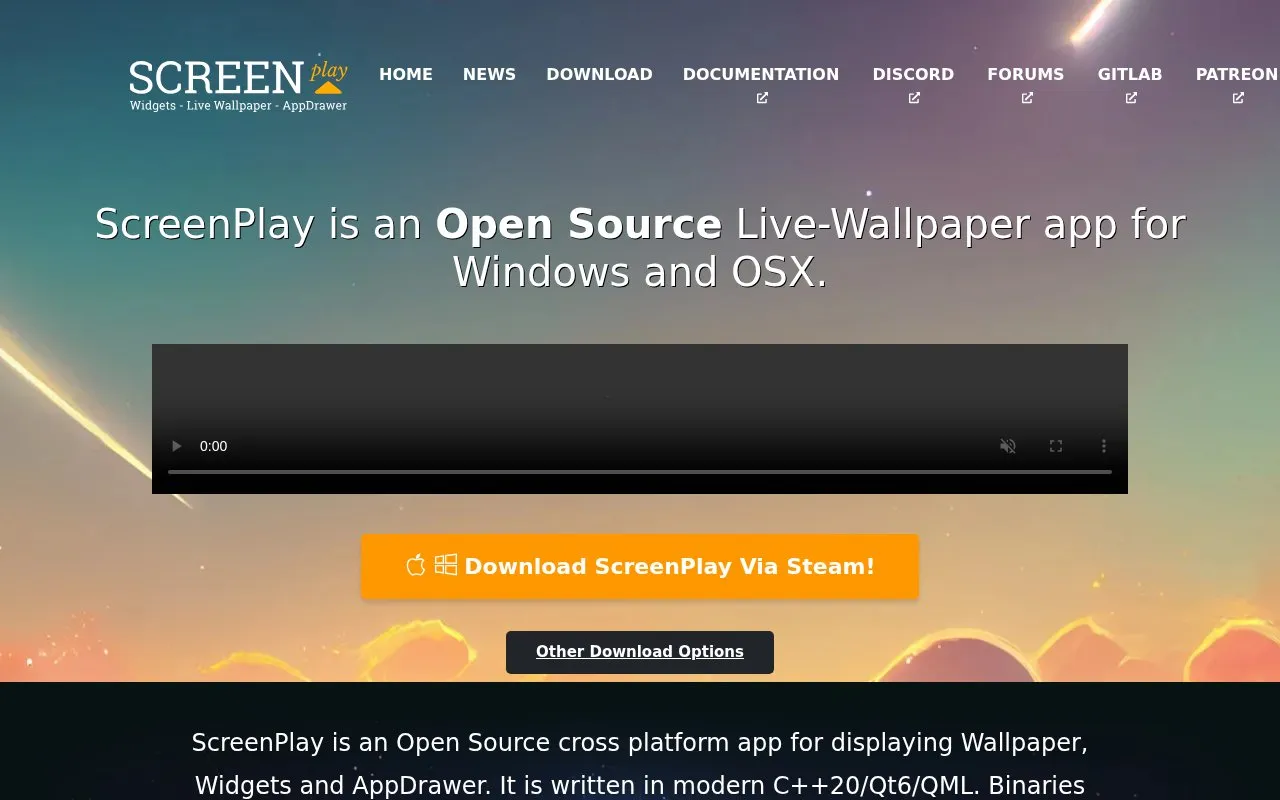
ScreenPlay provides live wallpapers, widgets, and screensavers through an open-source app for Windows and macOS.
About ScreenPlay
ScreenPlay is an app for displaying wallpapers, desktop widgets and an app drawer. It handles video, HTML5, QML and GIF wallpapers, and widgets that can show CPU usage, time, weather and Reddit threads.
Binaries with Workshop support are available for Windows and macOS via Steam, with Linux/KDE listed as coming soon. Content can be shared through the Steam Workshop or with .screenplay files.
Key features
- Displays video, HTML5, QML and GIF wallpapers
- Shows desktop widgets for system stats, weather and time
- Monitors CPU usage, memory usage and IP address
- Provides 7-day forecast data from open-meteo.com
- Supports Steam Workshop uploads and downloads
- Imports and exports content with .screenplay files
Best for: People on Windows or macOS who want live wallpapers and desktop widgets.
Good for
- Supports multiple wallpaper types including video, HTML5, QML and GIF
- Includes widgets for system information and weather forecasts
- Provides Workshop sharing and one-click file import and export
Watch out for
- Linux/KDE support is listed as coming soon, not currently available
- Workshop-supported binaries are distributed via Steam
ScreenPlay at a glance
- Website
- screen-play.app
- Category
- Software & Utilities › Desktop Customization
- Type
- Website
- Pricing
- Not confirmed. Check the site
- Platforms
- Linux, Web, Windows
- Open source
- Not stated
- Language
- English
- Last checked
- Oct 5, 2026 · Online when checked
- Listed
- Oct 5, 2026
ScreenPlay alternatives
Tools and sites you could use instead, ranked by how closely they match.

DesktopHut offers live and animated wallpapers for PC, Mac, and mobile devices.

WallpaperWaifu offers live and animated wallpapers for desktop computers.
Free
24 alternatives
AutoWall displays live wallpapers on Windows 7, 8, 10, and 11 using an open-source wallpaper engine.
Open source
24 alternatives
WallsPic provides HD wallpapers for Windows, laptops, Mac, Android phones, and iPhones.

WALLegend offers animated video wallpapers for use with Wallpaper Engine.
Popular in Desktop Customization
Well-known listings from the same topic.
Chezmoichezmoi.ioawesomewmawesomewm.orgdotfilesdotfiles.github.iobackieeapps.microsoft.com/store/detail/backiee-wallpa…Dynamic Themeapps.microsoft.com/detail/9nblggh1zbkwHydraPaperhydrapaper.gabmus.org


ScreenPlay FAQ
Which operating systems does ScreenPlay support?
Windows and macOS via Steam, with Linux/KDE listed as coming soon.
What wallpaper types does ScreenPlay support?
Most video formats as well as HTML5, QML and GIF wallpapers.
How can I share wallpapers and widgets?
Upload and download through the Steam Workshop, or import and export with .screenplay files.
Is something wrong or out of date?
Tell us and an editor will check it.
Own this website?
Claim this listing
Claim the listing and suggest updates yourself. An editor checks every claim first.