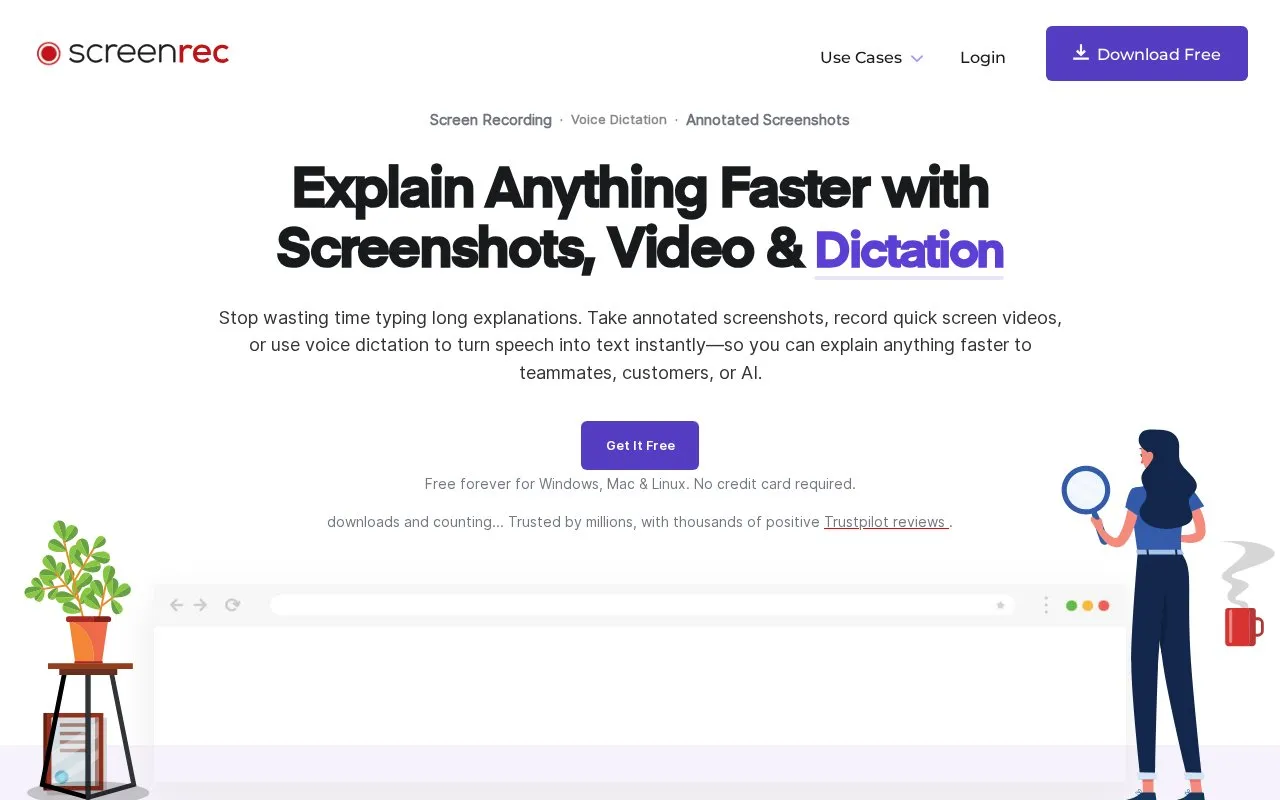
ScreenRec captures screen recordings, annotated screenshots and voice dictation for explaining work without a meeting or long email. It records screen, microphone, audio and webcam, adds comments and highlights to screenshots, converts speech to text, and provides a sharing link that can be embedded or saved. Files can be tagged, added to collections, and checked with viewer analytics. It is available for Windows, Mac and Linux. Shared captures are uploaded to create links, and the site describes stored content as encrypted with user-controlled private or public sharing settings.
Key features
Record screen, microphone, audio, and webcam with one-click control
Create annotated screenshots with comments and highlights
Convert speech to text with voice dictation
Generate shareable link copied to clipboard after capture
View who watched videos, when, and for how long
Organize files with tags and collections for private or public sharing
Best for: People who explain tasks with visuals instead of meetings or long emails, including support, development, design, sales and training roles.
Good for
Free for Windows, Mac, and Linux with no credit card required
Offers downloads for Windows, Mac Intel and Apple Silicon, and Linux
Copies a sharing link to clipboard when capture finishes for embedding or saving

 8 sites