Screentoys
Screentoys blends famous faces and user photos into unusual animated creatures using interactive web effects.
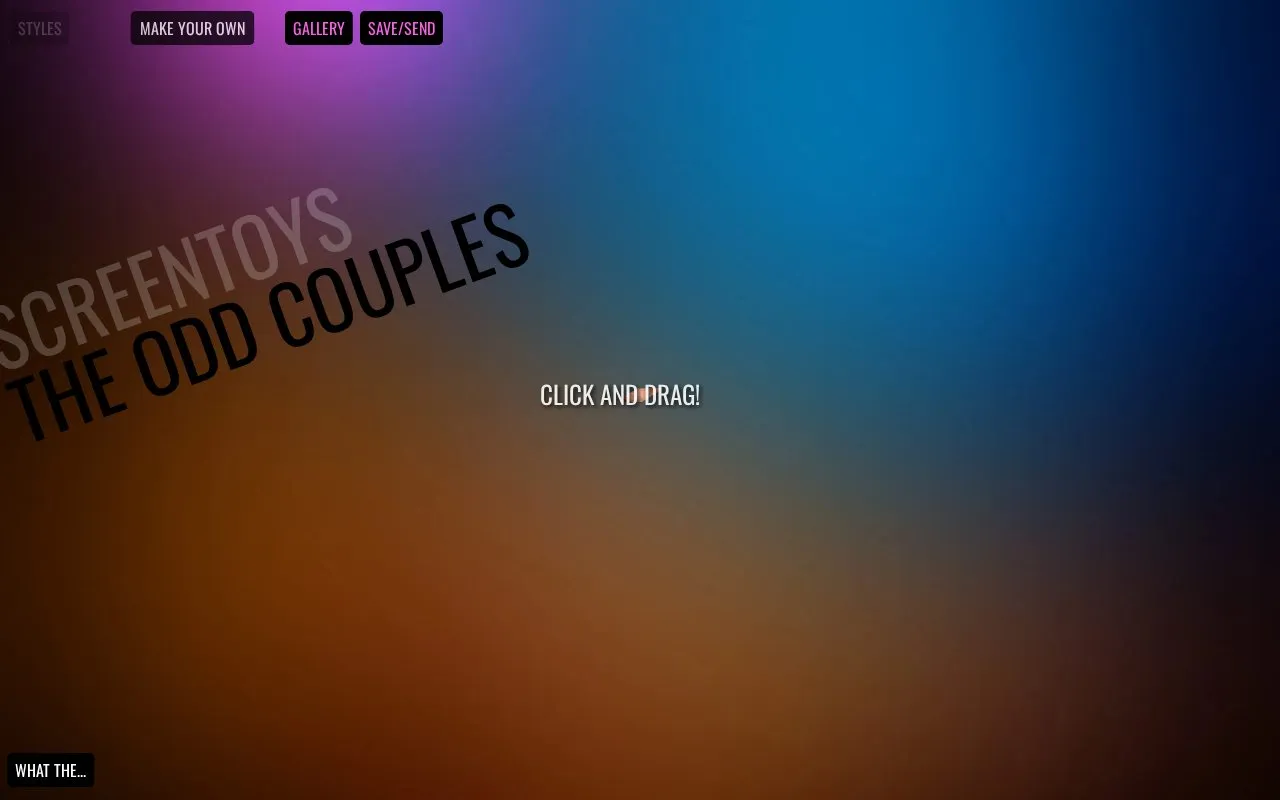
About Screentoys
Screentoys is a web-based interactive tool that blends user-uploaded photos or webcam captures with pre-loaded faces of celebrities, public figures, fictional characters, and other notable personalities to create unusual animated hybrid creatures. The tool runs directly in a standard web browser using HTML5 Canvas, CreateJS, CSS3, and JavaScript, with no required downloads or installations.
Users can adjust hybrid creations via click-and-drag controls, toggle visual effects like trails and auto-movement, browse a pre-made gallery of example hybrids, and share finished creations via a generated public link. The site is noted as a work in progress intended for casual fun and creative expression.
Key features
- Blends user photos with pre-loaded celebrity and character faces
- Interactive click-and-drag controls for adjusting hybrid animations
- Pre-made gallery of example animated hybrid creatures
- Randomize button for generating unexpected hybrid combinations
- Keyboard shortcuts for toggling effects and saving images
- Share finished creations via generated public links
- Runs directly in web browsers with no required downloads or installations
- Includes a large library of pre-loaded faces across multiple public figure categories
- Offers multiple creative controls and keyboard shortcuts for easy experimentation
- Marked as a work in progress, so features may be incomplete or change without notice
- Requires an active internet connection to access and use all features
- No publicly stated privacy policy for user-uploaded photos or webcam captures
Screentoys at a glance
- Website
- screentoys.com
- Category
- Lifestyle & Hobbies › Fun & Interesting Sites
- Type
- Website
- Pricing
- Not confirmed. Check the site
- Platforms
- Web
- Open source
- Not stated
- Last checked
- Oct 6, 2026 · Online when checked
- Listed
- Oct 5, 2026
Popular in Fun & Interesting Sites
Well-known listings from the same topic.


Screentoys FAQ
How can I add my own photo to Screentoys?
How do I save or share my created hybrid?
What is the easiest way to create a hybrid as a new user?
Tell us and an editor will check it.
Claim the listing and suggest updates yourself. An editor checks every claim first.