
EverydayTasks tracks, logs, and schedules daily tasks so users can review their routines.
ScreenZen
ScreenZen blocks distracting apps and websites using daily limits and schedules.
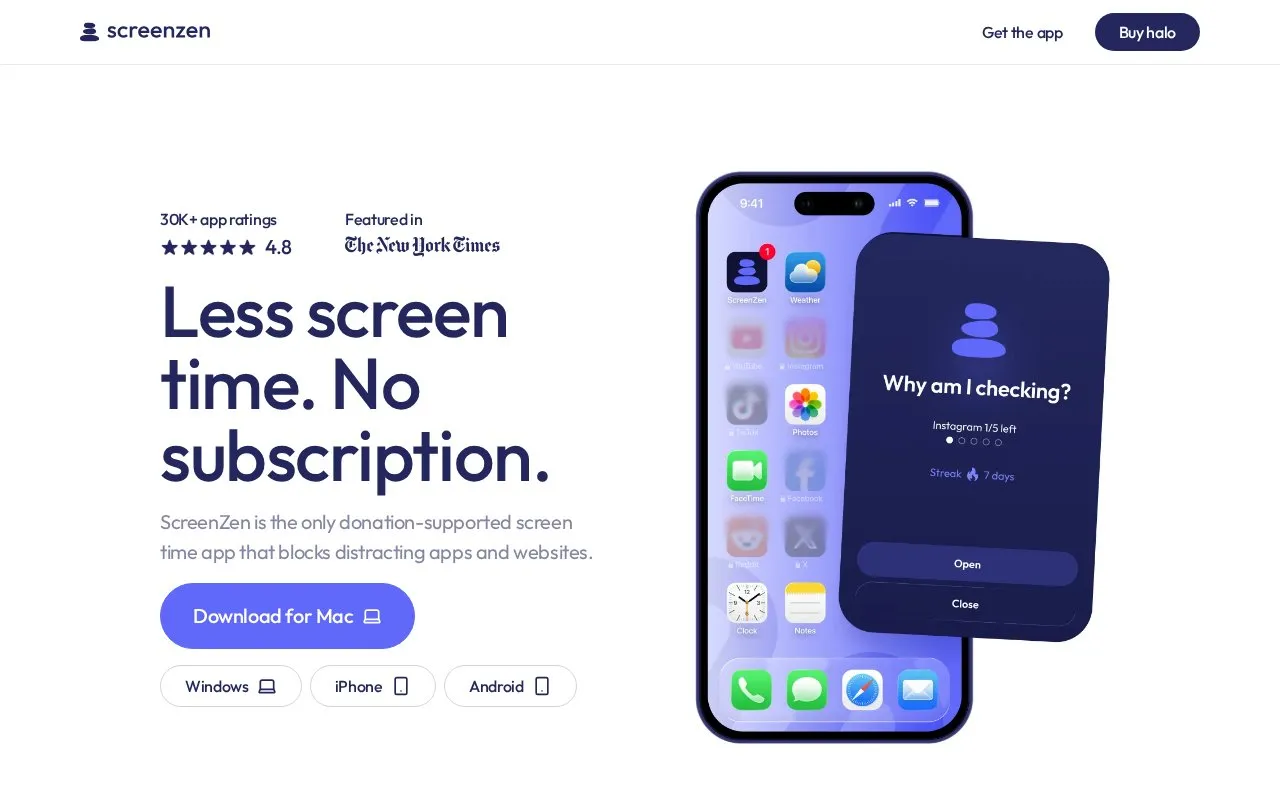
About ScreenZen
ScreenZen blocks selected distracting apps and websites using daily limits and scheduled blocks. Users choose which apps to restrict, set limits, schedule focus periods, and review tracked usage.
It also uses unlock steps such as pauses and prompts before an app opens, and lists Halo as a companion device for bedrooms, desks, or shared areas.
Key features
- Block user-selected distracting apps and websites
- Set daily limits for selected apps
- Schedule blocks for focus periods
- Require pause or prompt before unlocking apps
- Track usage and blocked time
- Halo companion device for physical spaces
Best for: People who want to limit social feed use during work hours and bedtime.
Good for
- Supports both app and website blocking with schedules
- Offers customizable unlock interruptions such as pauses and prompts
- Includes usage tracking to review blocked time
ScreenZen at a glance
- Website
- screenzen.co
- Category
- Mobile Apps › Android Apps
- Type
- Website
- Pricing
- Not confirmed. Check the site
- Platforms
- Web
- Open source
- Not stated
- Language
- English
- Last checked
- Oct 5, 2026 · Online when checked
- Listed
- Oct 5, 2026
ScreenZen alternatives
Tools and sites you could use instead, ranked by how closely they match.

TimePlanner helps users plan daily tasks through a free and convenient Android app for organizing schedules.
Open source
24 alternativesPopular in Android Apps
Well-known listings from the same topic.
SwiftKeymicrosoft.com/en-us/swiftkeyMobile Abyssmobile.alphacoders.comPocketPal AIpocketpal.devGrapheneOSgrapheneos.orgTransittransitapp.comFairEmailemail.faircode.eu


ScreenZen FAQ
How does ScreenZen work?
Users choose apps, set screen-time limits, schedule blocks, use apps within those limits, and track progress.
What is Halo?
A companion device placed in a bedroom, at a desk, or in a shared area to make it distraction-free.
Is something wrong or out of date?
Tell us and an editor will check it.
Own this website?
Claim this listing
Claim the listing and suggest updates yourself. An editor checks every claim first.