

Search an image across SauceNAO, IQDB, Ascii2D, trace.moe, and other reverse image services with SmartImage.
Search by Image
Search an image with several reverse image engines from a browser extension for Chrome, Edge, or Safari.
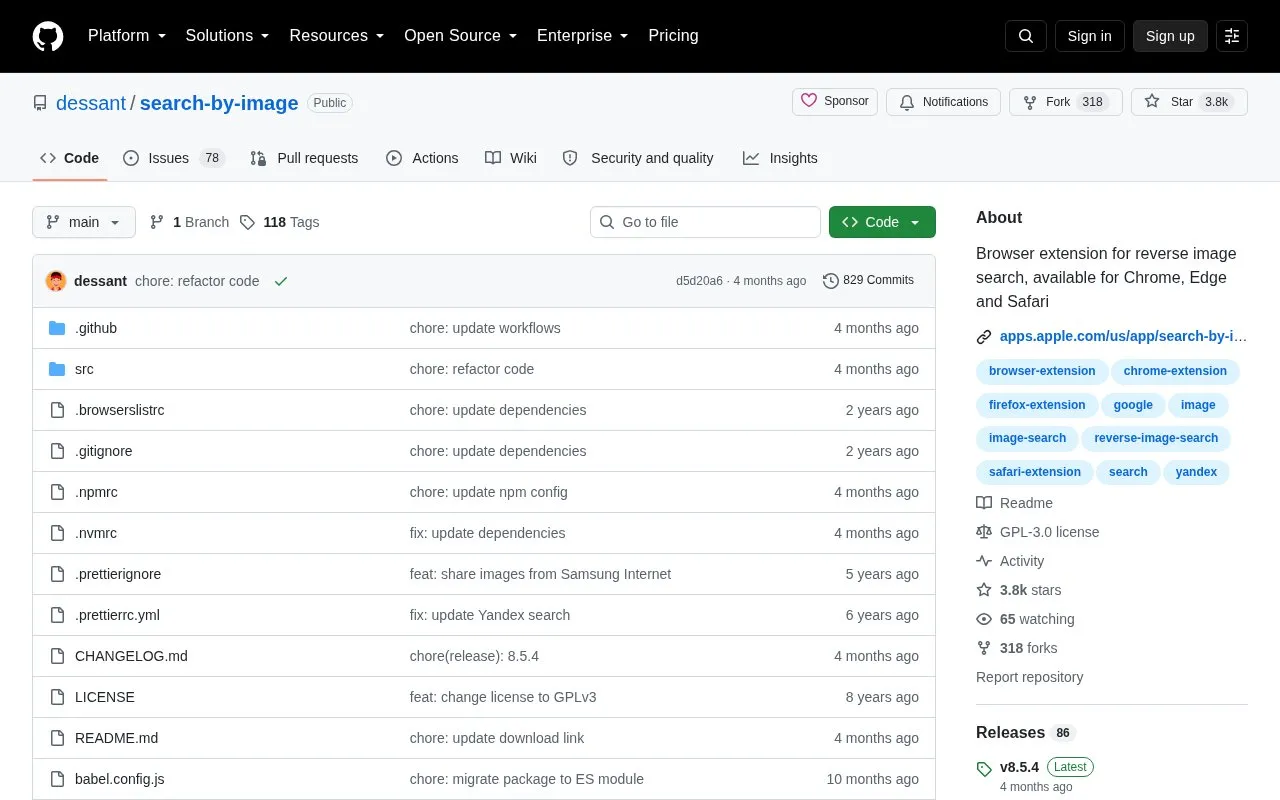
About Search by Image
Search by Image is a browser extension for reverse image searches. It runs on Chrome, Edge and Safari and supports more than 30 search engines. Users can turn engines on or off and change their order from the extension's options. The project's homepage describes its use by journalists and researchers to verify images and identify false information on social media. Photographers can use it to see how their work is shared online, and shoppers can use it to find similar products.
The extension offers several search modes. The default, Select URL, searches using the image's web address. Select image uses the image file and is intended for sites that do not allow direct linking to images, such as private sites. Other modes include Capture, which searches a captured area of the page, Browse, which searches an image from the user's device, and URL, which searches a given image address. Clipboard paste is also supported. The search mode can be set separately for the right-click context menu and the toolbar button. The project is open source and released under the GNU General Public License v3.0.
Key features
- Reverse image search across more than 30 supported search engines
- Search engines can be toggled and reordered from the extension's options
- Five search modes: Select URL, Select image, Capture, Browse and URL
- Search mode can be set separately for context menu and toolbar
- Detects images positioned in the selected area regardless of how they are embedded
- Searches images from the device, pasted clipboard images and private sites
Best for: Journalists, researchers and others who need to check where an image appears online or verify its origin.
Good for
- Open source under the GNU General Public License v3.0
- Supports more than 30 reverse image search engines in one extension
- Offers multiple search modes, including one for sites that block direct image links
Watch out for
- The description names only Chrome, Edge and Safari as supported browsers
Search by Image at a glance
- Category
- Search & Reference › Image & Media Search
- Type
- Open-source project
- Pricing
- Not confirmed. Check the site
- Platforms
- Browser extension
- Open source
- Yes · Source code
- Language
- English
- Good for
- Researchers
- Last checked
- Oct 6, 2026 · Online when checked
- Listed
- Oct 5, 2026
Search by Image alternatives
Tools and sites you could use instead, ranked by how closely they match.

Copyseeker combines reverse image search with AI-image detection, text extraction, and checks for explicit content.
Popular in Image & Media Search
Well-known listings from the same topic.
Openverseopenverse.orgWikimedia Commonscommons.wikimedia.orgMavinkmavink.comCC Searchsearch.creativecommons.orgtrace.moetrace.moeSogoupic.sogou.com


Search by Image FAQ
Which search mode is used by default?
The default search mode is Select URL, which searches using the image's URL.
When should the Select image mode be used?
Select image is preferred for sites that do not allow the direct linking of images, such as private sites.
Is something wrong or out of date?
Tell us and an editor will check it.
Own this website?
Claim this listing
Claim the listing and suggest updates yourself. An editor checks every claim first.