
Sendme
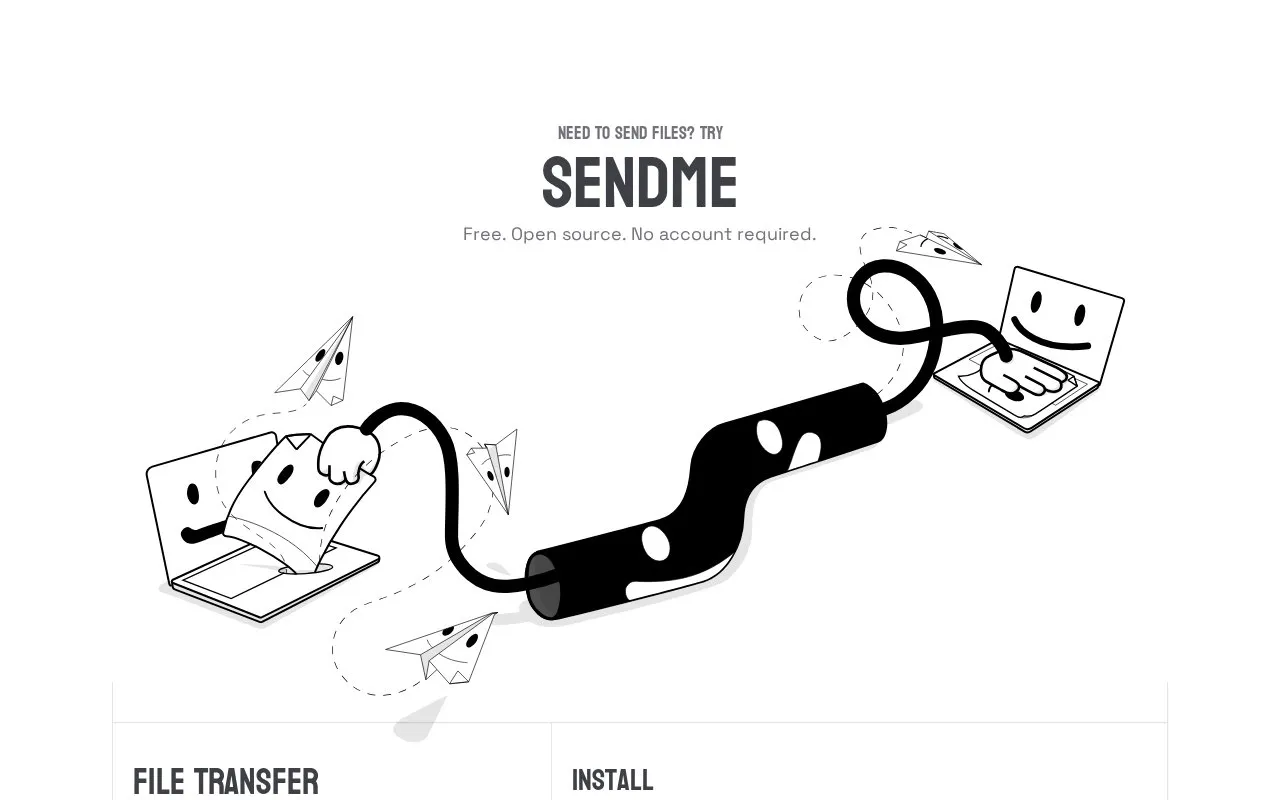
Sendme transfers files over the internet and is described as free and open source, with no account required.
About Sendme
Sendme transfers files and folders over the internet. The sender adds files with the sendme command and receives a ticket to share with the recipient. The recipient runs sendme receive with that ticket to download the data. The homepage describes Sendme as free for files and folders of any size, and as requiring no account or configuration.
According to the homepage, Sendme connects the two devices directly, so files do not need to be uploaded to a server. Interrupted downloads resume where they stopped, and data is checked for correctness on both sending and receiving. The homepage shows only command-line usage, with install scripts for Unix-like systems and Windows PowerShell.
Key features
- Creates a shareable ticket for a file or folder
- Transfers data directly between sender and receiver devices
- Requires no account or manual configuration, per the homepage
- Resumes interrupted downloads from where they stopped
- Verifies data integrity on both sending and receiving
- Installs through shell or PowerShell scripts
Best for: People who need to send files or folders to another person over the internet and are comfortable using a command line.
Good for
- Free for files and folders of any size, according to the homepage
- Direct transfer means files are not uploaded to a server
- Automatic integrity checks on both send and receive
Watch out for
- The homepage shows only command-line usage and does not describe a graphical interface
Sendme at a glance
- Website
- iroh.computer/sendme
- Category
- Online Tools › File Sharing & Transfer
- Type
- Website
- Pricing
- Free
- Platforms
- Web, Windows
- Open source
- Not stated
- Language
- English
- Last checked
- Oct 6, 2026 · Online when checked
- Listed
- Oct 5, 2026
Guides for File Sharing & Transfer
Sendme alternatives
Tools and sites you could use instead, ranked by how closely they match.

Sendme transfers files and directories between users using the iroh-blobs protocol.
Open source
24 alternatives
JustBeamIt transfers files through a link that the recipient opens to download.

PairDrop shares files and links with nearby devices using peer-to-peer transfer.
Open source
24 alternatives
Catbox hosts files up to 200 MB and provides tools for uploading by file or URL.
Pick
24 alternatives
LANDrop transfers files between devices connected to the same local network.

aQRoss shares files between devices through a QR code and room, with links for downloading files.
Popular in File Sharing & Transfer
Well-known listings from the same topic.
Snapdropnode-snapdrop.onrender.comDashBeamdashbeam.netUguuuguu.seToffeeSharetoffeeshare.comBlipblip.net


Sendme FAQ
Do I need an account to use Sendme?
No. The homepage states that Sendme requires no account.
How does the recipient get the files?
The sender copies the ticket generated by sendme send and gives it to the recipient, who runs sendme receive with the ticket.
Is something wrong or out of date?
Tell us and an editor will check it.
Own this website?
Claim this listing
Claim the listing and suggest updates yourself. An editor checks every claim first.