

EloShapes catalogs and compares gaming mice and mousepads by shape, size and technical specifications.
Sensor.fyi
Mouse Guide explains mouse specifications and factors to consider when comparing mice.
About Sensor.fyi
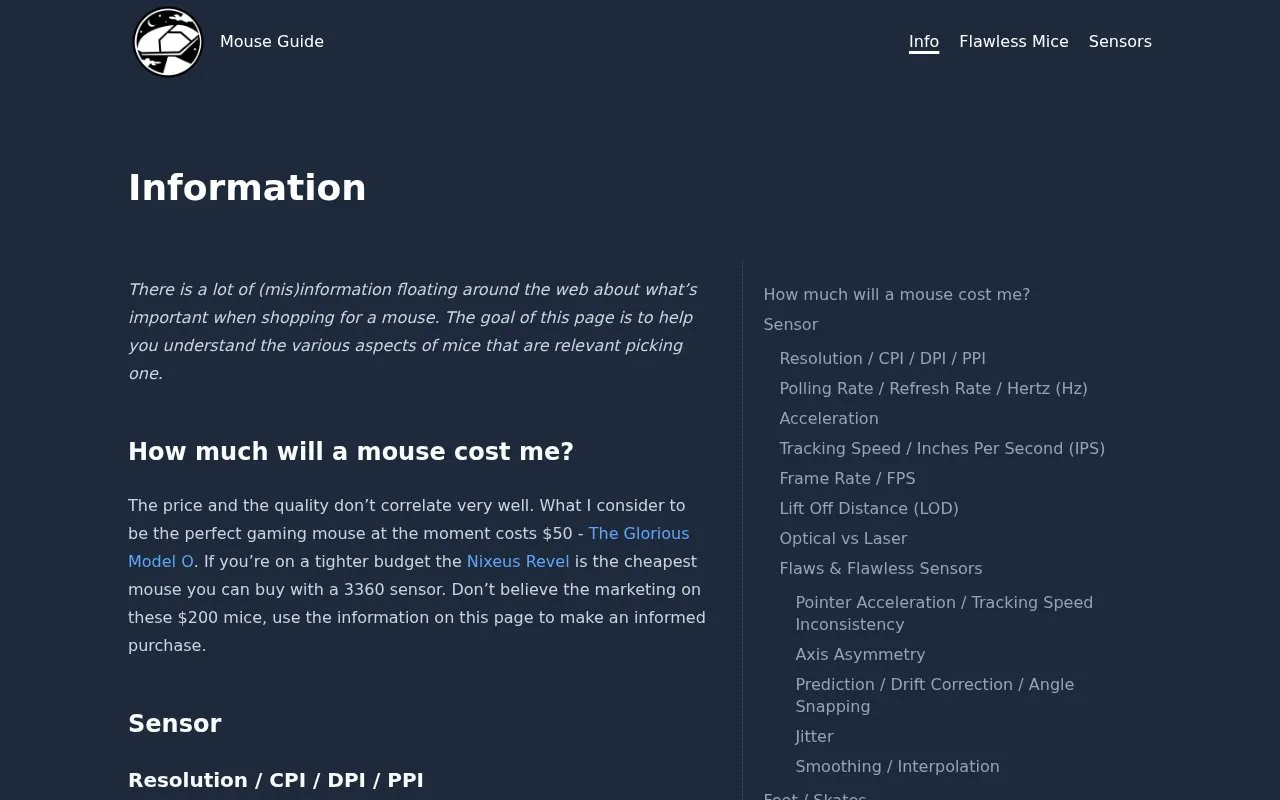
Mouse Guide's Information page explains the mouse specifications it considers relevant when shopping for a mouse, mainly sensor resolution and USB polling rate. It defines CPI, DPI, PPI and related terms, describes how polling rate affects the variance in cursor response time, and includes a calculator for estimating a maximum useful CPI from resolution, field of view and sensitivity.
Key features
- Explains CPI, DPI and PPI terminology and how the terms differ
- Calculator estimates maximum useful CPI from resolution, field of view and sensitivity
- Describes USB polling rate as maximum variance in response time
- Notes resolution caveats such as limits of visual noticeability and possible jitter
- Names example mice with prices, including the Glorious Model O and Nixeus Revel
Best for: Shoppers who want to understand mouse sensor specifications before comparing or buying a mouse.
Good for
- Clarifies commonly confused mouse measurement terms such as CPI, DPI and PPI
- Provides a calculator for estimating a personal maximum useful CPI
- States that price and quality do not correlate well and points to example mice at different budgets
Watch out for
- Recommendations and judgments reflect the views of a single author
- No pricing information is given for the site itself
Sensor.fyi at a glance
- Website
- sensor.fyi/info
- Category
- Lifestyle & Hobbies › Shopping & Deals
- Type
- Website
- Pricing
- Not confirmed. Check the site
- Platforms
- Web
- Open source
- Not stated
- Language
- English
- Last checked
- Oct 6, 2026 · Online when checked
- Listed
- Oct 5, 2026
Sensor.fyi alternatives
Tools and sites you could use instead, ranked by how closely they match.

RocketJumpNinja collects more than 100 mouse reviews, with detailed specifications and a custom search tool.

GSMArena publishes mobile phone reviews, news and specifications for people comparing handset models.
Popular in Shopping & Deals
Well-known listings from the same topic.
DIY-Audio-Heavendiyaudioheaven.wordpress.comPC Monitorspcmonitors.infoPen Addictpenaddict.comBricklinkbricklink.comBricksetbrickset.comGensbotgensbot.com


Sensor.fyi FAQ
What is the difference between CPI, DPI and PPI?
DPI is used in printing for dots of color per linear inch, PPI can mean pixels per inch in displays or pulses per inch as an older term, and CPI (counts per inch) is described as the correct term for mice, measured in linear inches.
How do I work out the maximum useful CPI for my setup?
The page includes a calculator based on an example combining screen resolution, a game's field of view and sensitivity; in that example, a 4K width of 3840 pixels with a 60-degree field of view and 4 inches per 360-degree rotation gives a maximum useful CPI of 5760.
Does a more expensive mouse perform better?
The page states that price and quality do not correlate very well, and that marketing around $200 mice should not be trusted; it names the $50 Glorious Model O as what the author considers the perfect gaming mouse at the moment.
Is something wrong or out of date?
Tell us and an editor will check it.
Own this website?
Claim this listing
Claim the listing and suggest updates yourself. An editor checks every claim first.