

Uji offers a minimalist generative art tool controlled with buttons and sliders.
Silk
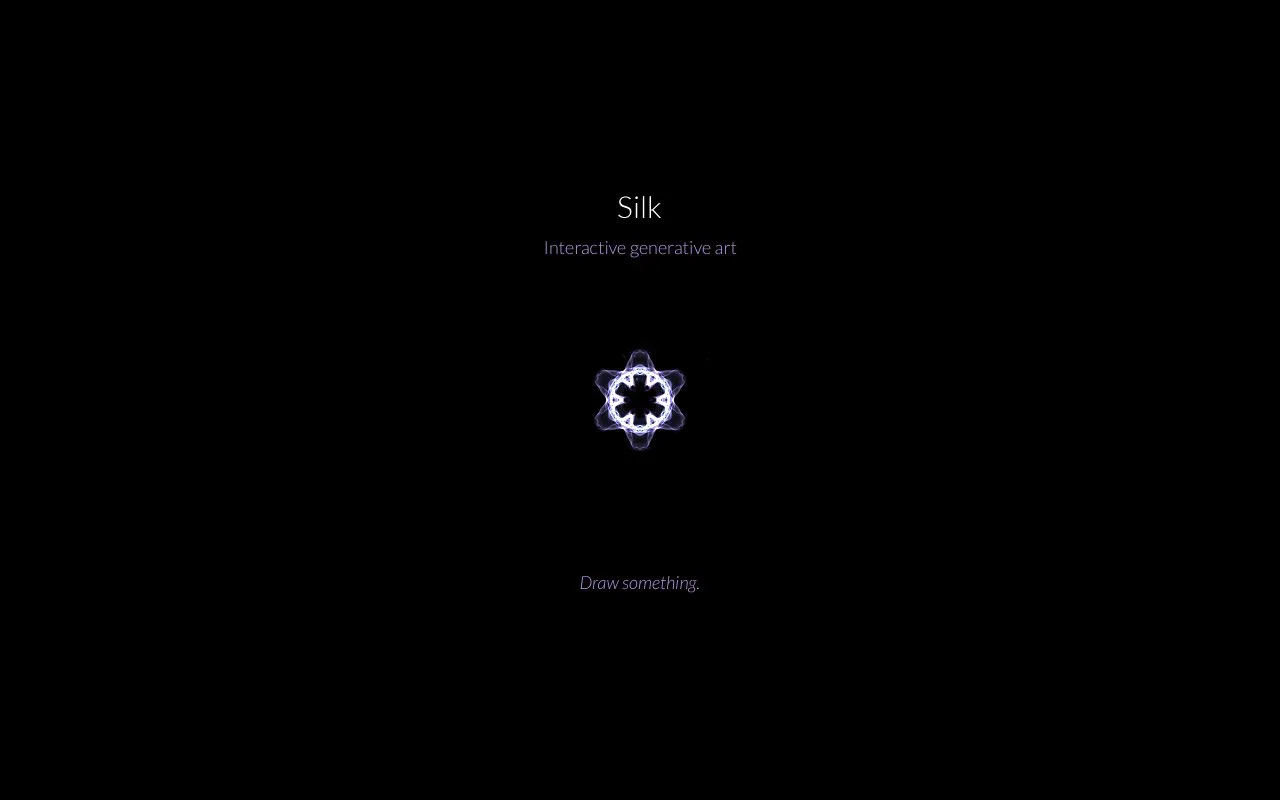
Silk lets users make generative drawings with mirrored and spiral effects, then save and share their images.
About Silk
Silk is a web-based tool for making generative drawings. Users create images by drawing with colors and adjusting symmetry settings, including mirroring across the center and spiraling toward the center. Controls for undo and redo and for dragging colors to blend them are available. Finished pictures can be saved by right-clicking the thumbnail and choosing Save Image As, and they can be shared through Pinterest or email. The homepage states that art shared with Silk is licensed under Creative Commons. Silk was made by Yuri Vishnevsky, with music and sound by Mat Jarvis. Pricing is not stated, and the source is not open source.
Key features
- Mirror across center symmetry toggle
- Spiral towards center toggle
- Drag colors to blend them together
- Undo and redo controls, with Z key for undo
- Share images through Pinterest or email
- Save pictures by right-clicking the thumbnail
Best for: People who want to make and share abstract, symmetrical drawings in a web browser.
Good for
- Keyboard shortcuts are listed for undo and for starting a new drawing
- Shared art is stated to be licensed under Creative Commons
Silk at a glance
- Website
- weavesilk.com
- Category
- Lifestyle & Hobbies › Fun & Interesting Sites
- Type
- Website
- Pricing
- Not confirmed. Check the site
- Platforms
- Web
- Open source
- Not stated
- Language
- English
- Last checked
- Oct 6, 2026 · Online when checked
- Listed
- Oct 5, 2026
Silk alternatives
Tools and sites you could use instead, ranked by how closely they match.

bomomo lets users make browser-based drawings and save their images as PNG files.

MandalaGaba lets users create, share and collaborate on mandalas, sketches and digital drawings.
Popular in Fun & Interesting Sites
Well-known listings from the same topic.
Paint with Musicartsandculture.google.com/experiment/paint-wit…FanVersefanverse.orgGlobalPenFriendsglobalpenfriends.comSpaceBattlesforums.spacebattles.comSheepishPatiosheepishpatio.netMangolink Worldmangolinkworld.com


Silk FAQ
How do I save a picture made in Silk?
To save, right-click the thumbnail and choose Save Image As.
What are the keyboard shortcuts?
Press Space to start anew and press Z to undo.
Is something wrong or out of date?
Tell us and an editor will check it.
Own this website?
Claim this listing
Claim the listing and suggest updates yourself. An editor checks every claim first.