Styling
This guide explains Fluffle and Markbox Markdown syntax, including formatting beyond CommonMark and GitHub Flavored Markdown.
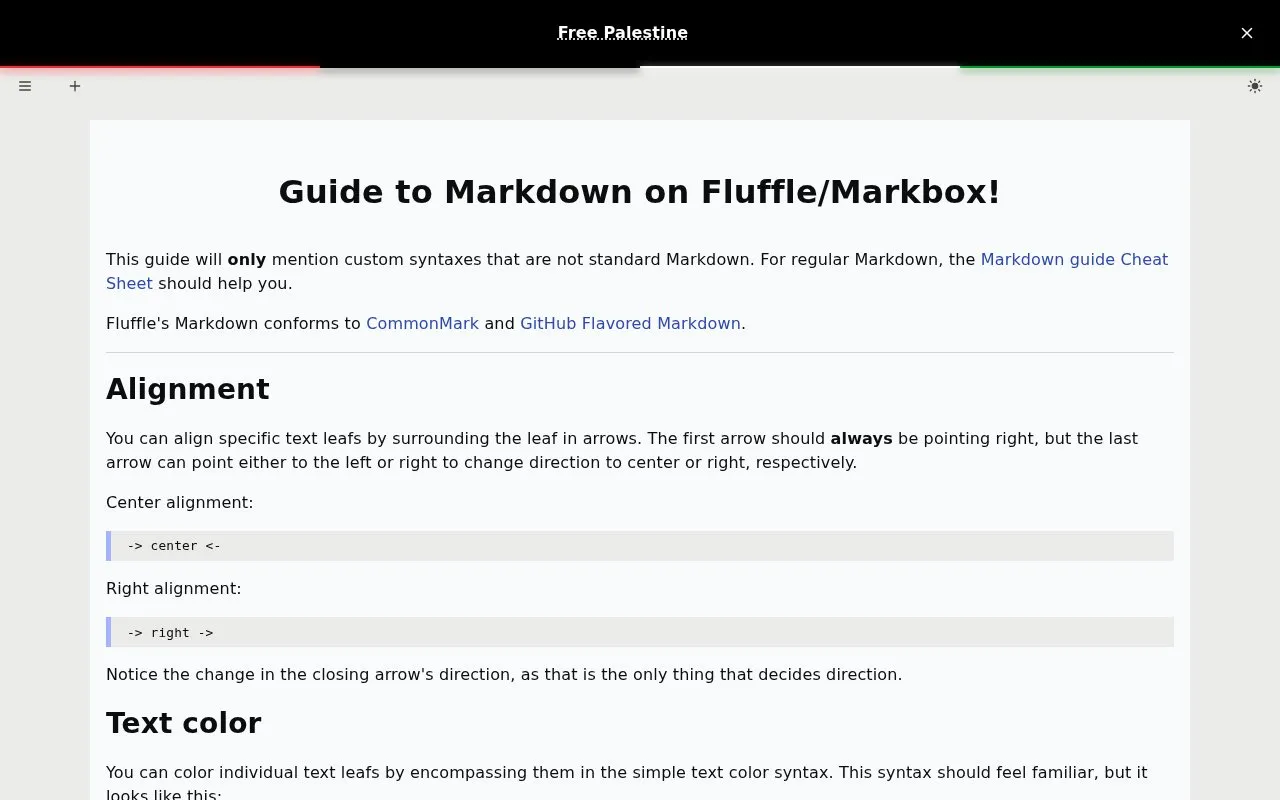
About Styling
This guide documents the custom Markdown syntax supported by Fluffle and Markbox, covering formatting options that extend beyond CommonMark and GitHub Flavored Markdown. It includes instructions for custom text alignment, colored text, underlines, image sizing and alignment, multi-page entry structures, expandable details blocks, media embeds, and text/image animations.
Key features
- Custom text alignment using directional arrow syntax
- Colored text via CSS color name, hex, or RGB syntax
- Customizable underlines with configurable CSS properties
- Image sizing and left/right alignment controls
- Multi-page entries with persistent shared content
- Expandable details blocks, media embeds, and animations
Best for: Users of Fluffle and Markbox who need Markdown formatting beyond standard CommonMark and GitHub Flavored Markdown.
Good for
- Conforms to CommonMark and GitHub Flavored Markdown standards
- Documents custom Markdown syntax not available in standard implementations
- Supports a wide range of custom entry formatting options
Watch out for
- Only covers custom Markdown extensions, not standard Markdown syntax
- Underline syntax requires parameters to be entered in a fixed order
- Custom animations require pre-defining rules with the >>? marker
Styling at a glance
- Website
- fluffle.cc/docs/markdown
- Category
- Online Tools › Pastebins
- Type
- Website
- Pricing
- Not confirmed. Check the site
- Platforms
- Web
- Open source
- Not stated
- Language
- English
- Last checked
- Oct 6, 2026 · Online when checked
- Listed
- Oct 5, 2026
Popular in Pastebins
Well-known listings from the same topic.
bpa.stbpa.stGitHub Gistsgist.github.comKatbinkatb.indpaste.comdpaste.comMarkdownPastebinmarkdownpastebin.compastemystpaste.myst.rs


Styling FAQ
Does Fluffle Markdown support standard CommonMark and GitHub Flavored Markdown?
Yes, Fluffle's Markdown conforms to CommonMark and GitHub Flavored Markdown.
How do you align text in Fluffle Markdown?
Surround the text leaf with arrows (first arrow always points right); a left-pointing closing arrow centers text, a right-pointing closing arrow right-aligns text.
How do you add colored text in Fluffle Markdown?
Enclose the text in %color% and %% markers, using any valid CSS color value in place of 'color'.
Is something wrong or out of date?
Tell us and an editor will check it.
Own this website?
Claim this listing
Claim the listing and suggest updates yourself. An editor checks every claim first.