

Linux Command Library provides command references and cheat sheets for system control, recovery, and other topics.
SystemRescue
SystemRescue provides a bootable environment with tools for disk partitioning and system recovery.
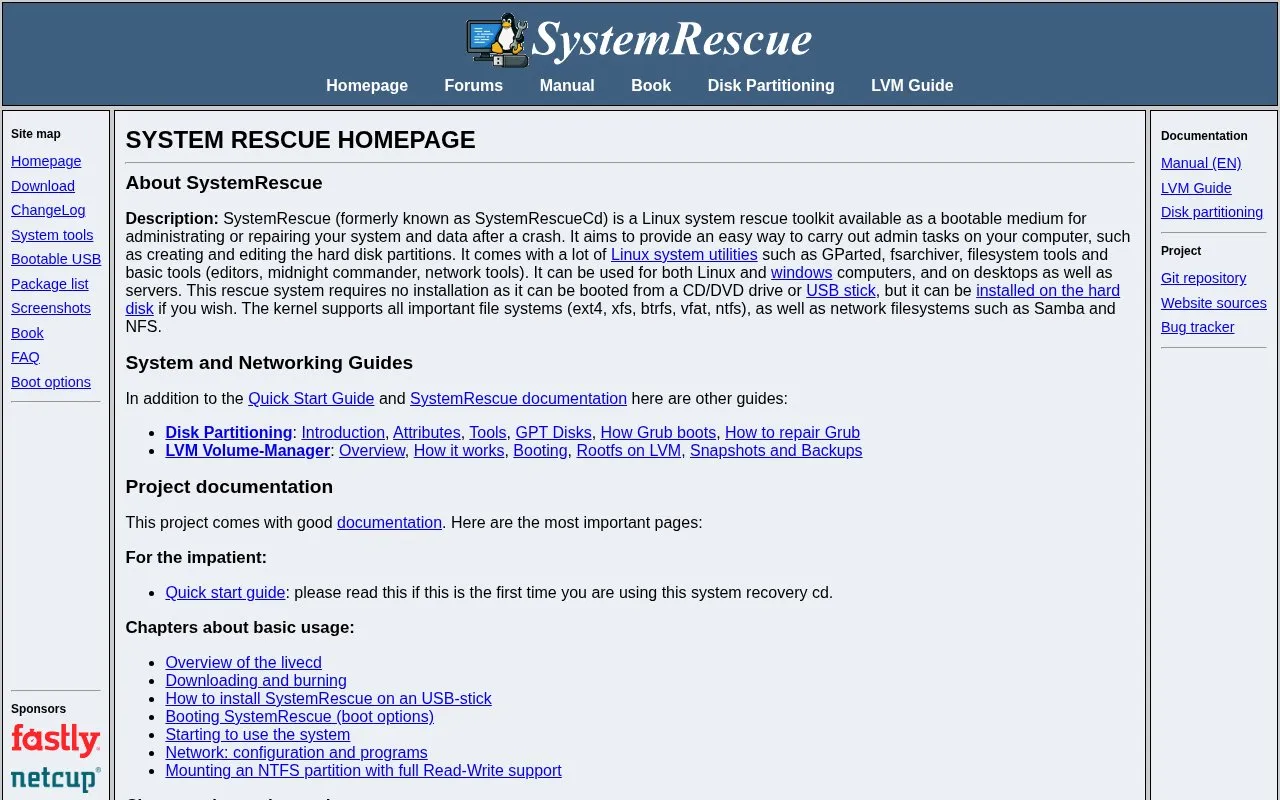
About SystemRescue
SystemRescue (formerly SystemRescueCd) is a Linux system rescue toolkit distributed as a bootable medium for administering or repairing a computer and its data after a crash. It is intended for tasks such as creating and editing hard disk partitions, and it can be used on Linux and Windows machines, desktops and servers. It requires no installation and can be booted from a CD/DVD drive or USB stick, though it can also be installed on a hard disk.
The included tools cover partitioning (GNU Parted, GParted), archiving and recovery (FSArchiver, ddrescue), filesystem work for Linux and Windows filesystems, NTFS read/write access via Ntfs3g, partition checking and undeletion with Test-disk, memory testing with Memtest, rsync backups, and networking utilities such as Samba and NFS. The kernel supports ext4, xfs, btrfs, vfat and ntfs as well as network filesystems. Custom versions can be created, for example to add scripts or automate restoration.
Key features
- Bootable rescue environment on CD/DVD or USB, no installation required
- GNU Parted and GParted for creating, resizing, moving and copying partitions
- FSArchiver archiver for system and data recovery
- ddrescue copies block devices with hardware errors
- Ntfs3g provides read/write access to Windows NTFS partitions
- Rsync and network tools (Samba, NFS) for remote backups
Best for: Administrators and users who need to repair, repartition or recover data on unbootable or damaged Linux and Windows systems.
Good for
- Requires no installation and can boot from CD/DVD or USB stick
- Works on Linux and Windows computers, desktops and servers
- Supports common filesystems including ext4, xfs, btrfs, vfat and ntfs
Watch out for
- Distributed as a Linux-based rescue system rather than an installed application
- Custom versions and features such as PXE booting or autorun require following the manual
SystemRescue at a glance
- Website
- system-rescue.org
- Category
- Software & Utilities › Linux Apps
- Type
- Website
- Pricing
- Not confirmed. Check the site
- Platforms
- Linux, Web, Windows
- Open source
- Not stated
- Language
- English
- Last checked
- Oct 6, 2026 · Online when checked
- Listed
- Oct 5, 2026
SystemRescue alternatives
Tools and sites you could use instead, ranked by how closely they match.
Popular in Linux Apps
Well-known listings from the same topic.
AltBoxaltbox.devThe Levelatorarchive.org/details/conversationsnetwork_org-l…Alacrittyalacritty.orgShellScriptshellscript.shghostwriterghostwriter.kde.orgLibrebootlibreboot.org


SystemRescue FAQ
Can SystemRescue back up data from a Windows computer that no longer boots?
Yes. The homepage states that SystemRescue can be used to back up data stored on a Windows computer that cannot boot any more, and that NTFS partitions can be mounted with full read-write support.
Does SystemRescue need to be installed before use?
No installation is required; it can be booted from a CD/DVD drive or a USB stick. It can also be installed on a hard disk if desired.
Can I add my own tools or automate recovery with SystemRescue?
Yes. The project documentation describes installing additional packages with pacman, configuring the system with YAML files, running your own scripts at start-up with autorun, and creating custom versions of SystemRescue.
Is something wrong or out of date?
Tell us and an editor will check it.
Own this website?
Claim this listing
Claim the listing and suggest updates yourself. An editor checks every claim first.