

Utility-first CSS for building websites is provided by Tailwind CSS, which uses classes in HTML.
Terminal CSS
Minimal website styles with a terminal-inspired appearance are provided by Terminal CSS.
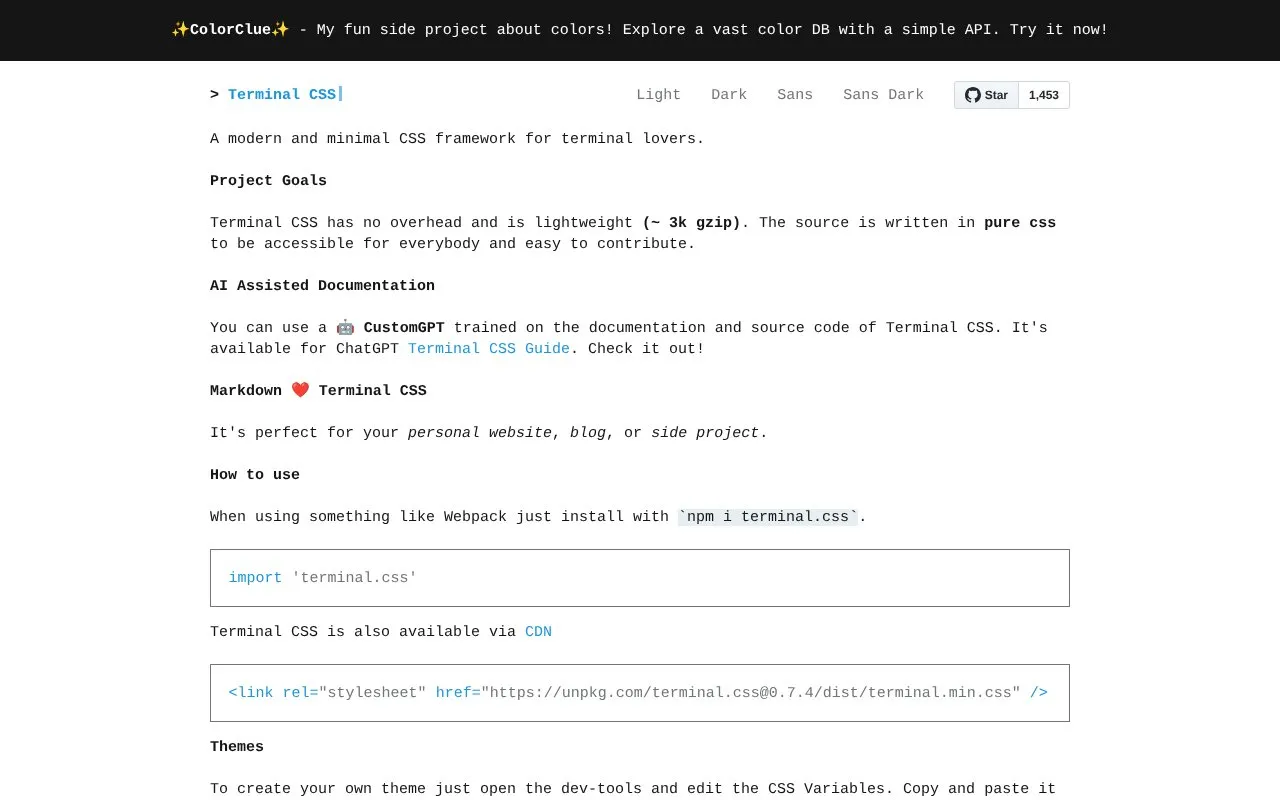
About Terminal CSS
Terminal CSS is a lightweight CSS framework that gives websites a minimal, terminal-inspired appearance. It is written in pure CSS, adds no overhead, and is about 3k gzipped, making it suited to personal sites, blogs and side projects. It can be installed with npm (npm i terminal.css) or loaded from a CDN link.
The framework ships styled components such as lists, description lists, tables, buttons, button groups, messages, media blocks and blockquotes, along with a table of contents component. Themes are created by editing CSS variables in browser dev tools and copying the result into a site. Documentation support includes a CustomGPT trained on the project's documentation and source code, available through ChatGPT.
Key features
- Lightweight pure-CSS framework, roughly 3k gzipped with no overhead
- Install via npm (npm i terminal.css) or unpkg CDN stylesheet
- Styled components including lists, tables, buttons, messages and media
- Theme creation by editing CSS variables in browser dev tools
- Table of contents component supports a single depth level
- CustomGPT assistant trained on the documentation and source code
Best for: Developers and writers who want a minimal, terminal-look style for a personal website, blog or side project.
Good for
- Source is written in pure CSS, described as accessible for everybody and easy to contribute to
- No overhead and a small gzipped file size
- Includes an AI-assisted documentation option via ChatGPT
Watch out for
- The table of contents component only supports a single depth level
- The project is listed as not open source, with no repository link provided
Terminal CSS at a glance
- Website
- terminalcss.xyz
- Category
- Development › CSS & Web Styling
- Type
- Online tool
- Pricing
- Not confirmed. Check the site
- Platforms
- Web
- Open source
- Not stated
- Language
- English
- Last checked
- Oct 5, 2026 · Online when checked
- Listed
- Oct 5, 2026
Terminal CSS alternatives
Tools and sites you could use instead, ranked by how closely they match.

Build interfaces with Beer CSS, a lightweight CSS framework based on Material Design 3.

Build responsive interfaces with Bulma, an open-source CSS framework based on Flexbox and Sass.
Popular in CSS & Web Styling
Well-known listings from the same topic.
CSS Bedcssbed.comSnippetsbootsnipp.comCSSPeepercsspeeper.comPanda CSSpanda-css.comAnimistaanimista.netdaisyUIdaisyui.com


Terminal CSS FAQ
How do I add Terminal CSS to a project?
Install it with npm (npm i terminal.css) and import it, or link the stylesheet from the unpkg CDN.
How do I create my own theme?
Open your browser dev tools, edit the CSS variables, then copy and paste the result into your website.
Is there an AI assistant for the documentation?
Yes, a CustomGPT trained on the Terminal CSS documentation and source code is available for ChatGPT.
Is something wrong or out of date?
Tell us and an editor will check it.
Own this website?
Claim this listing
Claim the listing and suggest updates yourself. An editor checks every claim first.