

Use Phantom as an alternative frontend for Fandom.com, according to the Codeberg project page.
Terminal Video Player
Terminal Video Player plays video in a text terminal and includes OpenCL acceleration.
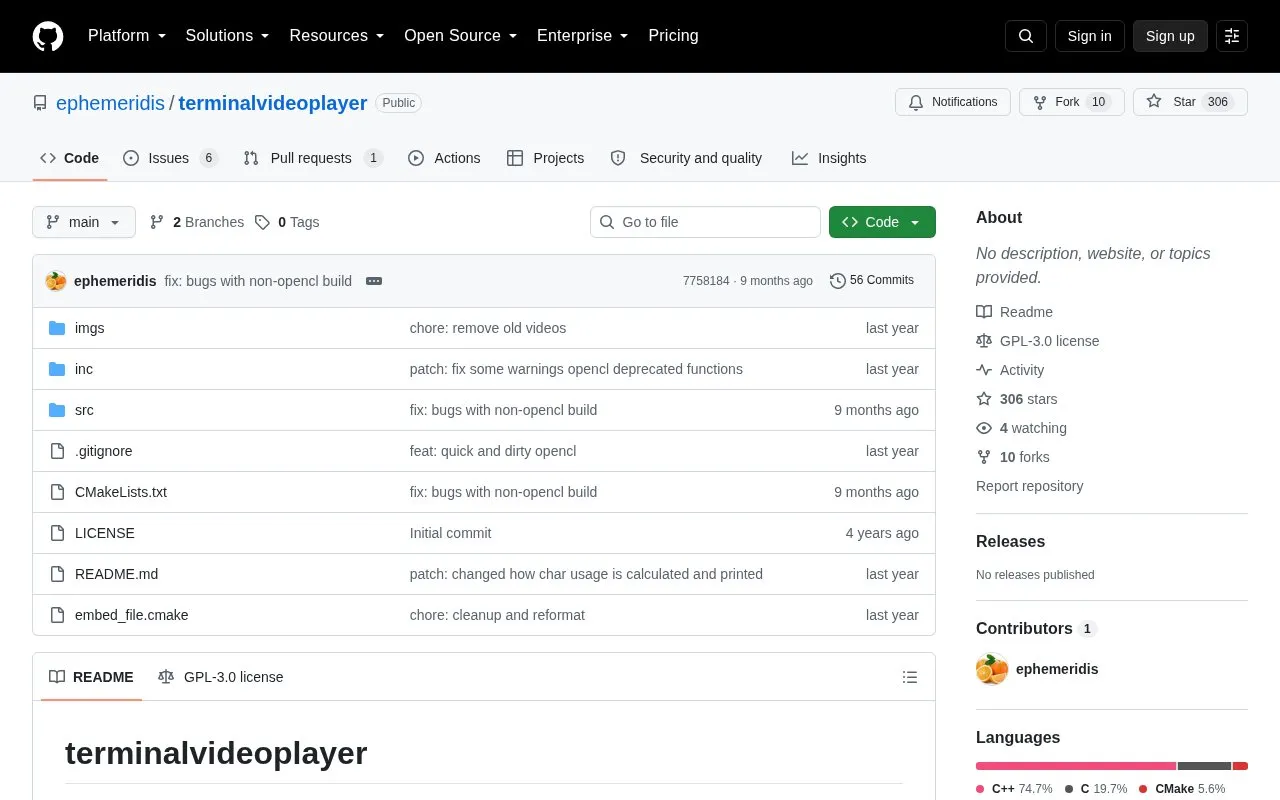
About Terminal Video Player
Terminal Video Player is an open source command-line tool that plays video files inside a text terminal. It decodes video with FFmpeg and renders each frame using Unicode block characters and ANSI colours, with optional audio playback through SDL2. Its main technique is using quarter-block and related characters to show more image detail per character cell than the common two-pixel-per-character approach. The author reports that it includes OpenCL acceleration, and that some optimisations, such as skipping colour changes for neighbouring pixels that are similar enough, reduce the work needed for each frame.
Playback quality depends on the terminal. The author reports that smoother results depend on how fast the terminal is, and that a lower redraw threshold can make video choppy on slower terminals. Each character still displays only two colours, so the extra block characters do not give fully independent pixels. The author tested builds on macOS and Windows, and notes that Windows builds involve linking and toolchain difficulties. The README also states that parts of the project were modified with LLM assistance.
Key features
- Plays video files in a text terminal using Unicode block characters
- Audio playback through SDL2
- Expanded character set of 44 characters with OpenCL and 19 on CPU
- OpenCL acceleration for rendering frames on supported devices
- Perceptual colour matching using weighted RGB or Oklab colour space
- Adjustable redraw threshold from 0 to 255 controlling colour change sensitivity
Best for: Developers and terminal enthusiasts who are comfortable installing FFmpeg and SDL2 and want to experiment with video rendering in a text terminal.
Good for
- Source code is publicly available on GitHub, and the project is marked as open source
- Skips colour changes for neighbouring pixels that are similar enough, reducing redraw work
- Includes a --force-cpu option, so it can run without OpenCL acceleration
Watch out for
- Playback smoothness depends on how fast the terminal is, and a low threshold can cause choppy video on slower terminals
- Each character is still limited to two colours, so the extra block characters do not give fully independent pixels
- Windows builds have caveats around linking and toolchain setup, according to the author
Terminal Video Player at a glance
- Category
- Lifestyle & Hobbies › Fun & Interesting Sites
- Type
- Open-source project
- Pricing
- Not confirmed. Check the site
- Open source
- Yes · Source code
- Language
- English
- Last checked
- Oct 6, 2026 · Online when checked
- Listed
- Oct 5, 2026
Terminal Video Player alternatives
Tools and sites you could use instead, ranked by how closely they match.

Git City turns a GitHub profile into an interactive city scene built from 3D pixel art.
Open source
5 alternatives
Museum of All Things builds a procedurally generated 3D museum whose exhibits draw on linked Wikipedia articles.
Open source
5 alternatives
Hypertext.tv presents daily programming related to the handmade web, as its project description states.
Open source
6 alternatives
Use OpenTierBoy to create, rank and share tier lists with its free, open-source tool.
Open source
Popular in Fun & Interesting Sites
Well-known listings from the same topic.
Paint with Musicartsandculture.google.com/experiment/paint-wit…FanVersefanverse.orgGlobalPenFriendsglobalpenfriends.comSpaceBattlesforums.spacebattles.comSheepishPatiosheepishpatio.netMangolink Worldmangolinkworld.com


Terminal Video Player FAQ
Does it require a GPU?
No. OpenCL acceleration is optional and is used on systems with supported devices. The --force-cpu option forces CPU computation.
What does the diff threshold do?
The threshold is an integer from 0 to 255, with a default of 10. It sets how much a pixel's colour must change before it is redrawn. A lower value causes more redraws in most cases.
Which terminals work well with it?
The author reports that alacritty works well in testing, and that iTerm2 performed very well as of 2025. Performance depends on the terminal in use.
Is something wrong or out of date?
Tell us and an editor will check it.
Own this website?
Claim this listing
Claim the listing and suggest updates yourself. An editor checks every claim first.