

Gling edits creator videos by removing bad takes, silent sections, filler words, and background noise.
TimeBolt
TimeBolt removes silence, filler words, and bad takes from long videos and podcast recordings.
About TimeBolt
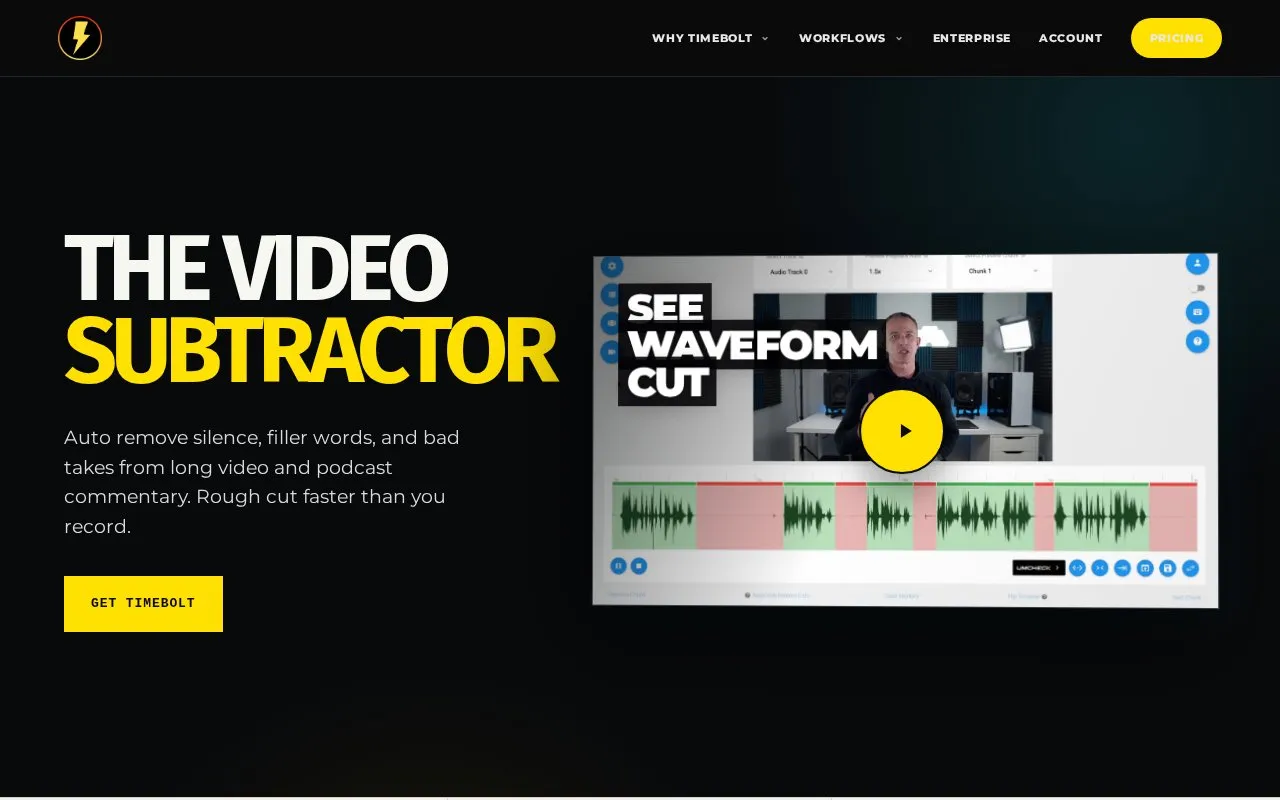
TimeBolt is a video and audio editing tool for cutting down long recordings. It removes silence, filler words, false starts and bad takes from video and podcast commentary to produce a rough cut. Cuts are made on the waveform and are presented as visible and reversible, so an editor can review and adjust what was removed rather than accepting a black-box result.
Key features
- Removes silence, filler words and bad takes from long video and podcast recordings
- Waveform-based jump cutting with cuts that are visible and reversible
- Multi-track editing that syncs sources and follows the active speaker
- Optional bring-your-own AI model, with decisions mapped back to the waveform
- Local 4K screen and camera capture without watermarks
- Generates and exports time-coded SRT captions that follow the final cut
Best for: Podcasters and video creators with long recordings who want a fast, locally processed rough cut they can review and refine on the waveform.
Good for
- Runs standalone, with AI described as optional rather than required
- Local-first editing with no cloud upload stated on the homepage
- Supports multi-track projects so every source stays aligned
Watch out for
- Pricing is not stated in the available information
- Several named tools (Turbo Mode, FastForward, Punch, Deconstruct, Stitch) are listed only briefly, without full descriptions
- Speed comparisons against other editing tools come from TimeBolt's own figures
TimeBolt at a glance
- Website
- timebolt.io
- Category
- AI & Machine Learning › AI Voice & Audio
- Type
- Website
- Pricing
- Not confirmed. Check the site
- Platforms
- Web, Windows
- Open source
- Not stated
- Language
- English
- Last checked
- Oct 5, 2026 · Online when checked
- Listed
- Oct 5, 2026
TimeBolt alternatives
Tools and sites you could use instead, ranked by how closely they match.

Alitu automates podcast editing tasks such as removing background noise, improving voice audio, and trimming filler words.
Free trial
19 alternativesPopular in AI Voice & Audio
Well-known listings from the same topic.
Google Illuminateilluminate.google.comAlteredaltered.aiELSA Speakelsaspeak.comKreadoAIkreadoai.comPodwisepodwise.aiAddsubtitleaddsubtitle.ai


TimeBolt FAQ
Does TimeBolt require uploading video to the cloud?
The homepage describes the editing workflow as local-first with no cloud upload.
Can I use my own AI model with TimeBolt?
Yes. The site offers a bring-your-own-model option and says you can use TimeBolt on its own or connect AI when you want to.
Which platforms does it run on?
The homepage lists Mac and Windows.
Is something wrong or out of date?
Tell us and an editor will check it.
Own this website?
Claim this listing
Claim the listing and suggest updates yourself. An editor checks every claim first.