
TimeShift
Timeshift creates Linux system snapshots with rsync or BTRFS and supports scheduled backups, exclusions, and restore operations.
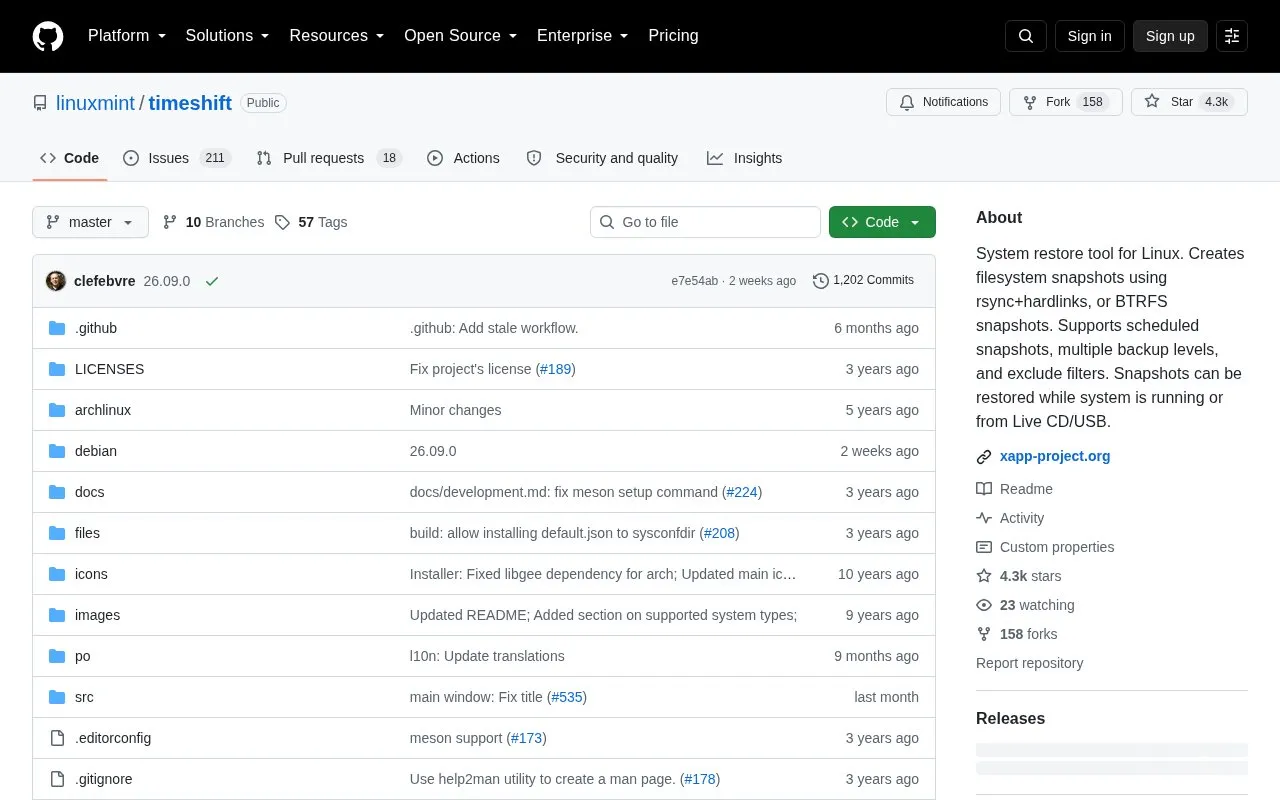
About TimeShift
Timeshift is a system restore tool for Linux hosted on GitHub under the Linux Mint project. It works in a similar way to System Restore in Windows by taking incremental snapshots of the file system at regular intervals. These snapshots can later be restored to undo system changes.
You can create snapshots using rsync with hard-links or using built-in BTRFS snapshot features. You can enable scheduled levels for hourly, daily, weekly, monthly, and boot snapshots, set how many to keep, and use exclude filters. Snapshots can be restored while the system is running or from a Live CD/USB, and rsync snapshots can be browsed with a file manager.
Timeshift is designed to protect system files and settings, not personal data. Home directories are excluded by default, though hidden config files can be included from settings. It suits Linux users who want a way to recover from system problems without affecting documents, pictures, and music.
Key features
- Creates incremental system snapshots with rsync and hard-links
- Supports BTRFS snapshots on supported BTRFS system layouts
- Schedules hourly, daily, weekly, monthly, and boot snapshots
- Restores snapshots while running or from Live CD/USB
- Excludes home directories by default with include options
- Lets you browse rsync snapshots with a file manager
- Minimal setup with automatic scheduled snapshots
- Offers both rsync and BTRFS snapshot methods
- Restores system while keeping user files unchanged
- Not designed to back up user documents and files
- BTRFS mode needs Ubuntu-type @ and @home layout
TimeShift at a glance
- Category
- Software & Utilities › Linux Apps
- Type
- Open-source project
- Pricing
- Not confirmed. Check the site
- Platforms
- Linux, macOS, Windows
- Open source
- Not stated
- Language
- English
- Last checked
- Oct 5, 2026 · Online when checked
- Listed
- Oct 5, 2026
Popular in Linux Apps
Well-known listings from the same topic.


TimeShift FAQ
What is Timeshift used for?
Does Timeshift back up personal files?
How can snapshots be restored?
What snapshot types does Timeshift support?
Tell us and an editor will check it.
Claim the listing and suggest updates yourself. An editor checks every claim first.