

Palettes for Tumblr manages color schemes on Tumblr, letting users create and apply custom palettes.
Open source
14 alternativesTuisky manages Twitter sessions in a multi-column client for browsing posts and accounts.
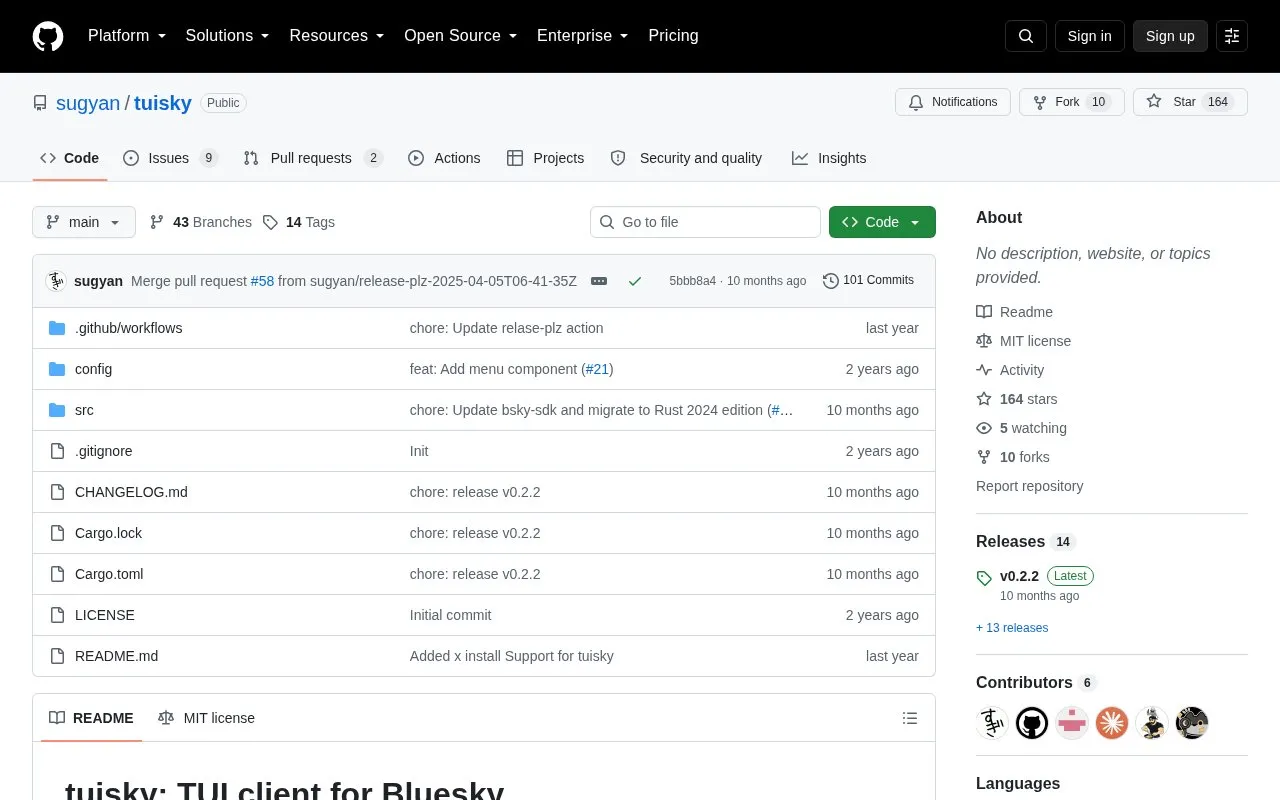
Tuisky is a text-based terminal client for Bluesky. It shows multiple columns and manages multiple sessions, with selection from pinned feeds, auto refresh of rows, and auto save and restore of app data.
It supports posting text, embedding images, records and external links, replying to posts, and viewing notifications and chat. Settings, keybindings and watcher intervals are set through a TOML file, and the number of displayed columns is determined by terminal width.
Tools and sites you could use instead, ranked by how closely they match.
Palettes for Tumblr manages color schemes on Tumblr, letting users create and apply custom palettes.
deck.blue adds a multi-column layout for browsing Bluesky, letting users view several feeds side by side.
Binternet provides a PHP Pinterest frontend that blocks selected site content for a more controlled browsing experience.
Hexo generates static blogs from posts and site content through a Node.js framework.
Filtering Plus lets users filter posts by tag or content through a browser extension’s right-click controls.
Btw helps users create a personal website through an open source website builder.
Well-known listings from the same topic.
Tell us and an editor will check it.
Claim the listing and suggest updates yourself. An editor checks every claim first.


