

ELSA Speak teaches English pronunciation and speaking through practice exercises and personalized feedback.
VoiceCalc
VoiceCalc lets you speak a calculation and get an answer in your browser, with an iPhone app for arithmetic, percentages and unit conversions.
About VoiceCalc
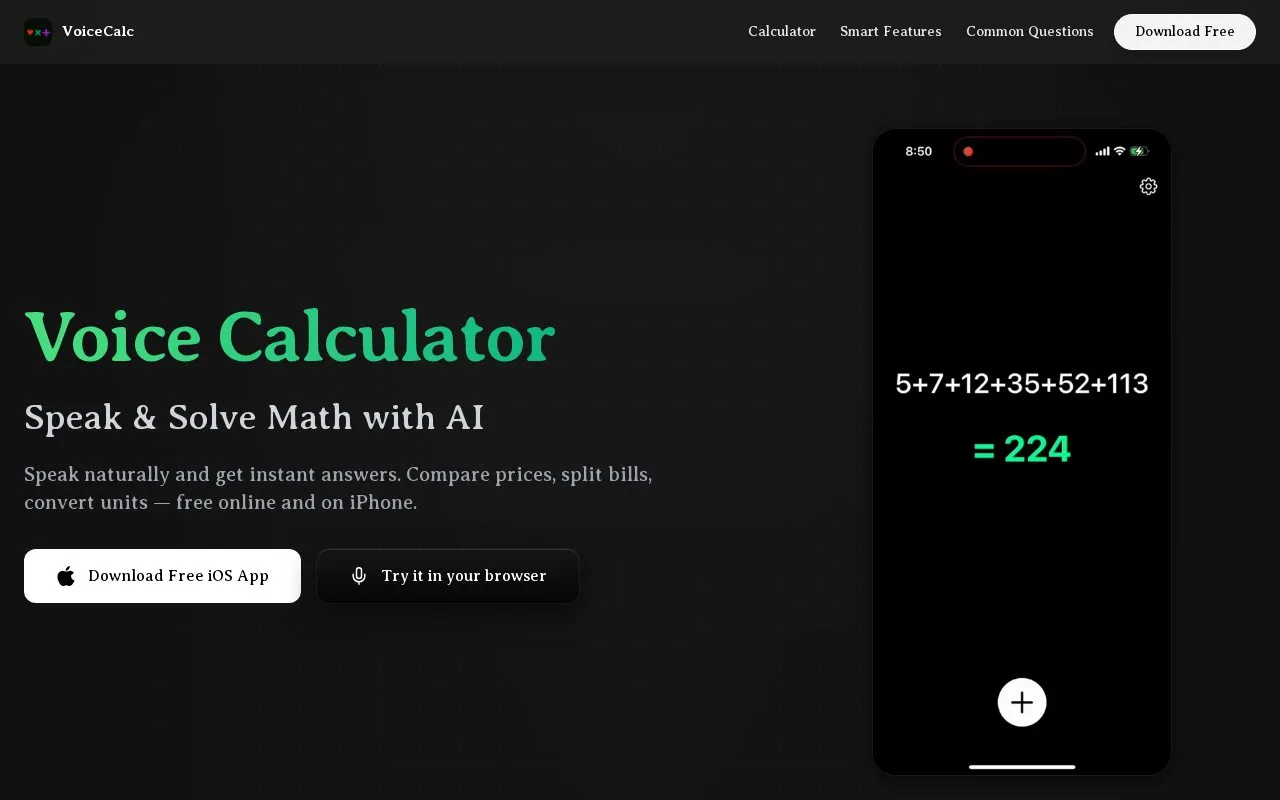
VoiceCalc is a voice-input calculator available on the web and as an iPhone app. Users speak calculations including arithmetic, percentages, powers and square roots, and the recognized text is shown above the result. Typed input is also accepted, and the web version requires no account.
The web version can read results aloud when "Read answers aloud" is enabled, using browser speech synthesis. The iOS app shows the answer and working on screen and reads them through VoiceOver or Speak Screen. Word problems, price comparisons, unit and time-zone conversions, and multi-step reasoning are handled as AI features in the iOS app that require a separate unlock, and basic iOS calculations can work offline.
Key features
- Speak arithmetic, percentages, powers and square roots by voice
- Type calculations as alternative to voice input
- Show recognized text above answer for verification
- Read answers aloud using browser speech synthesis on web
- Convert units, time zones and currencies in iOS app with AI unlock
- Handle bill splits, discounts and price comparisons in iOS app with AI unlock
Best for: People who prefer speaking arithmetic, percentages and conversions instead of typing, including students.
Good for
- Web calculator works without account or install
- Accepts typed input as well as voice input
- Basic iOS calculations can work offline
Watch out for
- Word problems and multi-step reasoning need unlock in iOS app
- iOS spoken output uses VoiceOver or Speak Screen
- Voice input relies on device speech recognition and may need retyping
VoiceCalc at a glance
- Website
- voicecalculator.app
- Category
- AI & Machine Learning › AI Voice & Audio
- Type
- Online tool
- Pricing
- Not confirmed. Check the site
- Platforms
- iOS, Web
- Open source
- Not stated
- Language
- English
- Good for
- Students
- Last checked
- Oct 5, 2026 · Online when checked
- Listed
- Oct 5, 2026
VoiceCalc alternatives
Tools and sites you could use instead, ranked by how closely they match.

Utell AI converts accents in real time for students, sales teams, travelers, and streamers.
Popular in AI Voice & Audio
Well-known listings from the same topic.
Google Illuminateilluminate.google.comAlteredaltered.aiKreadoAIkreadoai.comPodwisepodwise.aiAddsubtitleaddsubtitle.aiAI Wedding Toastaiweddingtoast.com


VoiceCalc FAQ
How do I use the voice calculator?
Open the website or iOS app, tap the microphone, and say the calculation as you would say it to a person. The recognized text appears above the answer, and you can type instead when in a quiet place.
Does it read the answer out loud?
On the web, turn on “Read answers aloud” to have results spoken using browser speech synthesis. The iOS app shows the answer and working on screen and reads them through VoiceOver or Speak Screen.
Can I enter a calculation by voice instead of typing?
Yes. Device speech recognition turns speech into an expression for decimals, percentages, powers and square roots. The recognized text is shown above the result so errors can be retyped.
Is something wrong or out of date?
Tell us and an editor will check it.
Own this website?
Claim this listing
Claim the listing and suggest updates yourself. An editor checks every claim first.