

Uberduck creates AI vocals, text-to-speech, voice conversions, and cloned voices for music and video projects.
VoxWild
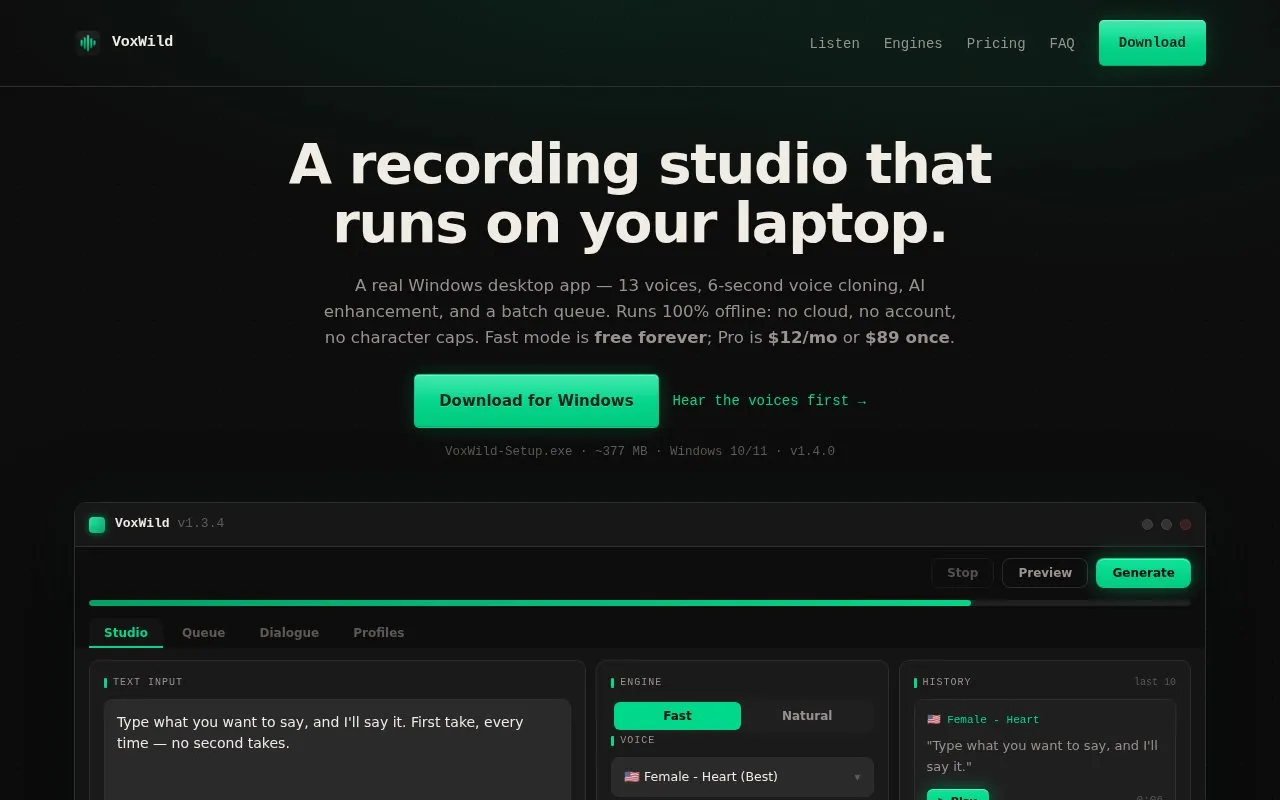
VoxWild runs offline on Windows for text-to-speech, with 13 voices, cloning from short recordings and batch generation.
About VoxWild
VoxWild is a Windows desktop app for text-to-speech. It provides 13 voices, voice cloning from short recordings, AI enhancement, and a batch queue, with Fast and Natural engines and speed control.
It runs on Windows 10/11 64-bit without an account and processes text and audio on the device, except for a license check via Gumroad and a daily version check via GitHub. The Free tier includes unlimited Fast mode with 3 Natural mode and 3 Enhancement uses, and the installer is unsigned, which triggers a SmartScreen warning.
Key features
- 13 built-in voices for text-to-speech generation
- Voice cloning from 6-second reference recordings
- Fast and Natural engines with adjustable speed
- Batch queue for multiple synthesis jobs
- AI enhancement for generated speech audio
- On-device processing except license and update checks
Best for: Windows users who need offline text-to-speech with short-sample voice cloning and batch generation.
Good for
- Processes text, audio and voice clones on the computer, aside from license and update checks
- Allows commercial use on every tier, subject to watermark and voice-rights requirements
- Free tier includes unlimited Fast mode text-to-speech
Watch out for
- Windows 10/11 64-bit only; installer is about 377 MB
- Installer is unsigned and triggers a SmartScreen warning
- Free tier limited to 3 Natural mode and 3 Enhancement uses
VoxWild at a glance
- Website
- voxwild.com
- Category
- AI & Machine Learning › AI Voice Cloning
- Type
- Online tool
- Pricing
- Free
- Platforms
- Web, Windows
- Open source
- Not stated
- Language
- English
- Last checked
- Oct 5, 2026 · Online when checked
- Listed
- Oct 5, 2026
VoxWild alternatives
Tools and sites you could use instead, ranked by how closely they match.

Fish Audio offers AI text-to-speech and voice cloning with controls for generated emotion.

Narration Box creates AI voiceovers from text with voice cloning and studio controls across many languages.

All Voice Lab provides tools for high fidelity voice cloning and text to speech generation.
Free trial
16 alternatives
AIVocal offers voice generation, cloning, editing, speech tools, and transcription for voice related tasks.

AnyVoiceLab generates speech from a short voice sample and lets users download the resulting audio without logging in.
Popular in AI Voice Cloning
Well-known listings from the same topic.


VoxWild FAQ
Does it actually run offline?
Yes, except for a Gumroad license check when entering a key and a daily GitHub version check. Text, audio and clones do not leave the computer.
Can I use the audio commercially?
Yes, on every tier including Free for both engines. Chatterbox output includes an inaudible neural watermark, and you must only clone voices you have rights to clone.
How good is 6-second voice cloning?
It can work in a podcast context but not for fooling someone who knows the voice well. Longer 30-60 second clean samples produce better results, and clean short audio is better than noisy long audio.
Is something wrong or out of date?
Tell us and an editor will check it.
Own this website?
Claim this listing
Claim the listing and suggest updates yourself. An editor checks every claim first.