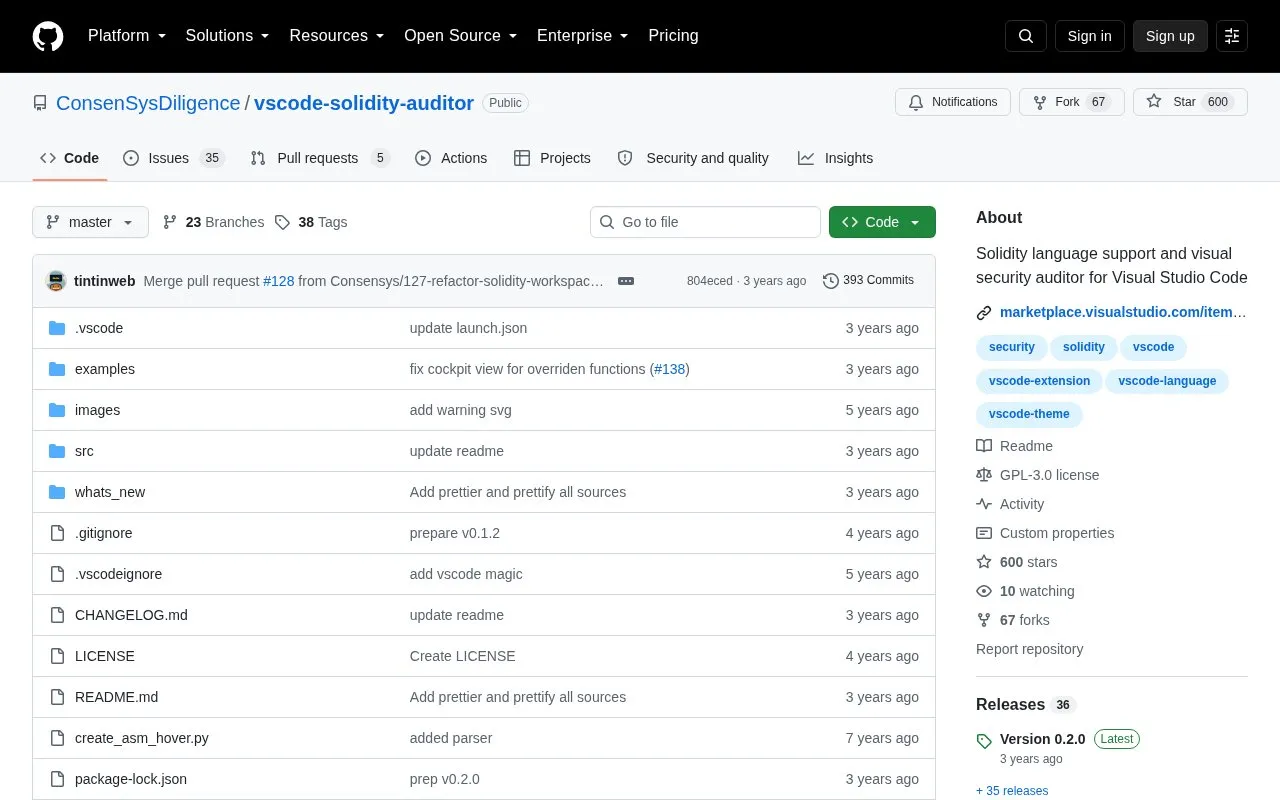
VSCode Solidity Auditor is an open source extension for Visual Studio Code that adds Solidity language support and visual security linting. It highlights security-relevant syntax, such as access modifiers, tx.origin, and block properties, and draws attention to statements that typically reduce risk or need review. The source describes this as passive security awareness for developers writing Solidity code.
The extension also includes an outline view of contracts, state variables, and methods with a complexity rating, along with audit annotations, call graphs, and UML diagram generation. Most features can be shown, hidden, enabled, or disabled in settings. The source describes the extension as a support tool, not a complete audit, and it does not state that it guarantees the security of any contract.
Key features
Solidity syntax and semantic highlighting for security-relevant constructs
Outline view listing contracts, state variables, methods, and a complexity rating
Audit annotations and bookmarks using @audit and @audit-ok comments
Import of external scanner results in CDILI JSON format
Interactive call graphs and UML diagram generation from Solidity code
Hover information for Ethereum addresses, ASM instructions, and state variables
Best for: Solidity developers who use Visual Studio Code and want security-focused highlighting, code navigation, and review annotations while they write code.
Good for
Open source, with the code published in a public GitHub repository
Most features are configurable, so users can choose which ones to enable
Three color themes are included, including two based on the standard light and Solarized Light themes
Watch out for
Highlighting is described as passive awareness, so it does not replace a full security review
Most features must be configured in settings to match a user's needs
The Marketplace extension is published under a different identifier than the GitHub repository name
It can be installed from the Visual Studio Marketplace, searched for as Solidity Visual Developer in the VS Code Extension view, or installed manually from a compiled .vsix file using the code --install-extension command.
Can I turn individual features on or off?
Yes. Features can be shown, hidden, enabled, or disabled under Preferences, then Settings, then Solidity Visual Developer, using the solidity-va.* options.
Which color themes are included?
The extension includes Visual Auditor Dark, based on the Atom One theme, Visual Auditor Light (Visual Studio), based on the standard light theme, and Visual Auditor Solarized Light, based on the Solarized Light theme.
Is something wrong or out of date?
Tell us and an editor will check it.
Own this website?
Claim the listing and suggest updates yourself. An editor checks every claim first.