

CapCut provides AI photo and video editing, templates, creative effects, and design generation for social content.
Vsub
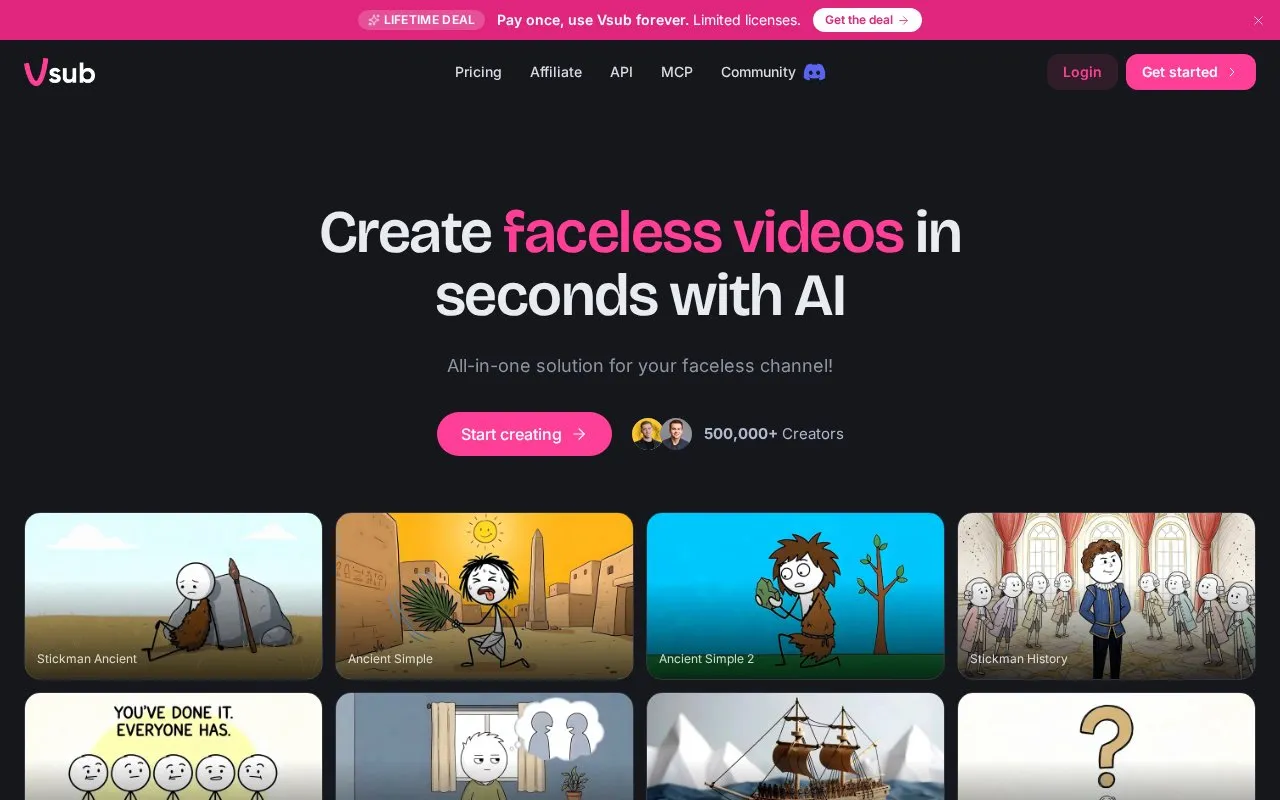
Vsub turns scripts or voiceovers into illustrated videos by splitting content into scenes, then adding narration and drawings.
About Vsub
Vsub turns scripts or voice recordings into illustrated videos by splitting content into scenes, adding narration, and drawing frames with a selected template. Users can pick from published templates or upload a reference video to reuse as a custom style.
Scripts are limited to 50,000 characters and finished videos must fit the maximum length of the user's plan. The tool also supports uploaded voice narration, API requests, and video requests through connected AI assistants.
Key features
- Converts scripts or voiceovers into scene-based illustrated videos
- Offers published templates ready to use without custom setup
- Clones reusable custom template from an uploaded reference video
- Uses uploaded recording as narration without generating voice
- Creates videos via POST to /v1/ai-videos-v3 endpoint
- Connects to Claude, ChatGPT or Cursor via MCP
Best for: Creators making faceless videos who want to turn scripts or voiceovers into illustrated scenes.
Good for
- Published templates can be used immediately without creating a custom template
- Failed videos can be retried from the stopping point without repeat charge for completed work
- Supports uploaded voice recordings, API calls, and requests from connected AI assistants
Watch out for
- Scripts are limited to 50,000 characters
- Finished videos must fit the maximum length of the user's plan
- Reference videos for template cloning must run at least 30 seconds
Vsub at a glance
- Website
- vsub.io
- Category
- AI & Machine Learning › AI Video Generators
- Type
- Online tool
- Pricing
- Not confirmed. Check the site
- Platforms
- Web
- Open source
- Not stated
- Language
- English
- Last checked
- Oct 5, 2026 · Online when checked
- Listed
- Oct 5, 2026
Vsub alternatives
Tools and sites you could use instead, ranked by how closely they match.

FlexClip provides an online AI video maker and editor with templates for creating videos.

AI Studios generates videos from text, with custom avatars, dubbing, translation, and text-to-speech features listed on its page.

Vimeo Create provides online tools and customizable templates for making and editing videos.

Image-to-Video Maker generates videos from text, images, or clips, with effects, templates, and editing options.

PromoAI helps businesses create marketing videos using templates, AI editing, and brand ready media.
Popular in AI Video Generators
Well-known listings from the same topic.
AIFreeVideoaifreevideo.comGstory.aigstory.aiDubprodubpro.aiVibesvibes.aiPlask Motionplask.aiPika AIpikaai.org


Vsub FAQ
Do I have to make my own template first?
No. Published templates are ready to pick and use. Cloning a template is optional for a distinct look.
Can I use my own voice instead of a generated one?
Yes. Upload a recording and it is used as narration as-is, with the script transcribed from the file.
What happens if a video fails halfway through?
Retry resumes from the stopping point and keeps the completed voiceover, scenes and images without charging for them again.
Is something wrong or out of date?
Tell us and an editor will check it.
Own this website?
Claim this listing
Claim the listing and suggest updates yourself. An editor checks every claim first.