

This AI story generator creates short stories from a user’s ideas and selected genre.
Free
Vubli helps creators make short captioned videos from their ideas and recordings, with social posting features described on its site.
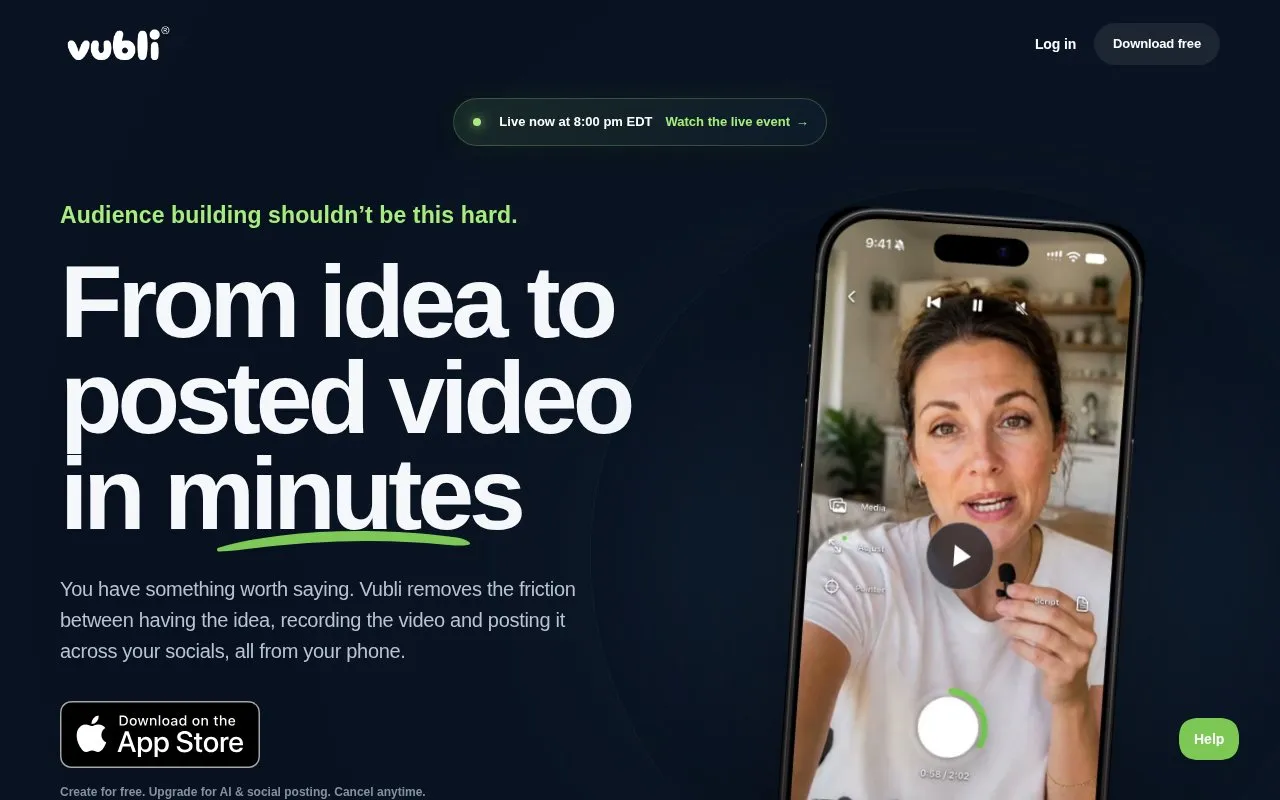
Vubli records spoken ideas in one or several clips and prepares captioned short videos for social media. It trims clips, stitches takes together, adds subtitles, and drafts a title hook and social posts. Users review the result, make light edits, then select accounts and publish from the same workflow on a phone. Free creation is available, while AI and social posting require an upgrade.
Tools and sites you could use instead, ranked by how closely they match.
This AI story generator creates short stories from a user’s ideas and selected genre.
Postwise uses AI to turn ideas into social posts for X, LinkedIn, and Threads.
Poppy AI helps creators find content ideas and hooks, study examples, and develop drafts in their own voice.
EasyGen generates LinkedIn posts using creator examples and trending-topic information.
SachaSoft tracks LinkedIn creators and generates scheduled posts tailored to a brand’s voice and industry.
Nichesss generates blog posts, ads, social media content, poems, and business ideas with AI.
Well-known listings from the same topic.
Tell us and an editor will check it.
Claim the listing and suggest updates yourself. An editor checks every claim first.


