Win7Games

Windows 7 Games provides classic card games for Windows 8, 8.1, 10, and 11.

win7games.com
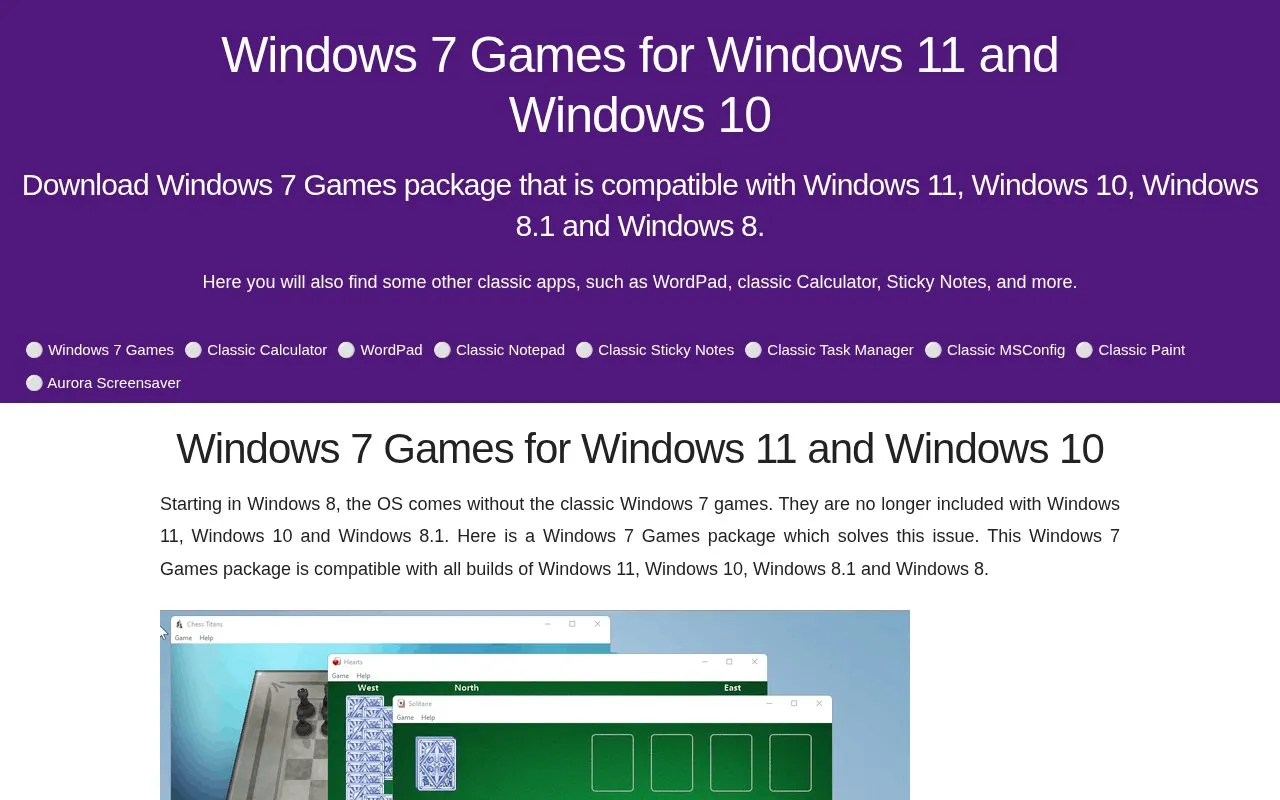
Win7Games homepage screenshot

About Win7Games

Win7Games offers downloadable packages that restore software Microsoft removed from later Windows releases. Its main package installs the classic Windows 7 games — Solitaire, Spider Solitaire, Minesweeper, FreeCell, Hearts, Chess Titans, Mahjong Titans, Purble Place, and the Internet Spades, Checkers and Backgammon games — on Windows 11, Windows 10, Windows 8.1 and Windows 8, where they are no longer included. Separate downloads bring back WordPad for Windows 11 and the classic Calculator for Windows 10 and 11, and the site also points to other classic apps such as Sticky Notes.

The games package is at version 4.3. Its installer no longer writes to the System32 directory, supports HiDPI displays, and can run unattended from the command line. MUI language files let the games follow the operating system's display language. The Internet games are an optional part of the install because Microsoft has shut down their servers, which the site says makes them nearly impossible to play.

Key features

  • Installs classic Windows 7 games on Windows 8, 8.1, 10 and 11
  • Bundles Solitaire, Spider Solitaire, FreeCell, Minesweeper, Hearts, Chess Titans, Mahjong Titans, Purble Place
  • Internet Spades, Checkers and Backgammon available as an optional install
  • Silent unattended setup through command-line /SP- /SILENT switches
  • MUI language packs let games match the OS display language
  • Separate packages restore WordPad for Windows 11 and the classic Calculator
Best for: Windows users who want the classic Windows 7 games and legacy apps working again on Windows 8 through Windows 11.
Good for
  • Restores games that Microsoft stopped including starting with Windows 8
  • Ships MUI files so games run in the operating system's native language
  • Version 4.3 installer no longer attempts to write to the System32 directory
Watch out for
  • The Internet games depend on Microsoft servers that have been turned off, making them nearly impossible to play
  • The packages are built for Windows only

Win7Games at a glance

Category
Gaming › Retro Gaming
Type
Website
Pricing
Not confirmed. Check the site
Platforms
Web, Windows
Open source
Not stated
Language
English
Last checked
Oct 6, 2026 · Online when checked
Listed
Oct 5, 2026

Win7Games alternatives

Tools and sites you could use instead, ranked by how closely they match.

All 3 alternatives

Popular in Retro Gaming

Well-known listings from the same topic.

All 9

Win7Games FAQ

Which Windows versions does the games package support?
It is compatible with all builds of Windows 11, Windows 10, Windows 8.1 and Windows 8, and retains support for older Windows versions.
Can the package be installed unattended?
Yes. The site gives the command line 'Windows 7 Games for Windows 11, 10 and 8-4.0-setup.exe' /SP- /SILENT for unattended mode.
Why are the Internet games optional?
Microsoft has turned off the game servers, so Internet Spades, Checkers and Backgammon are nearly impossible to play.
Is something wrong or out of date?

Tell us and an editor will check it.

Own this website?

Claim the listing and suggest updates yourself. An editor checks every claim first.

Claim this listing