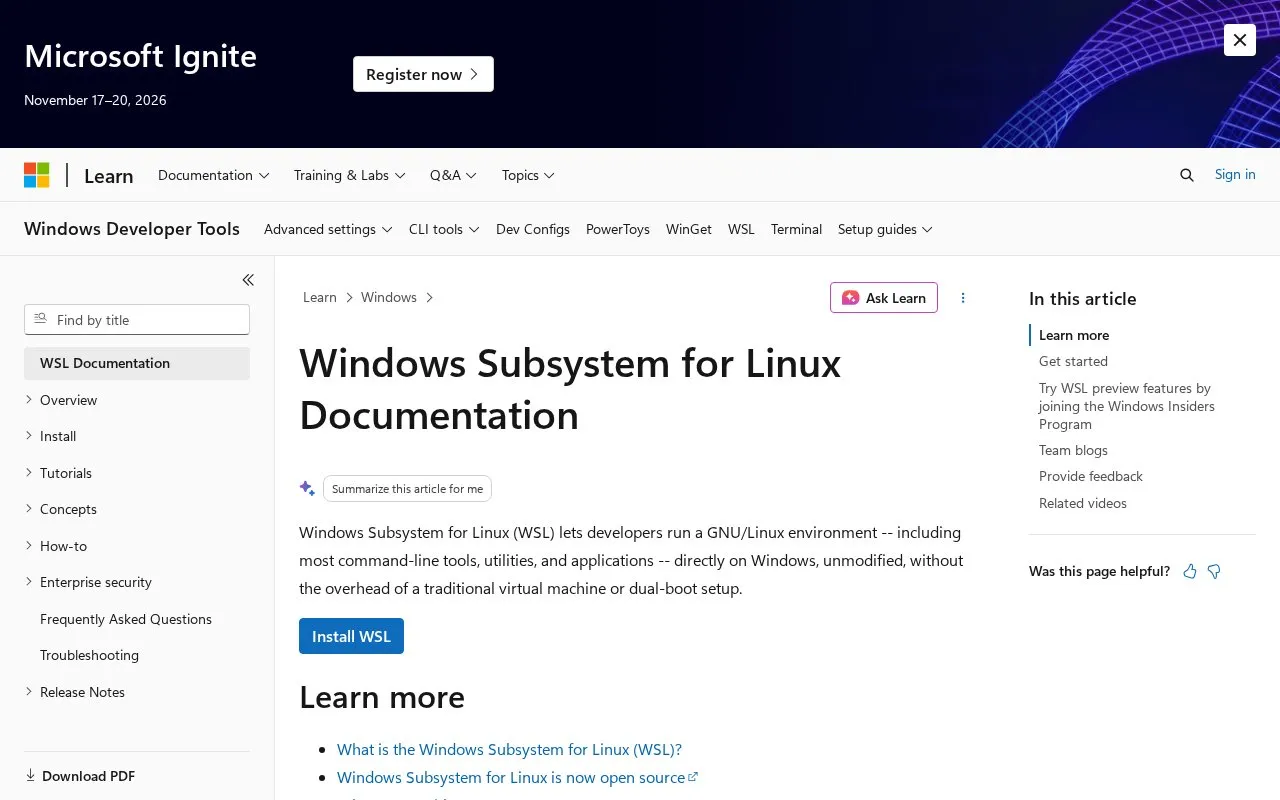
This page on Microsoft Learn is the documentation hub for Windows Subsystem for Linux (WSL). WSL lets developers run a GNU/Linux environment — including most command-line tools, utilities, and applications — directly on Windows, unmodified, without the overhead of a traditional virtual machine or dual-boot setup.
You can use the site to follow install steps for WSL on Windows and Linux on Windows Server, including manual install steps. It also covers what WSL is, what is new with WSL 2, a comparison of WSL 1 and WSL 2, frequently asked questions, and best practices for setting up a WSL development environment. Additional material includes preview information through the Windows Insiders Program, team blogs, and videos grouped into basics, demos, and deep dives.
It suits developers and Windows users who work with Linux command-line tools and want written guides and videos for installation and setup.
Key features
Install guides for WSL and Windows Server
Comparison of WSL 1 and WSL 2
Best practices for WSL development environment
FAQ section for common WSL questions
Videos covering basics, demos and deep dives
Links to GitHub issue trackers for feedback
Best for: Developers on Windows who need documentation for installing and using Linux tools with WSL.
Good for
Covers install, setup and comparison topics in one place
Includes videos for basics, demos and deep dives
Provides GitHub links for feedback and documentation issues
WSL lets developers run a GNU/Linux environment, including most command-line tools and applications, directly on Windows without a virtual machine or dual-boot setup.
How do I install WSL using this site?
The site provides install steps for WSL on Windows, install steps for Linux on Windows Server, and manual install steps.
What is the difference between WSL 1 and WSL 2?
The documentation includes a page comparing WSL 1 and WSL 2 and a page about what is new with WSL 2.
Where can I give feedback on WSL?
The page links to GitHub issue trackers for WSL and for WSL documentation.
Is something wrong or out of date?
Tell us and an editor will check it.
Own this website?
Claim the listing and suggest updates yourself. An editor checks every claim first.