
WhatsApp Chat Exporter parses chat databases from Android or iOS backups and exports readable HTML or structured JSON.
Open source
24 alternativesWts exports WhatsApp conversations from Android and iOS, with cross-platform support for both mobile systems.
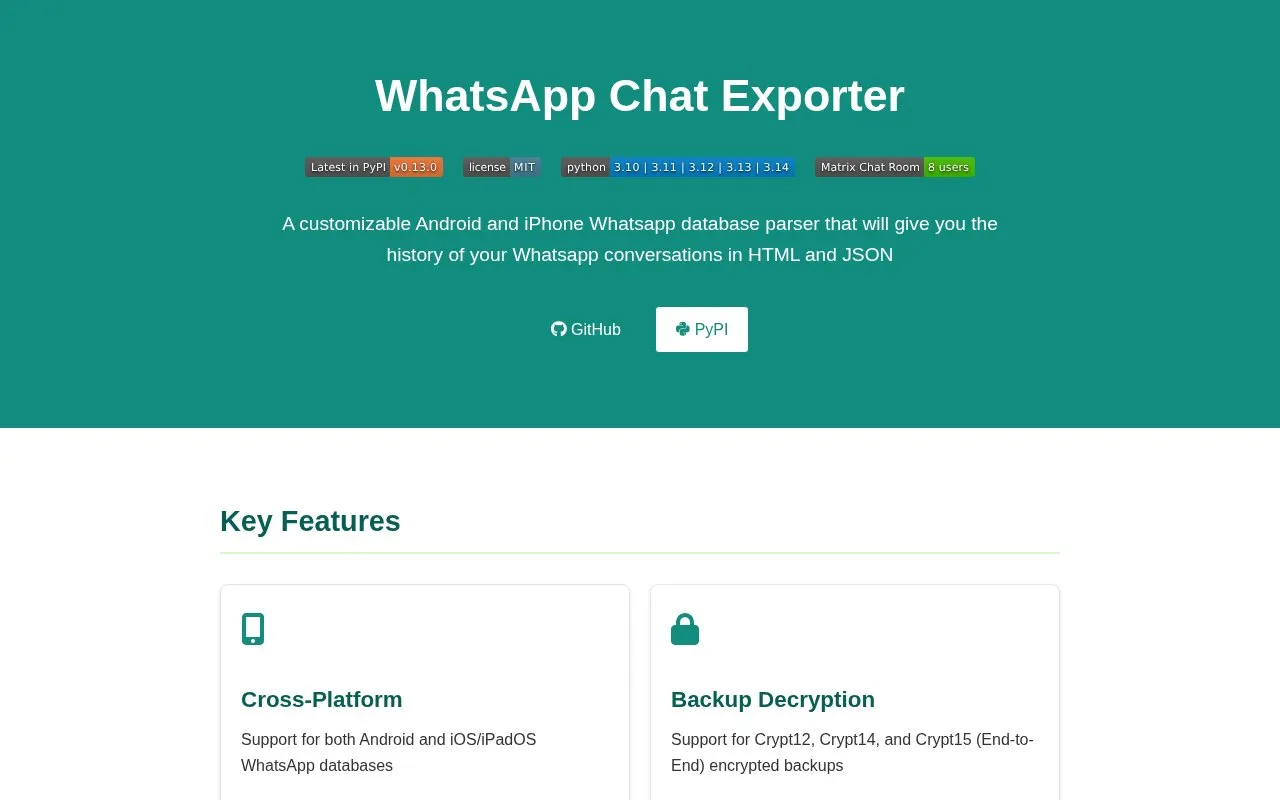
Wts is a tool for exporting WhatsApp conversation history from Android and iOS/iPadOS devices. It reads WhatsApp database files and writes chats to HTML, JSON, or text formats, with media files organized alongside the export. The project's README describes it as a command-line tool installed with pip and run with the wtsexporter command.
Users must first obtain their WhatsApp database files, and the process differs by platform. Android extraction depends on a third-party extractor that the source says works only on Android 4.0 to 13. Encrypted backups (Crypt12, Crypt14, Crypt15) need a decryption key, and the key source depends on the backup type. On macOS, Terminal must be granted Full Disk Access before use. The homepage notes that usage instructions in the README may be removed and points to the project wiki.
Tools and sites you could use instead, ranked by how closely they match.
WhatsApp Chat Exporter parses chat databases from Android or iOS backups and exports readable HTML or structured JSON.
Jitsi provides free, open-source video conferencing for the web and mobile, with options to host calls or integrate the software.
Sila provides messaging for teams and AI agents to work together in the same conversations.
TrringMe provides a WhatsApp Business and omnichannel conversational AI platform for customer engagement.
Twist organizes team collaboration through asynchronous written conversations in a messaging app.
TeamSpeak provides voice communication across platforms, supporting online group conversations.
Well-known listings from the same topic.
Tell us and an editor will check it.
Claim the listing and suggest updates yourself. An editor checks every claim first.


