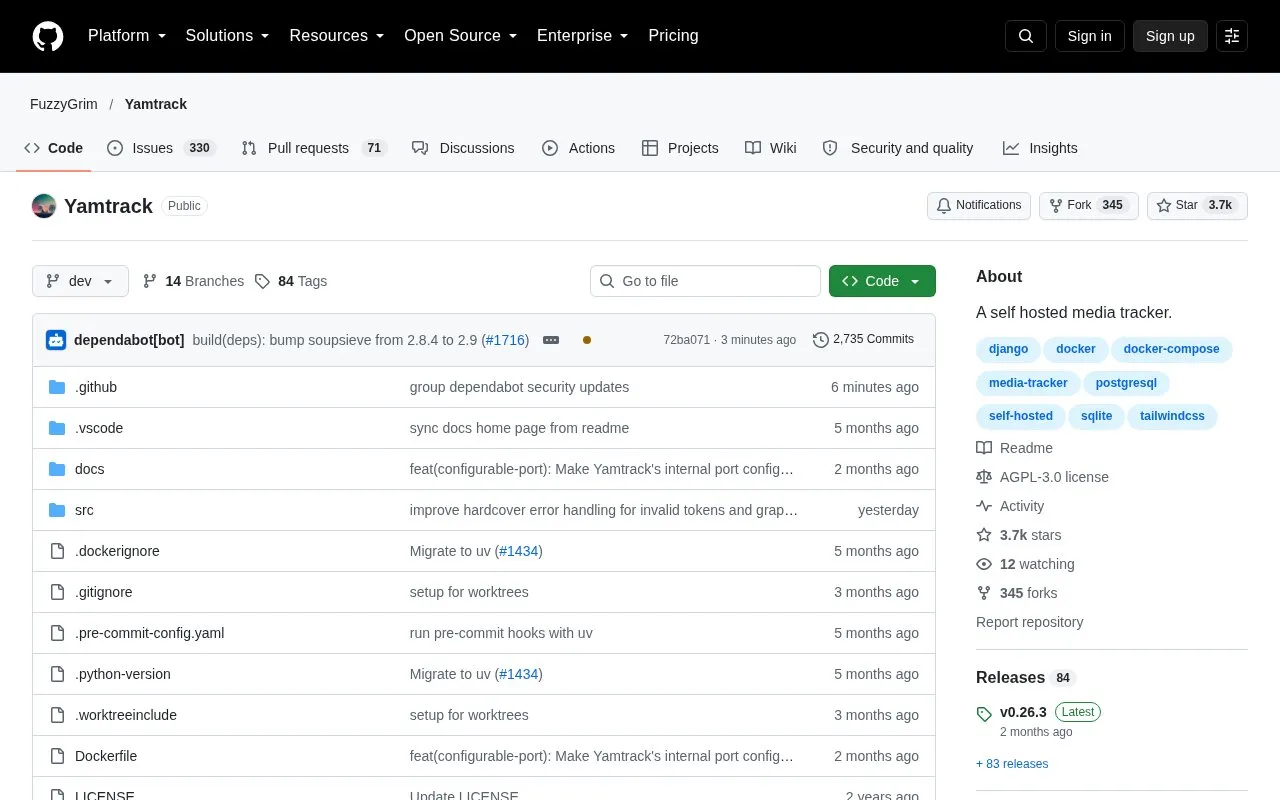
Yamtrack is a self-hosted media tracker that records movies, TV shows, anime, manga, video games, books, comics, and board games in one collection. Users can save scores, status, progress, repeat viewings or readings, start and end dates, and notes, and a tracking history records actions taken on each item. Custom entries can be created for niche media that the supported APIs cannot find.
The project is open source under the AGPL-3.0 license and is deployed with Docker, using docker-compose with SQLite by default or PostgreSQL as an option. The README describes the default SQLite setup as enough for most personal installs. Full setup instructions for PostgreSQL and reverse proxies are in a separate Setup documentation page. Some features depend on external services, such as Jellyfin, Plex, Emby, Trakt, or notification targets through Apprise.
Key features
Tracks movies, TV shows, anime, manga, video games, books, comics, and board games
Season-by-season tracking and individual episode tracking for TV shows
Custom media entries for items the supported APIs cannot find
Calendar of upcoming media with an iCalendar (.ics) URL for external apps
Release notifications through Apprise, including Discord, Telegram, ntfy, Slack, and email
Automatic tracking of media watched through Jellyfin, Plex, and Emby
Best for: Individuals or households who want to run their own tracker for several media types and are comfortable deploying it with Docker.
Good for
Open source under the AGPL-3.0 license, with the source code publicly available on GitHub
Multi-user accounts allow separate individual tracking within one installation
The default Docker Compose file uses SQLite, which the README describes as enough for most personal installs
Watch out for
Requires the user to host and deploy the application, following the Docker setup steps
The README describes the default SQLite setup as sufficient for most personal installs, with other database and proxy setups covered in separate documentation
Integrations and notifications rely on external services such as Jellyfin, Plex, Emby, Trakt, and Apprise-supported platforms
Yes. The README lists a demo at yamtrack.fuzzygrim.com that can be accessed with the username demo and the password demo.
Which database does Yamtrack use?
The default Docker Compose file uses SQLite. The repository also includes a docker-compose.postgres.yml file, and the README points to the Setup documentation for PostgreSQL setup.
Can Yamtrack import data from other tracking services?
Yes. The README lists imports from Trakt, Simkl, MyAnimeList, AniList, and Kitsu, with support for periodic automatic imports. It also lists CSV export and re-import of tracked media.
Is something wrong or out of date?
Tell us and an editor will check it.
Own this website?
Claim the listing and suggest updates yourself. An editor checks every claim first.