
ZoomIt
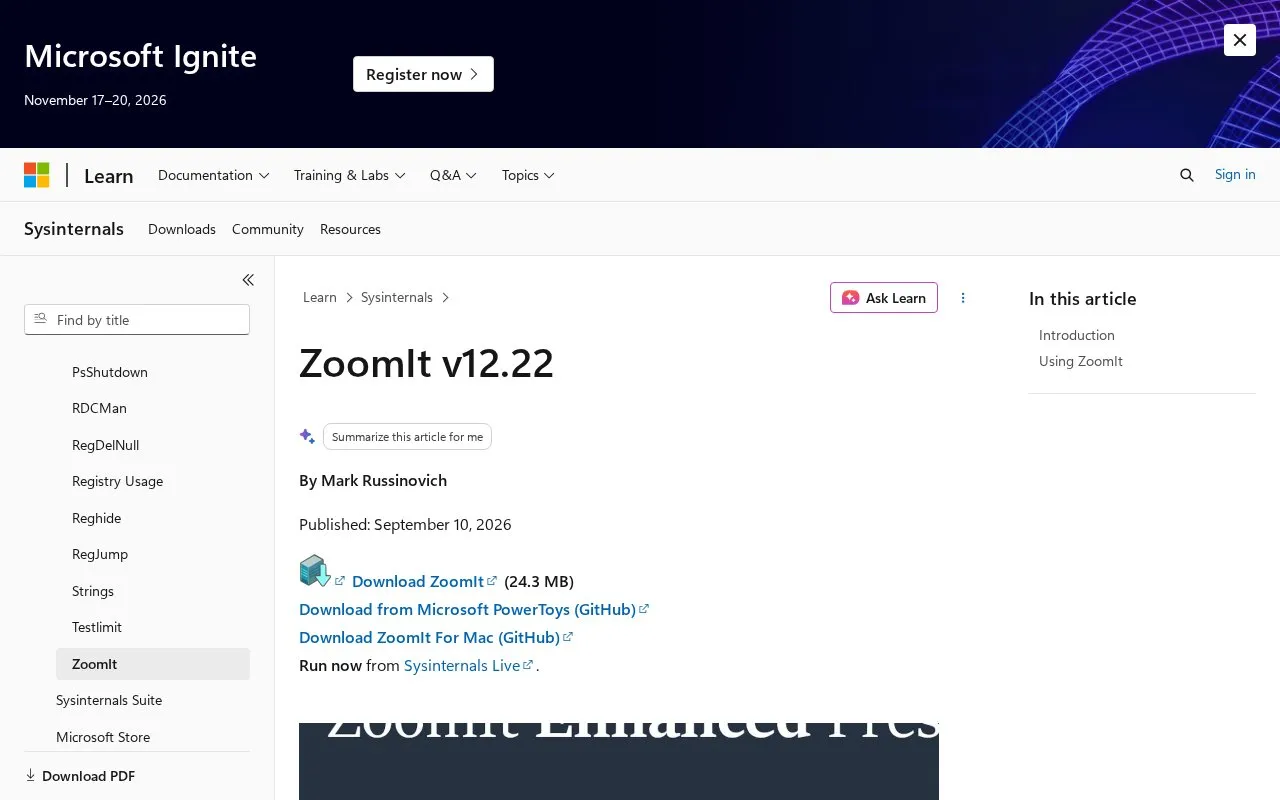
ZoomIt provides screen zooming and drawing tools for presentations, according to Microsoft Learn.
About ZoomIt
ZoomIt is a screen zoom, annotation, and recording tool for technical presentations and demos. It is listed as part of Sysinternals on Microsoft Learn and was written by Mark Russinovich for use in presentations. It runs in the system tray and is controlled with customizable hotkeys.
You can zoom in on an area of the screen, move around while zoomed, and draw on the zoomed image. You can also draw on the screen without zooming, add typed text, use whiteboard and blackboard modes, and use touch and pen input on tablets. Other functions include a break countdown timer, screenshots saved to clipboard or PNG file, cropped screen capture, screen recording to MP4 or GIF, and copying text from a screen region.
It suits presenters and instructors who need to highlight parts of the screen during live demos. Configuration on first run lets you set hotkeys and pen color and size.
Key features
- Screen zoom with hotkeys and pan while zoomed
- Draw on zoomed or native screen with pen colors
- Whiteboard, blackboard and typed text annotation
- Screenshots to clipboard or PNG file, with crop
- Screen recording to MP4 or GIF
- Break countdown timer that runs when minimized
- Runs from system tray with customizable hotkeys
- Supports touch and pen input for drawing
- Combines zoom, annotation, capture and recording
ZoomIt at a glance
- Category
- Productivity › Presentations
- Type
- Online tool
- Pricing
- Not confirmed. Check the site
- Platforms
- macOS, Web, Windows
- Open source
- Not stated
- Language
- English
- Last checked
- Oct 5, 2026 · Online when checked
- Listed
- Oct 5, 2026
Popular in Presentations
Well-known listings from the same topic.


ZoomIt FAQ
What is ZoomIt used for?
How do you control ZoomIt?
Does ZoomIt work on Windows and Mac?
Tell us and an editor will check it.
Claim the listing and suggest updates yourself. An editor checks every claim first.