

On this page
Audacity vs ocenaudio at a glance #
| Factor | Audacity | ocenaudio |
|---|---|---|
| Core price | Free | Free; donations accepted |
| Paid editing tier | None required | None required |
| Platforms | Windows, macOS, Linux | Windows, macOS, Linux |
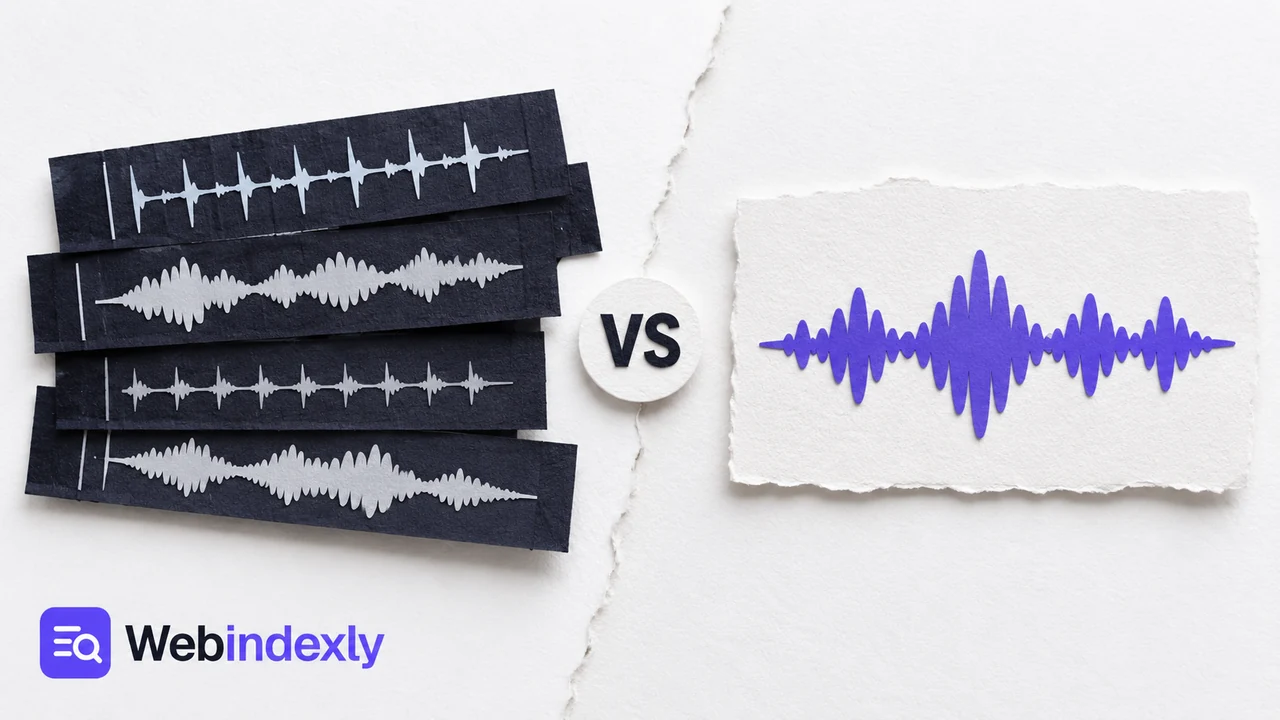
| Timeline | Multitrack project | Single-file waveform editing |
| Duration limit | No paid duration quota | Vendor advertises no file-length limit |
| Processing | Local desktop; optional cloud services | Local desktop |
| Formats | Common audio formats; optional FFmpeg extends support | Common waveform/audio formats |
| Effects | Built-in repair, EQ and dynamics; plugins | Built-in effects and real-time preview; VST |
| Multiple separated selections | Standard selection workflow | Multi-selection for separate regions |
| Plugins and automation | VST3 and other supported effects; scripting options | VST effects; less project automation |
| Open source | Yes | No; freeware |
| Maintenance | Audacity 4.0.1 available at check | Current downloads and maintained changelog |
| Account requirement for local edits | None | None |
| Best project example | Host, guest and music on separate tracks | Trim and adjust one exported interview |
The Audacity download documentation and ocenaudio feature page support the basic comparison. Neither editor turns an underpowered computer into an unlimited recording workstation. Very large files still depend on memory, disk space and audio hardware.
Several tracks change the choice #
Suppose you have a host recording, a guest recording and a short music intro. In Audacity, each can remain separate. You can move the guest's answer, lower the intro beneath the first sentence and replace one take without rebuilding the whole program.
In ocenaudio, the normal unit of work is an individual audio file. You can edit a mixed interview very effectively, but you can't recover independently adjustable speakers from an already mixed recording. The same limitation applies to any editor once the source has been flattened into one file.
This is why I wouldn't pick an application by the word podcast alone. A solo episode recorded as one file needs different controls from a remote interview with separate microphones. The second project benefits from a timeline even if the finished episode sounds simple.
For music, Audacity gives you layered recordings but doesn't come with GarageBand's approach to instruments and song building. If you're still composing the backing track, a DAW can be a better choice than either editor here. If you've already recorded the parts and need to assemble them, Audacity is a sensible free option.
Winner for arrangement: Audacity.
Effect previews make single-file work less fussy #
ocenaudio's real-time preview is its strongest reason to win a straightforward waveform job. Hear an EQ adjustment while changing it, then decide whether the voice needs less low-end rumble or a gentler high-frequency boost. You spend less time managing a chain of apply-and-undo decisions.
Its multi-selection also helps with separated regions. Imagine three answers in an interview that need the same treatment, with louder material between them. Selecting the three regions together can avoid repeating the same adjustment one section at a time.
Audacity has preview controls and realtime effects, but its broader workspace asks you to understand tracks, clips and effect types. That flexibility pays off when effects belong to different tracks. It can feel like extra setup when you're changing a single short file.
I wouldn't assume that hearing an effect immediately makes the chosen setting correct. Listen to the whole phrase, particularly breaths and consonants. A louder preview can initially sound better even when the processing has made speech harsher. Comparing at a similar volume gives you a fairer decision.
For a website sound, preview the file in the context where visitors will hear it. A click sound that seems modest in an editor may be startling beside quiet page audio. That listening decision matters more than choosing the application with the longer effects menu.
Winner for quick waveform adjustments: ocenaudio.
Audacity 4 asks returning users to relearn parts of the interface #
Audacity's current generation changes more than the color of the controls. The project rebuilt the interface, which can disrupt habits formed around older versions. An editor you know well can briefly become slower while you learn where commands moved.
In a September 2026 Audacity forum discussion, a long-time user liked the direction of version 4 but returned to 3.7.9 for work. A maintainer's reply separated intentional changes, awkward implementations and bugs, and said missing items were queued for later releases. That's the detail I'd consider before changing an established production setup.
For a new user, the old arrangement isn't a habit to lose. For a returning editor, matching a tutorial's version can save frustration. I'd finish a deadline project in the environment that already opens it correctly, then learn the newer interface with a copy of a small project.
ocenaudio avoids the same multitrack learning curve because it concentrates on the waveform. Its weakness is that the easier initial experience doesn't create an arrangement workspace later. Moving from one file to several independently editable sources means choosing another editor.
Winner for a simple first session: ocenaudio.
Plugins, editable projects and local files matter after the first cut #
Audacity's broader plugin and scripting support becomes valuable when a job repeats. A recurring interview series might use the same cleanup process and export settings, while still needing a person to check the audio. The application can support that growing workflow more comfortably than a narrowly focused file editor.
ocenaudio supports VST effects and detailed waveform analysis. Those features can be enough for an editor who works on one recording at a time. Plugin compatibility still depends on the operating system and plugin build. A plugin carrying the right product name isn't necessarily the right binary for your computer.
Local storage is an advantage of both applications. You can work on recordings without turning a cloud service into the project hub. Audacity also offers optional online features; using the desktop editor doesn't require making every recording a cloud project.
The difference is what you need to keep editable. A finished WAV or MP3 is easy to hand off, but it doesn't preserve the track arrangement. Audacity projects retain project structure. With ocenaudio, the edited audio file is central. Decide whether the next person needs a finished sound or the ability to revise each source separately.
File exchange also has a quality cost. Exporting a lossy sharing copy is appropriate at the end; repeatedly handing that copy between editors adds avoidable processing. A lossless handoff format is the cleaner choice while the recording is still being revised.
Winner for a growing repeatable project workflow: Audacity.
What users say #
The Audacity forum story above is a reminder that a major update can earn praise and still disrupt a working routine. I wouldn't read enthusiasm for a redesign as a promise that every established shortcut and behavior is unchanged.
A 2026 podcasting discussion recommended ocenaudio as a friendlier alternative for straightforward recording work. That fits its narrower interface. Its appeal is strongest before you need several independent tracks, which is also where a first-time editor can finish fastest.
My choice follows the source files. If the recording is already mixed, ocenaudio has a strong case. If the project has several recordings that must stay adjustable, I would start in Audacity even when its interface takes longer to learn.
Choose Audacity if you need layered control #
- You have separate speaker, music or sound-effect recordings.
- You want to keep several tracks editable for later revisions.
- Plugins and repeatable processing are part of your workflow.
- You prefer an open-source project.
Choose ocenaudio if one file is the job #
- You trim and adjust individual voice recordings.
- You want to hear effects while changing their settings.
- You regularly process several separated regions alike.
- You prefer fewer project controls on screen.
The free audio-editor shortlist covers browser and music-production options too. For a spoken recording with steady hiss, follow background-noise removal in Audacity.
Alternatives to both #
GarageBand is the stronger Apple option for making songs with instruments and loops. BandLab is more convenient when the project needs browser and mobile collaboration. AudioMass can finish a small browser edit without installation. Tenacity offers another free desktop multitrack workflow.
For audio destined for video, keep the final encoding step separate from editing decisions. Our HandBrake vs Shutter Encoder comparison explains the choice between a sharing copy and files prepared for further editing.
FAQ #
Is ocenaudio free for editing long recordings?
Yes. ocenaudio is free, and its official feature page advertises no limit on the length or number of files you can edit. Your computer still sets the practical ceiling. Its single-file workflow is the more important restriction if you want a long recording assembled from several independently editable tracks.
Can ocenaudio replace Audacity for a podcast?
Yes, when the podcast is one mixed recording that needs cuts and effects. I'd keep Audacity for separate microphones, layered music or projects with several takes. The word podcast doesn't settle the decision. Look at the recordings you have and the parts that must remain adjustable before choosing an editor.
Who makes Audacity and ocenaudio?
Audacity is an open-source project maintained by its development team, with official information published through Audacity's website and repository. ocenaudio is developed by its own team and grew from work at a Brazilian research group. ocenaudio is freeware; Audacity's source code is available under its published license.
Do I need an account to use either editor?
No account is required for ordinary local desktop editing in either application. Download the correct installer from the official project and work with files on your computer. Audacity's optional cloud features are separate from that local workflow. A web tutorial mentioning a login may be describing an additional service.
Sources #
Product details come from Audacity downloads, the current Audacity manual, ocenaudio features and ocenaudio's donation page. The Audacity forum and podcasting discussion linked above support the user-feedback sections.
Directory details
| Directory detail | Audacity | ocenaudio |
|---|---|---|
| What it is | Audacity is a free, open-source audio editor and recorder for Windows, macOS and Linux. It supports multitrack editing, audio format conversion and effects plugins. | Cross-platform audio editing is available through ocenaudio, which describes itself as easy to use and provides downloads for Windows and other platforms. |
| Website | ||
| Type | App | Website |
| Topic | ||
| Pricing | Free | Not confirmed |
| Platforms | Linux, macOS, Windows | Web, Windows |
| Open source | Yes | Not stated |
| Language | English | — |
| Alternatives | — |