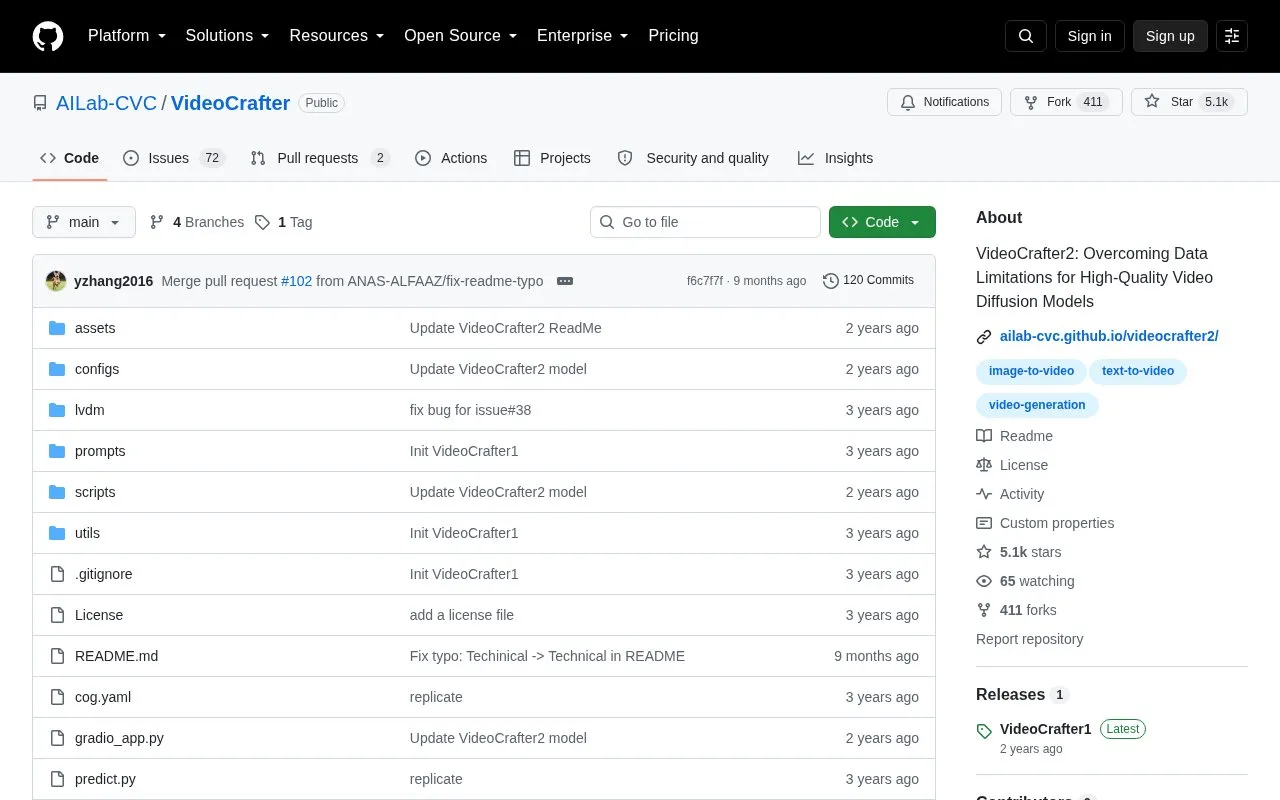
VideoCrafter is a video generation and editing toolbox published by AILab-CVC as a GitHub repository. It provides diffusion models for generic text-to-video generation and image-to-video generation, with VideoCrafter2 presented as an update aimed at overcoming data limitations for high-quality video diffusion.
Key features
Text-to-video generation from written prompts
Image-to-video generation from a starting image
Pretrained checkpoints distributed through Hugging Face
Checkpoints at 320x512, 576x1024 and 640x1024 resolutions
Local Gradio demo run with python gradio_app.py
Inference through provided shell scripts
Best for: Developers and researchers with Python and command-line experience who want to run video diffusion models on their own machines.
Good for
Covers both text-to-video and image-to-video generation in one repository
Provides pretrained checkpoints and inference scripts
Includes a local Gradio demo for interactive use
Watch out for
Requires manual environment setup with Anaconda and Python 3.8.5
Model checkpoints must be downloaded separately and placed in specific directories before inference
Resolution is fixed per checkpoint rather than adjustable per generation
What resolutions are available across the checkpoints?
Text-to-video checkpoints are listed at 320x512 (VideoCrafter2) and 576x1024 and 320x512 (VideoCrafter1). Image-to-video checkpoints are listed at 640x1024 and 320x512, both for VideoCrafter1.
What is needed to run a model locally?
Create an Anaconda environment with Python 3.8.5, install the requirements file, download the relevant pretrained checkpoint from Hugging Face into the matching checkpoints directory, then run the corresponding script or the Gradio app.
Is there a way to create videos without running the code locally?
The repository README invites users to join Discord/Floor33 to create films, alongside the local inference options.
Is something wrong or out of date?
Tell us and an editor will check it.
Own this website?
Claim the listing and suggest updates yourself. An editor checks every claim first.