

Stream Nintendo Switch gameplay to a computer over USB or a network with SysDVR.
Open source
24 alternativesStream VR games from a PC to a headset over Wi-Fi with ALVR, an open-source streaming application.
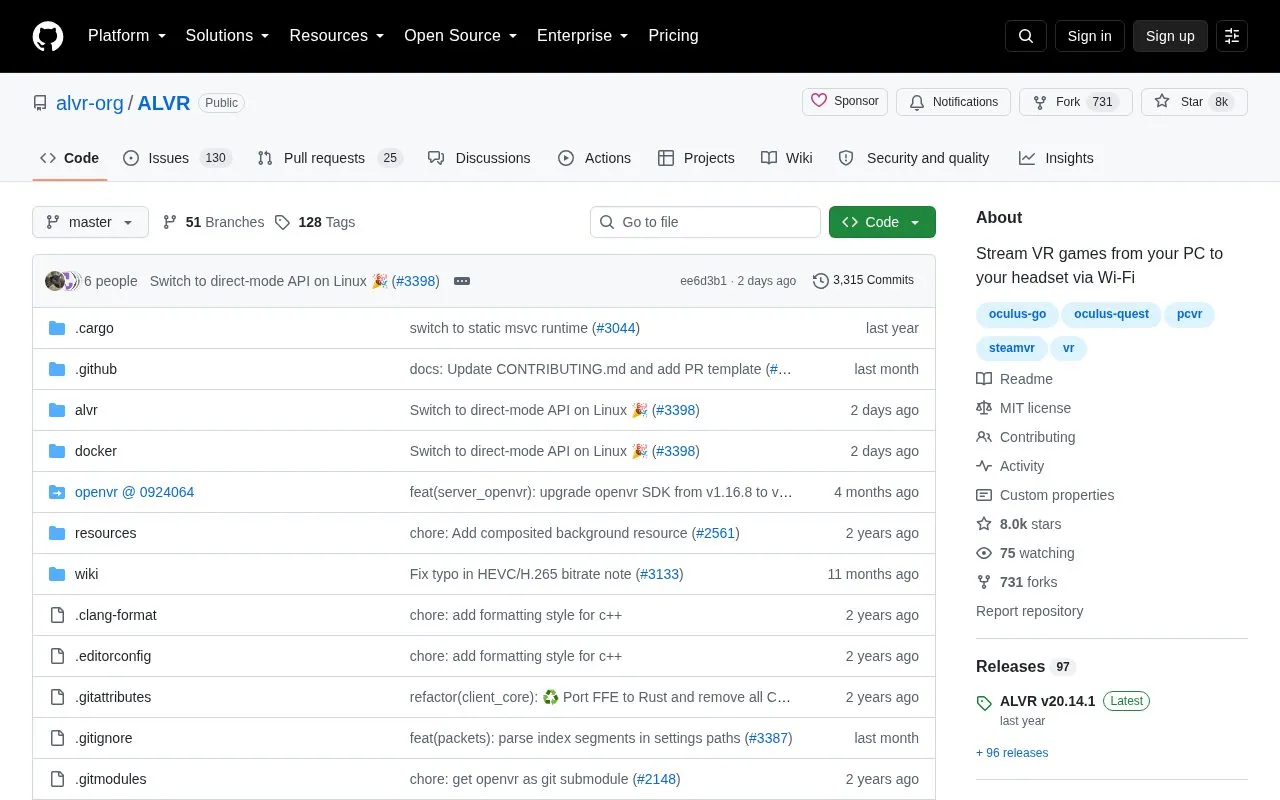
ALVR is installable open-source software that streams VR games from a PC to a supported standalone VR headset over Wi-Fi. It is licensed under the MIT License and is offered as Windows and Linux launchers. Users need SteamVR installed on the PC to use it.
Pricing is not clearly stated.
Tools and sites you could use instead, ranked by how closely they match.
Stream Nintendo Switch gameplay to a computer over USB or a network with SysDVR.
Greenlight provides an open-source client for Xbox's cloud play service and home streaming.
ludusavi backs up PC game save data, helping users preserve progress across supported games.
Adwaita-for-Steam applies a GNOME-inspired skin to Steam, with installation notes about themes resetting after updates.
Manage Steam game depots and select older game versions with this DepotDownloader interface.
Customize the Steam Client with themes and plugins using the Millennium open-source framework.
Well-known listings from the same topic.
Tell us and an editor will check it.
Claim the listing and suggest updates yourself. An editor checks every claim first.


