

TTS Online converts text into speech with more than 100 voices in 27 languages and MP3 downloads.
Free
24 alternativesAnyVoiceLab converts long passages of text into speech, with support for up to 50,000 characters.
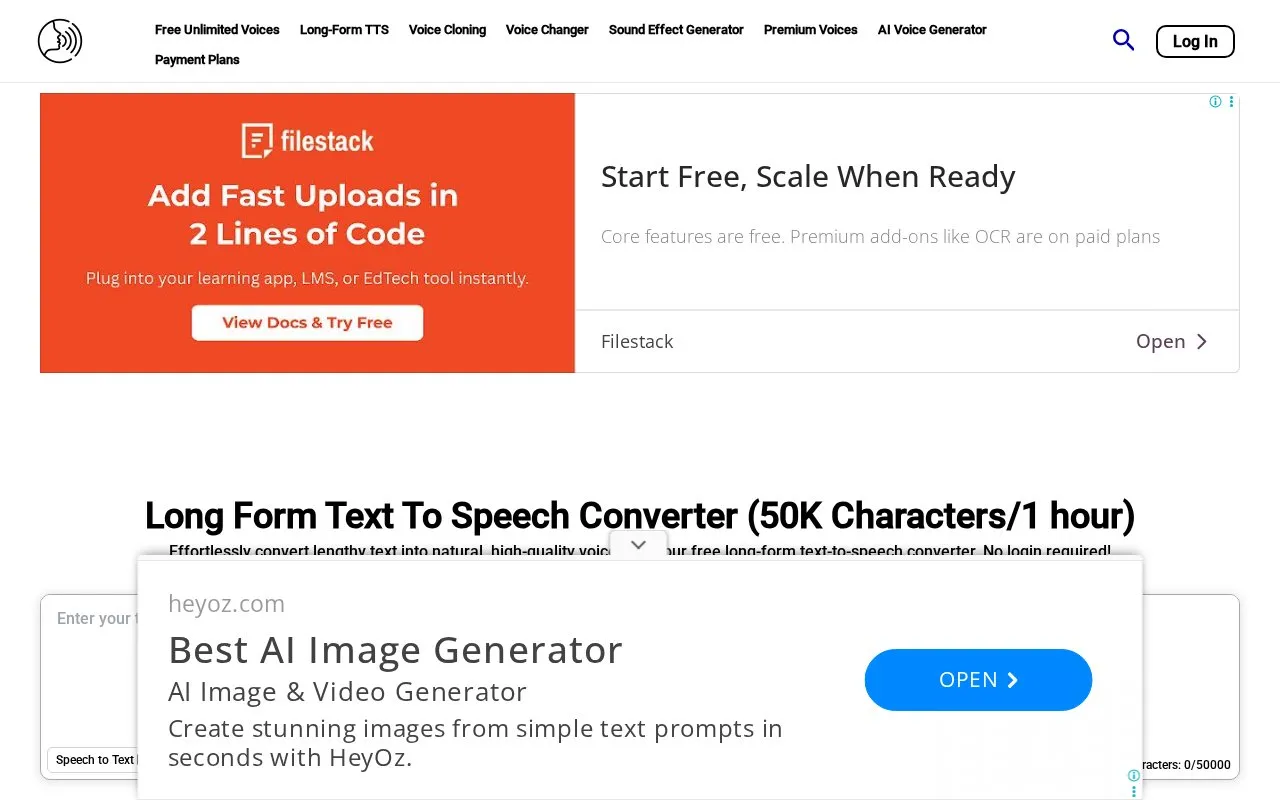
AnyVoiceLab provides a long-form text-to-speech converter where users paste text, choose a voice, and generate spoken audio for download. The page advertises up to 50,000 characters per conversion, described as about 60 minutes of audio.
Free conversions are queued and can take time, with a resume control for chunks that fail to generate. The timeline editor for pauses, speed changes, splitting and merging is marked as a premium feature, and audio generated under free terms cannot be used commercially.
Tools and sites you could use instead, ranked by how closely they match.
TTS Online converts text into speech with more than 100 voices in 27 languages and MP3 downloads.
Voicemaker converts text to speech with more than 2,000 AI voices in 130 languages and lets users download audio in MP3 or WAV format.
Ondoku converts text to speech and can save the resulting audio as MP3 files.
Woord converts text to speech with more than 100 voices and provides MP3 downloads and a text-to-speech API.
Gemini 3.1 TTS converts text to expressive speech, with more than 70 languages and 30 voices listed on its page.
beepbooply converts text to speech using more than 900 voices across 80 languages and lets users download the generated audio.
Well-known listings from the same topic.
Tell us and an editor will check it.
Claim the listing and suggest updates yourself. An editor checks every claim first.


