

beepbooply converts text to speech using more than 900 voices across 80 languages and lets users download the generated audio.
Paid
24 alternativesVoicemaker converts text to speech with more than 2,000 AI voices in 130 languages and lets users download audio in MP3 or WAV format.
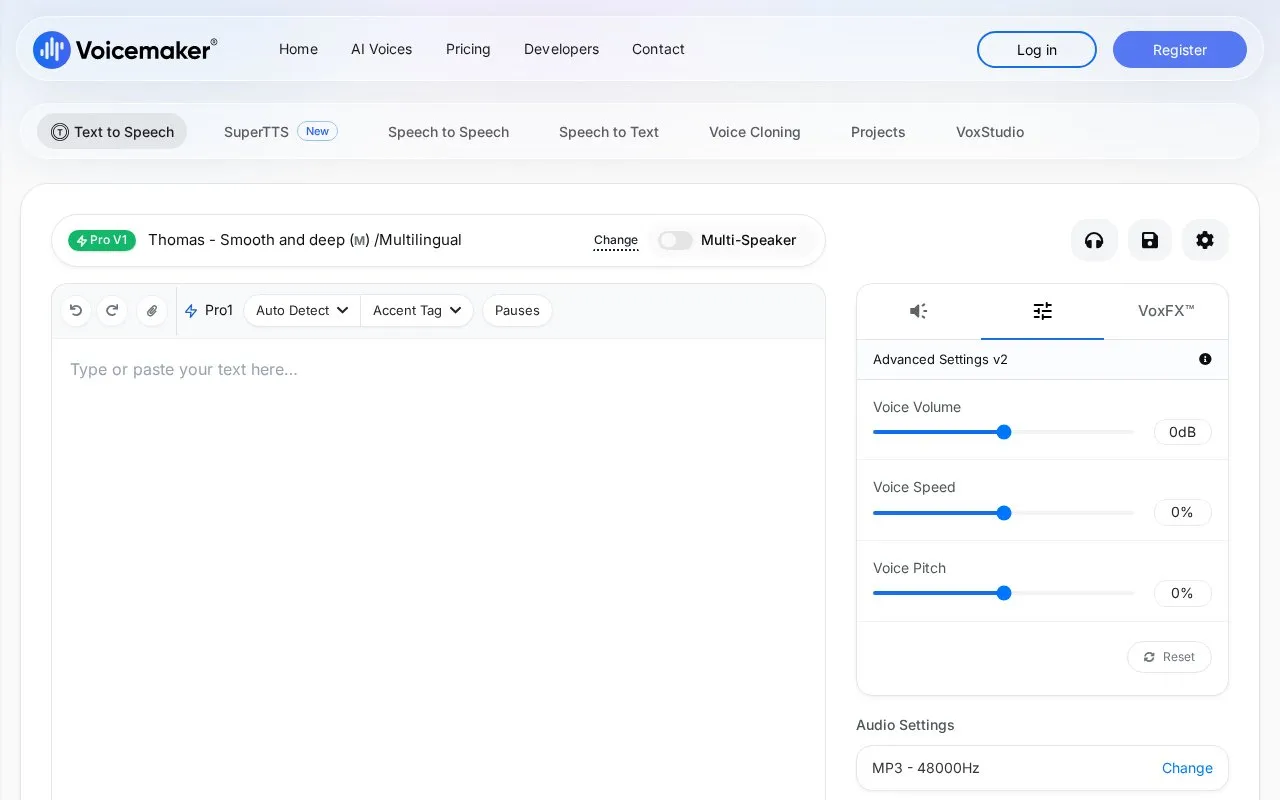
Voicemaker converts written text to spoken audio. Users can type text or upload PDF, text, or DOC files, choose from more than 2,000 AI voices in 130 languages, and download the result as audio.
It includes controls for pauses, pitch, speed, volume, and emphasis, plus subtitle file generation and multiple audio formats and sample rates. Pronunciation editing and voice profiles require paid plans, and custom pause settings work only with Default voices and specified Pro voices.
Tools and sites you could use instead, ranked by how closely they match.
beepbooply converts text to speech using more than 900 voices across 80 languages and lets users download the generated audio.
TTS Online converts text into speech with more than 100 voices in 27 languages and MP3 downloads.
Gemini 3.1 TTS converts text to expressive speech, with more than 70 languages and 30 voices listed on its page.
VoicePal reads documents, text and web articles aloud using offline voices in multiple languages, with apps listed for Windows, Mac and Android.
Woord converts text to speech with more than 100 voices and provides MP3 downloads and a text-to-speech API.
ElevenReader reads text, ebooks, PDFs, and audiobooks aloud with text to speech voices.
Well-known listings from the same topic.
Tell us and an editor will check it.
Claim the listing and suggest updates yourself. An editor checks every claim first.


