

PlainScribe transcribes and translates audio or video into 47 languages and can produce summaries and subtitles.
Freemium
24 alternativesVEED generates subtitles for video and audio, with language and social video options.
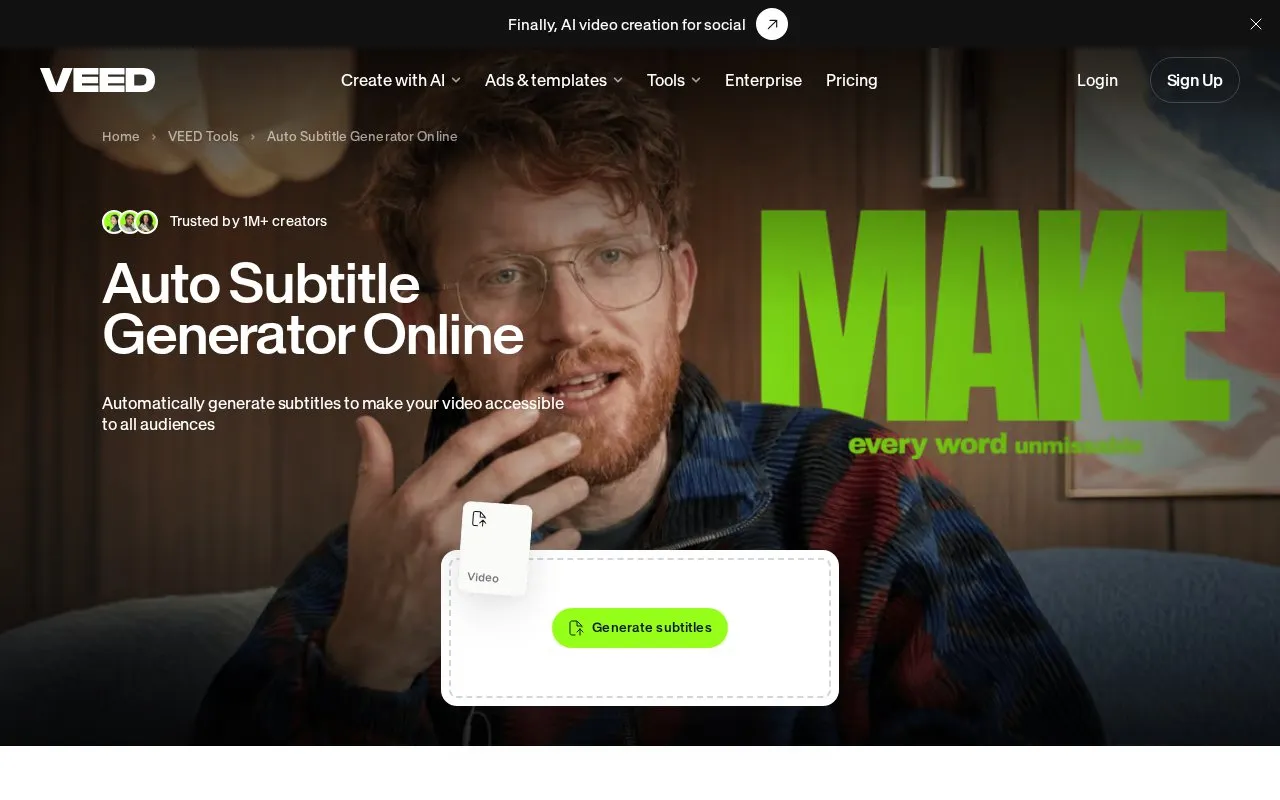
Auto-Subtitle is an online tool from VEED for adding subtitles to video and audio files. It runs on web and iOS and is part of VEED's video editing platform.
You can upload a video or audio file and select Auto Subtitle to generate captions. You can choose from 125+ languages, edit the text lines, and adjust font, size, color, and animation. The editor supports dynamic subtitles for Reels, Shorts, and TikTok, and can translate videos for other languages. Finished work can be exported as video with burned-in subtitles, or downloaded as SRT, VTT, or TXT files. Audio files such as MP3 and WAV can also be transcribed.
It suits creators posting social video, teams working with meetings and interviews, and anyone who needs captions for accessibility or viewing without sound.
Tools and sites you could use instead, ranked by how closely they match.
PlainScribe transcribes and translates audio or video into 47 languages and can produce summaries and subtitles.
EKHOS AI transcribes audio and video, with the product describing transcription as private and not cloud-based.
Good Tape transcribes audio and video, with support for more than 100 languages.
Wave is an AI note taker that records, transcribes, and summarizes meetings, phone calls, and lectures across phone, desktop, and watch devices.
AudioPen transcribes voice notes and rewrites them as clear text in a style chosen by the user.
TalkNotes records voice notes, transcribes them, and structures the content into organized notes for later use.
Well-known listings from the same topic.
Tell us and an editor will check it.
Claim the listing and suggest updates yourself. An editor checks every claim first.


