

Cockatoo transcribes audio and video into text using AI, with the site promoting its transcription service.
EKHOS AI -
EKHOS AI transcribes audio and video, with the product describing transcription as private and not cloud-based.
About EKHOS AI -
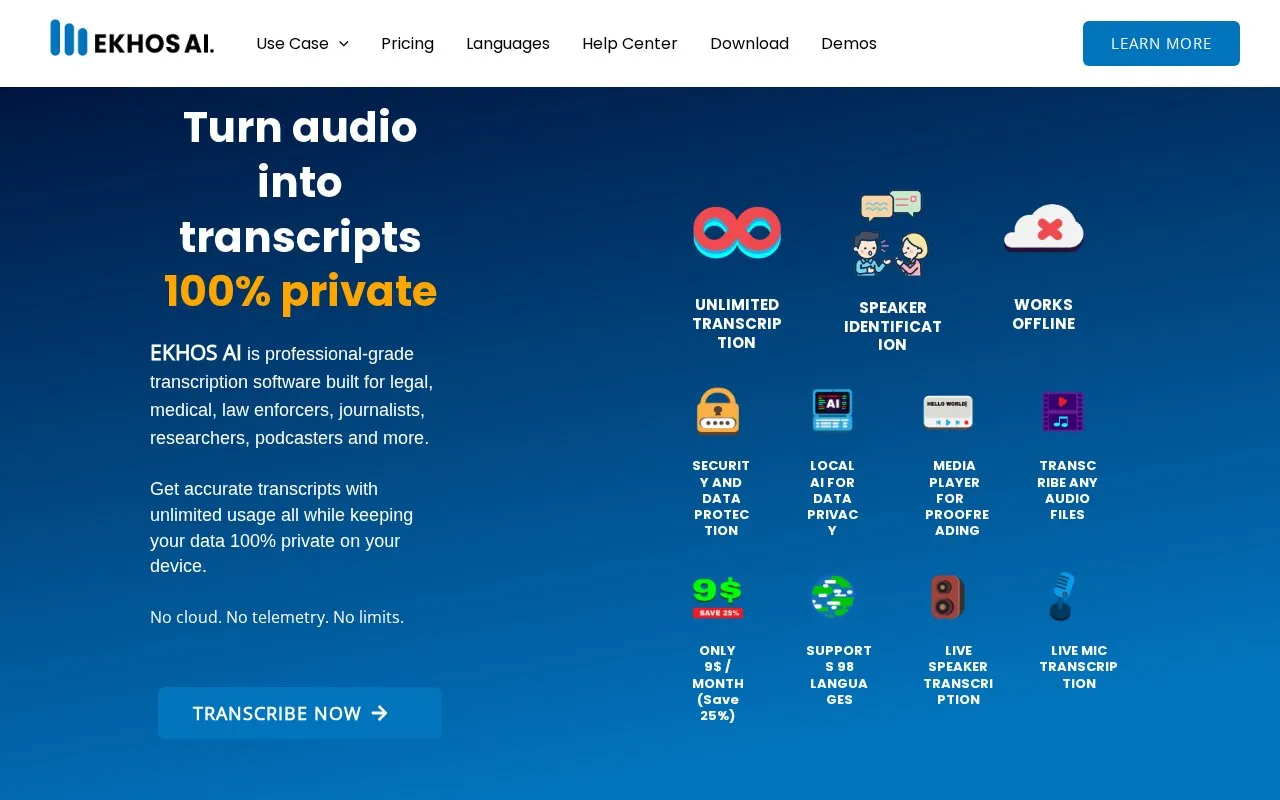
EKHOS AI is transcription software for Windows that converts audio and video files into transcripts. The homepage states that files and transcripts are processed locally on the user's computer, that they are stored on that computer, and that no files or transcripts are sent externally during transcription. These are the vendor's statements and are not independently verified.
The software supports speaker identification and labeling, real-time transcription from a microphone or speaker audio, and bulk transcription through a built-in queue. It supports 98 languages. A built-in media player and tracks editor allow users to review and correct transcripts against playback. Transcripts are encrypted in a local database, and the homepage describes transcript masking and a read-only mode. Using the software requires creating an account with a full name and email address, confirming the email, and installing the application from the Microsoft Store. The homepage says offline transcription is available after sign-in, and that users can stay signed in for up to 30 days. GPU acceleration is described for NVIDIA GPUs, and the homepage refers to separate hardware requirements.
Key features
- Transcribes audio and video files such as MP3, MP4, WAV, MKV, AVI, and MPEG
- Speaker identification and labeling in transcripts
- Real-time transcription from microphone or speaker audio
- Supports 98 languages, including English, German, French, and Japanese
- Bulk transcription using a built-in queue
- Built-in media player with a tracks editor that highlights segments during playback
Best for: Professionals in legal, healthcare, research, education, and media work who need to transcribe sensitive recordings on their own Windows computer.
Good for
- The homepage states that processing and storage happen on the user's device, with no external transmission of files or transcripts during transcription
- Homepage testimonials describe the interface as intuitive and simple, and report responsive customer support
- The homepage states that the sign-up process collects only a full name and email address
Watch out for
- The homepage describes the software as Windows-only
- Use requires creating an account and confirming an email address before the software can be used
- The homepage describes GPU acceleration only for NVIDIA GPUs, and detailed hardware requirements are on a separate page
EKHOS AI - at a glance
- Website
- ekhos.ai
- Category
- AI & Machine Learning › AI Speech Transcription
- Type
- Website
- Pricing
- Not confirmed. Check the site
- Platforms
- Web
- Open source
- Not stated
- Language
- English
- Last checked
- Oct 6, 2026 · Online when checked
- Listed
- Oct 5, 2026
EKHOS AI - alternatives
Tools and sites you could use instead, ranked by how closely they match.

AI transcription & translation for audio/video. Two services: transcribe or translate in 50+ languages. 98% accuracy, pay-as-you-go.

VEED generates subtitles for video and audio, with language and social video options.
Freemium
24 alternatives
Cleft captures spoken thoughts and turns them into structured notes, with on-device transcription and offline recording.

Otter AI Meeting Agent supports real-time transcription, live chat, automated summaries, insights, and action items.

Sonix transcribes audio and video in more than 54 languages, with AI summaries and editing tools.
Popular in AI Speech Transcription
Well-known listings from the same topic.
Wavewave.coRev.airev.aiGood Tapegoodtape.ioTalkNotestalknotes.ioSpeech to Notespeechtonote.comMacWhispermacwhisper.com


EKHOS AI - FAQ
Does EKHOS AI need an internet connection to transcribe?
The homepage says offline transcription becomes available immediately after signing in, and that no internet access is needed for it.
Is an account required?
Yes. Sign-up requires a full name and email address, and the email must be confirmed through a verification link before installation. The homepage also mentions a free sign-up option.
What personal information does sign-up collect?
According to the homepage, sign-up requires only a full name and email address and does not collect other personal information. The Privacy Policy is linked for more detail.
Is something wrong or out of date?
Tell us and an editor will check it.
Own this website?
Claim this listing
Claim the listing and suggest updates yourself. An editor checks every claim first.