

The whisper.cpp repository provides a C and C++ port of OpenAI’s Whisper model.
Open source
24 alternativesVocova transcribes audio and video into text in more than 100 languages and accepts imports from named services.
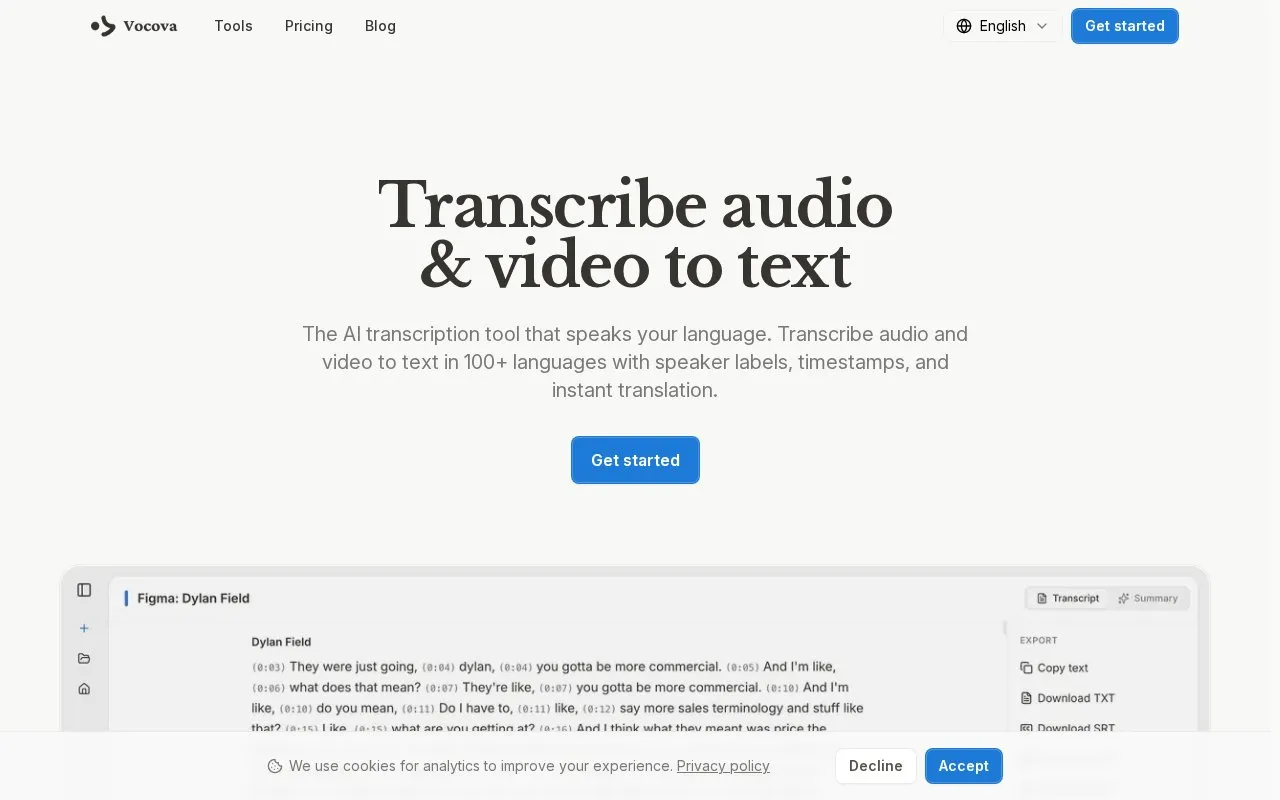
Vocova is a web-based tool that transcribes audio and video files into text. It supports more than 100 languages, with automatic language detection or manual selection. Transcripts include speaker labels and word-level timestamps, and each transcript comes with an AI-generated summary. Users can edit the text, speakers, and timestamps inline, and export the transcript as PDF, DOCX, SRT, VTT, TXT, or CSV.
Transcripts can also be translated into more than 140 languages and viewed side by side with the original text. Files can be uploaded, imported from public or shared links such as YouTube, or pulled from connected Google Drive or Dropbox accounts. Uploads are limited to 500MB. The site states that it is free to start and that no credit card is required for the free plan, but the scope of that plan is not described, so pricing is unconfirmed. Audio and transcripts are stored in the cloud, and the site says they are accessible only to the user and not shared, though cloud storage and imports from external services mean this should be assessed in light of the user's own requirements.
Tools and sites you could use instead, ranked by how closely they match.
The whisper.cpp repository provides a C and C++ port of OpenAI’s Whisper model.
Sonix transcribes audio and video in more than 54 languages, with AI summaries and editing tools.
PlainScribe transcribes and translates audio or video into 47 languages and can produce summaries and subtitles.
WhisperAPI transcribes audio and video through an API powered by OpenAI Whisper, with support for more than 98 languages.
Good Tape transcribes audio and video, with support for more than 100 languages.
AI transcription & translation for audio/video. Two services: transcribe or translate in 50+ languages. 98% accuracy, pay-as-you-go.
Well-known listings from the same topic.
Tell us and an editor will check it.
Claim the listing and suggest updates yourself. An editor checks every claim first.


