

Build machine learning applications with Delta, an open-source framework implemented in Rust.
Open source
24 alternativesCandle provides a minimalist Rust framework for machine learning model development and execution tasks.
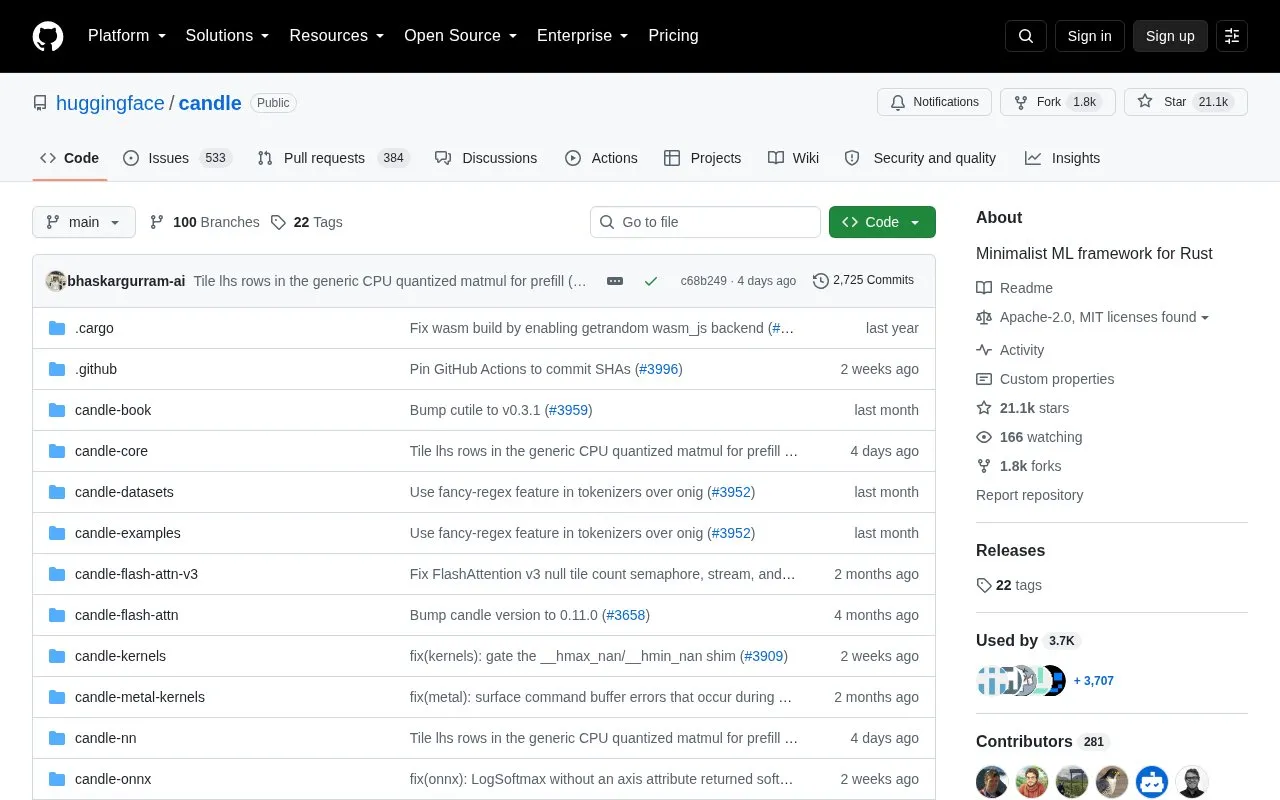
Candle is a minimalist machine learning framework for Rust with a focus on performance, including GPU support, and ease of use. It handles tensor operations on CPU and CUDA GPU devices and provides examples for language models, text-to-image generation, object detection, image segmentation, and audio models including speech recognition and text-to-speech.
Some examples are available as online demos that run entirely in the browser, including YOLO for pose estimation and object recognition, Whisper for speech recognition, LLaMA2 and T5 for text generation, Segment Anything for image segmentation, and BLIP for image captioning.
Tools and sites you could use instead, ranked by how closely they match.
Build machine learning applications with Delta, an open-source framework implemented in Rust.
Crowdsourced AI prompts are organized into modular task patterns by Fabric, an open-source framework.
Tensorforce provides a TensorFlow library for applied reinforcement learning tasks.
Catniff provides JavaScript developers with a Torch-like deep learning framework.
Kubeflow provides a machine learning toolkit for deploying workflows on Kubernetes.
DyNet provides tools for building dynamic neural networks and deep learning models.
Well-known listings from the same topic.
Tell us and an editor will check it.
Claim the listing and suggest updates yourself. An editor checks every claim first.


