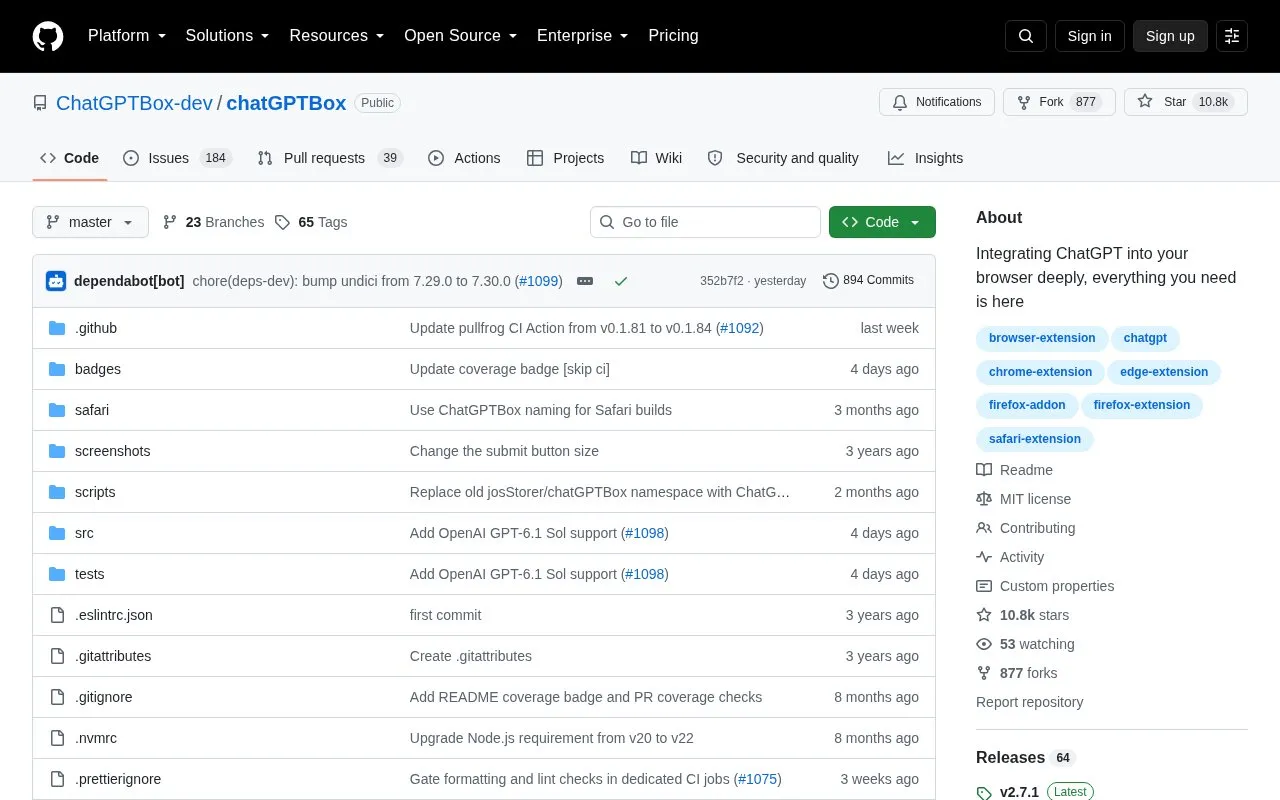
ChatGPTBox is an open-source browser extension that adds ChatGPT access to web pages. It provides a chat dialog on any page, page summarization from the right-click menu, search-engine integration, site integrations, and tools for selected text such as translation, summarization, and code explanation.
The repository states the extension does not collect data and sends prompts or page content to the configured AI service only when an AI-powered feature is triggered. It supports multiple APIs and custom API addresses, including Custom Model mode for OpenAI-format endpoints.
Key features
Open a chat dialog on any page with a keyboard shortcut
Summarize pages using the right-click menu
Display AI responses alongside mainstream search engine results
Work with Reddit, Quora, YouTube, GitHub, StackOverflow and others
Translate, summarize, and explain selected text
Connect to multiple APIs and custom API addresses
Best for: People who want to access ChatGPT and other supported models while browsing and working with page content.
Good for
Open source under MIT license with code available for review
Site adaptations and selection tools can be switched on or off
Supports Custom Model mode for OpenAI-format endpoints
According to the repository, prompts or page content are sent to the configured AI service only when an AI-powered feature is triggered, and by default the extension must be activated manually.
Can I use models other than OpenAI?
Custom Model mode can be used with OpenAI-format APIs, including via tools such as LiteLLM, One-API, Ollama, or OpenRouter.
How can network requests be checked?
The repository states all network request calls can be found by searching the code for fetch( and XMLHttpRequest(.
Is something wrong or out of date?
Tell us and an editor will check it.
Own this website?
Claim the listing and suggest updates yourself. An editor checks every claim first.