
Compress JPEG
Compress JPEG images online to reduce file size for websites, social media, or email while retaining image quality.
About Compress JPEG
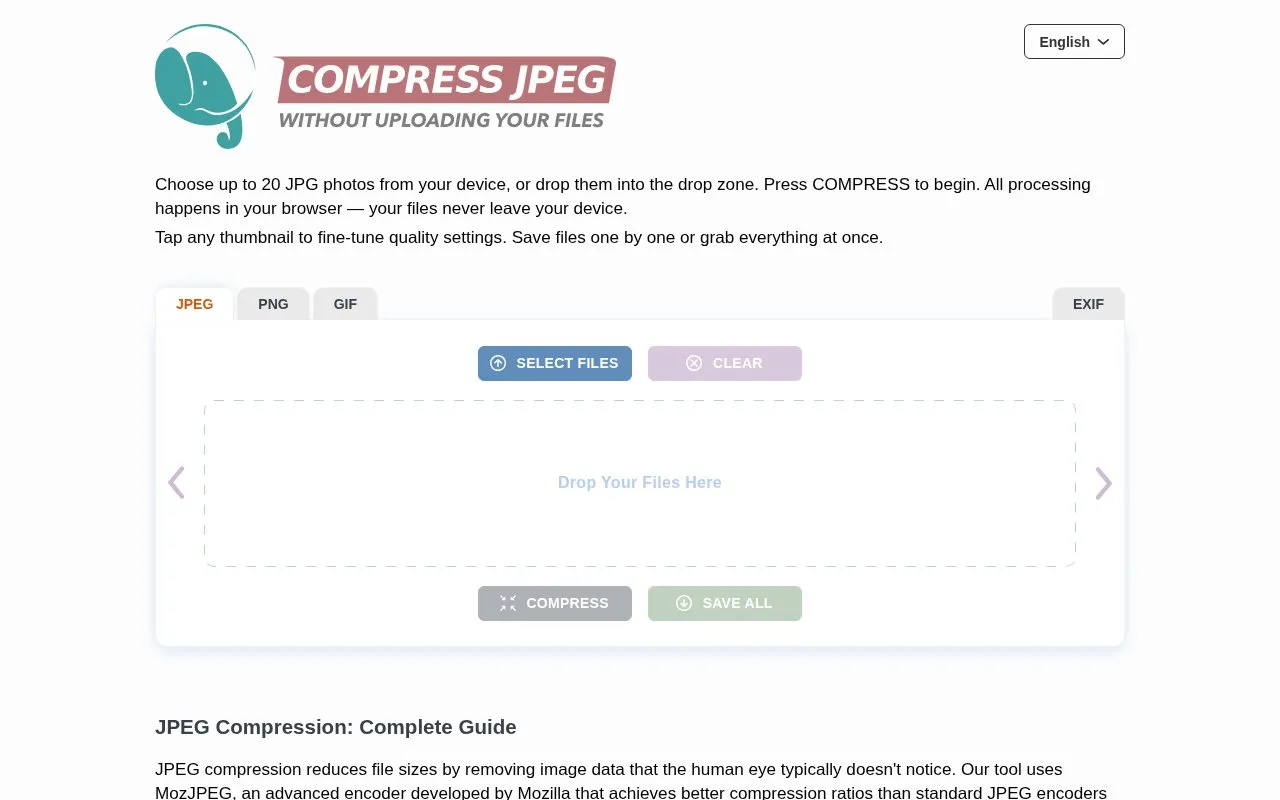
Compress JPEG is a web tool that reduces JPEG file size for use on websites, social media, or email. It accepts up to 20 JPEG files at a time, processes them in the browser using MozJPEG, and lets users adjust quality with a slider and save files individually or together, with before and after sizes shown.
Compression is lossy, meaning some image data is permanently removed, and the site notes that saving the same JPEG again applies compression again. The site states that processing happens locally with no server uploads and no registration.
Key features
- Compress up to 20 JPEG files at once
- Adjust compression with quality slider per image
- Save files individually or with Save All
- Display before and after file sizes and reduction
- Process images locally in browser via WebAssembly
- Use MozJPEG encoder for JPEG compression
Best for: People who need smaller JPEGs for web pages, social media posts, or email attachments.
Good for
- The site states files are processed locally with no server uploads
- Works without registration
- Supports batch processing of up to 20 files with per-image quality adjustment
Watch out for
- Only accepts JPEG files, limited to 20 per batch
- Uses lossy compression that permanently removes image data
- Saving the same JPEG repeatedly applies compression again
Compress JPEG at a glance
- Website
- compressjpeg.com
- Category
- Online Tools › Image Tools
- Type
- Online tool
- Pricing
- Not confirmed. Check the site
- Platforms
- Web
- Open source
- Not stated
- Language
- English
- Last checked
- Oct 5, 2026 · Online when checked
- Listed
- Oct 5, 2026
Guides for Image Tools

Compress JPEG alternatives
Tools and sites you could use instead, ranked by how closely they match.

TinyJPG compresses WebP, JPEG, and PNG images to reduce file sizes for websites and save bandwidth.

Compress JPEG and PNG images in the browser with CompressImage, which says files stay on the device.
Popular in Image Tools
Well-known listings from the same topic.
CamScannerapps.apple.com/us/app/camscanner-pdf-scanner-a…BeeRefbeeref.orgGreenshotgetgreenshot.orgLightshotapp.prntscr.comnomacsnomacs.orgConverseenconverseen.fasterland.net


Compress JPEG FAQ
How do I use the tool to compress images?
Click SELECT FILES or drag up to 20 JPEGs into the drop area, click COMPRESS, optionally click a thumbnail to adjust quality with the slider, then save individual files or use SAVE ALL.
What quality setting should I choose?
The guide lists 90-100 for archiving with 20-40% reduction, 75-89 for web, social media and email with 50-70% reduction, 60-74 for thumbnails with 70-85% reduction, and below 60 when quality is secondary with reduction over 85%.
Do my images leave my device during compression?
According to the site, no. Compression runs locally in the browser using WebAssembly with no server uploads.
Is something wrong or out of date?
Tell us and an editor will check it.
Own this website?
Claim this listing
Claim the listing and suggest updates yourself. An editor checks every claim first.