
Hide follower, like, and notification counts on Twitter with this browser extension.
Control Panel for Twitter
Control Panel for Twitter adds timeline controls and interface improvements through a browser extension.
About Control Panel for Twitter
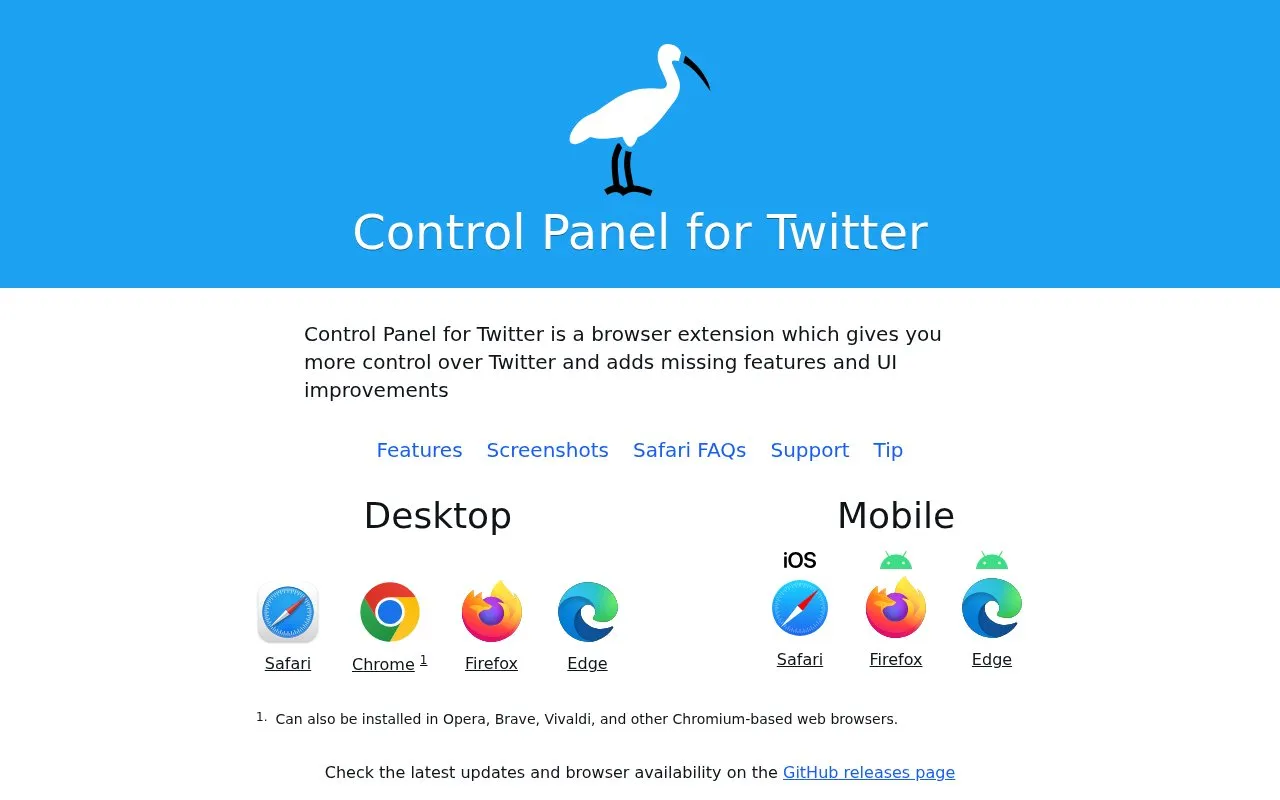
Control Panel for Twitter is a browser extension for desktop and mobile browsers that provides more control over the Twitter/X timeline and adds interface improvements. It keeps the Following timeline from being replaced by "For You", trims algorithmic suggestions, retweets, view counts, trending content and "Discover more", hides Grok and other UI elements, restores headlines under external links, and adds options for hiding tweets or quotes from blocked or muted accounts. Settings are managed through an options interface and applied as they are changed. The extension is available for Safari, Chrome, Firefox and Edge, with the Chrome version also installable in Opera, Brave, Vivaldi and other Chromium-based browsers. It is not open source, and the page does not state pricing.
Key features
- Keeps the Following timeline instead of switching to "For You"
- Reduces algorithmic suggestions, retweets, view counts and trends
- Hides Grok, ads and other timeline or navigation clutter
- Adds options to hide tweets or quotes from blocked or muted accounts
- Options interface applies preference changes as they are made
- Desktop and mobile support for Safari, Chrome, Firefox and Edge
Best for: People who use Twitter/X in a desktop or mobile browser and want a less algorithmic, less cluttered timeline.
Good for
- Configurable options interface with changes applied immediately
- Runs on desktop and mobile versions of major browsers
- Regular releases documented on a public changelog page
Watch out for
- Not open source
- Safari requires manually enabling the extension and granting access to x.com and twitter.com, and it does not run in Home Screen Web Apps
- The page refers to "free versions" without stating what is free or what any paid tier costs
Control Panel for Twitter at a glance
- Category
- Social & Communities › X (Twitter) Tools
- Type
- Website
- Pricing
- Not confirmed. Check the site
- Platforms
- Browser extension, iOS, Web
- Open source
- Not stated
- Language
- English
- Last checked
- Oct 5, 2026 · Online when checked
- Listed
- Oct 5, 2026
Control Panel for Twitter alternatives
Tools and sites you could use instead, ranked by how closely they match.

sssTwitter downloads Twitter or X videos in MP4 format through an online tool.

Restore an older Twitter layout from 2015 or 2018 with the OldTwitter browser extension.

Detect Twitter-related information in Chrome with the Twitter Detector extension.
Open source
11 alternatives
Convert a blog post into a Twitter thread with the Chirr App Firefox extension.

TweetDetective analyzes Twitter posts to identify whether text may have been generated by AI.
Popular in X (Twitter) Tools
Well-known listings from the same topic.
Botometer by OSoMebotometer.osome.iu.eduFollowerAuditfolloweraudit.comTweet Bindertweetbinder.comtrends24trends24.inGhost Archiveghostarchive.orgGetdewey.cogetdewey.co


Control Panel for Twitter FAQ
Why isn't the Safari version working after installing it from the App Store?
Safari extensions must be enabled manually. The app that opens after installation links to the appropriate Settings page to toggle the extension on, and you then need to set the website access permissions for x.com and twitter.com to "Allow".
Does it work when Twitter is opened from a Home Screen bookmark?
No. Safari does not currently allow browser extensions to run in Home Screen Web Apps. Open Safari and navigate to Twitter normally, or use the Shortcuts app to create a shortcut that opens Twitter in Safari.
Which browsers are supported?
Desktop Safari, Chrome, Firefox and Edge, plus mobile Safari, Firefox and Edge. The Chrome version can also be installed in Opera, Brave, Vivaldi and other Chromium-based browsers.
Is something wrong or out of date?
Tell us and an editor will check it.
Own this website?
Claim this listing
Claim the listing and suggest updates yourself. An editor checks every claim first.