OldTwitter

Restore an older Twitter layout from 2015 or 2018 with the OldTwitter browser extension.

github.com/dimdenGD/OldTwitter
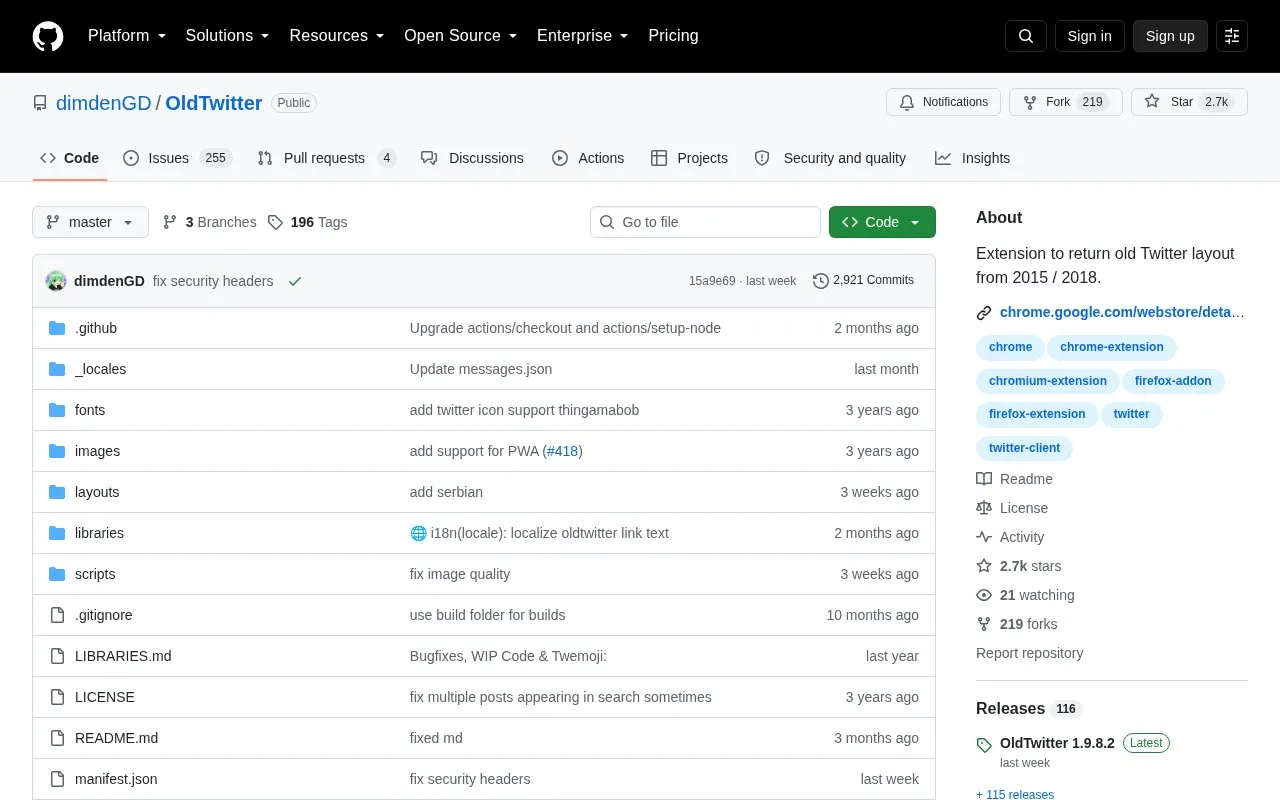
OldTwitter homepage screenshot

About OldTwitter

OldTwitter is a browser extension that replaces the current Twitter client with a layout based on the 2015 design, with a setting for a 2018 design. It implements almost all Twitter functionality and includes video and GIF download, inline tweet translation, follower search, sort and filter, unfollower tracking, dark mode, and custom colors, fonts, and CSS. It also removes ads, analytics and tracking.

It is not a pixel-perfect copy of the 2015 interface and defaults to a reverse-chronological timeline. The Firefox Add-ons listing was removed, so Firefox users install it manually from GitHub.

Key features

  • Replaces current client with 2015 layout, optional 2018 design
  • Removes ads, analytics and tracking from Twitter
  • Downloads videos and GIFs from tweets
  • Translates tweets inline with per-user autotranslate options
  • Searches, sorts and filters followers and tracks unfollowers
  • Supports dark mode, custom CSS, fonts and colors
Best for: People who prefer the 2015 or 2018 Twitter layout over the current client.
Good for
  • Replaces the Twitter client rather than overlaying CSS
  • Removes ads, analytics and tracking
  • Source code is published on GitHub for review
Watch out for
  • Not a pixel-perfect copy of 2015 Twitter
  • Firefox Add-ons listing was removed, manual install required
  • Defaults to reverse-chronological timeline

OldTwitter at a glance

Type
Open-source project
Pricing
Not confirmed. Check the site
Platforms
Browser extension
Open source
Not stated
Language
English
Last checked
Oct 5, 2026 · Online when checked
Listed
Oct 5, 2026

OldTwitter alternatives

Tools and sites you could use instead, ranked by how closely they match.

All 10 alternatives

Popular in X (Twitter) Tools

Well-known listings from the same topic.

All 33

OldTwitter FAQ

How do I visit the original Twitter client after installing?
Add ?newtwitter=true to the end of the current URL, or use the "Open this page in new Twitter" button on the bottom right.
Where are the extension settings?
Click the profile picture on the top-right and then the Settings button.
Can I use something more modern than the 2015 design?
Yes, there is a setting to use the design from 2018.
Is something wrong or out of date?

Tell us and an editor will check it.

Own this website?

Claim the listing and suggest updates yourself. An editor checks every claim first.

Claim this listing