

CSNADES.gg provides Counter-Strike 2 grenade lineups for maps including Mirage, Dust 2, Nuke, and Inferno.
CS2UTIL
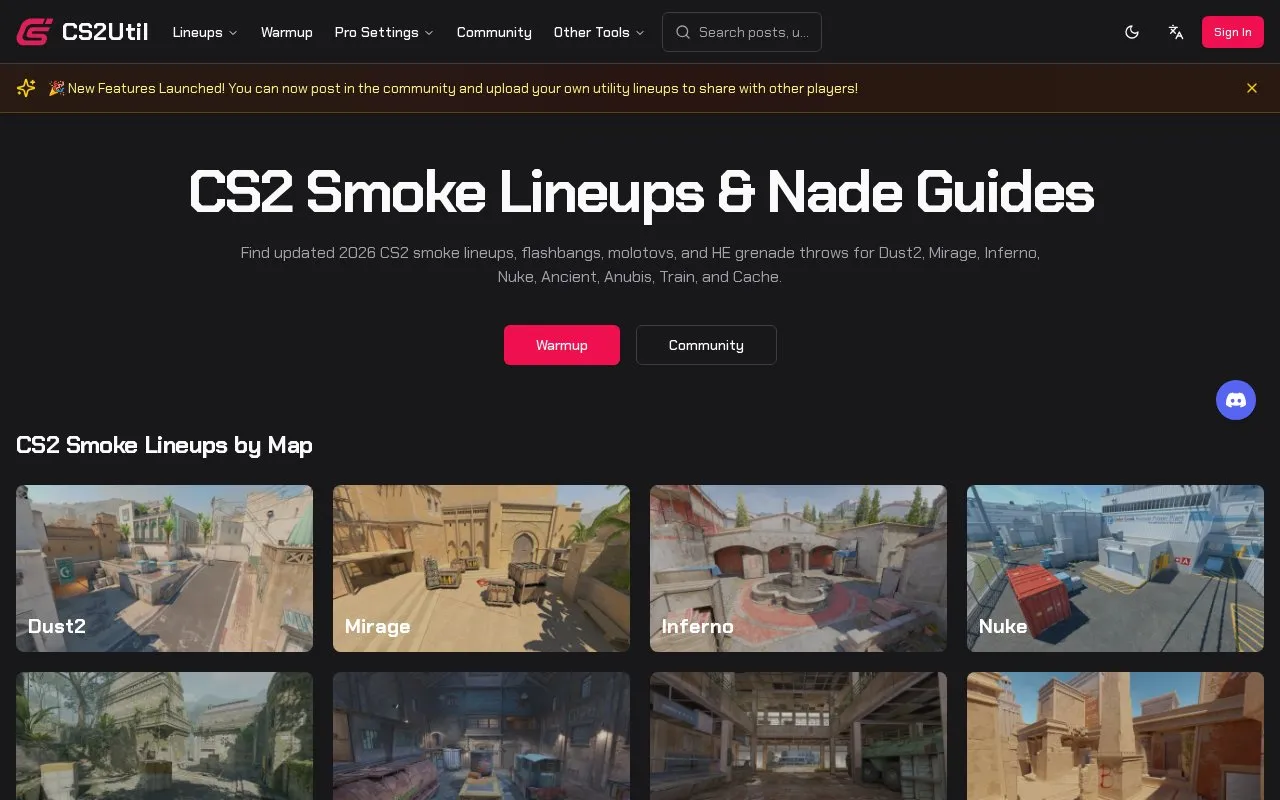
CS2UTIL organizes Counter-Strike 2 smoke, flash, molotov, and grenade guides by map.
About CS2UTIL
CS2UTIL organizes Counter-Strike 2 utility guides by map, covering smokes, flashbangs, molotovs and HE grenades for maps including Dust2, Mirage, Inferno, Nuke, Ancient, Anubis, Train, Cache, Overpass and Vertigo. Users select a map and grenade on a 2D map view, then open a throw position for instructions, video and details such as jump throw, air time, mouse button, movement and console position commands. It also lists professional player profiles with crosshair codes and allows filtering lineups by area or team.
Some positions can become invalid after CS2 updates or map changes, and console position commands require a server with cheats enabled.
Key features
- Smoke, flash, molotov and HE guides organized by map
- 2D map view with multiple throw positions per grenade
- Throw instructions with videos and throw metadata
- Filter utility lineups by area or team
- Pro player profiles and copyable crosshair codes
- Console position commands for practice servers with cheats enabled
Best for: Counter-Strike 2 players who want to find and practice map-specific grenade lineups.
Good for
- Covers multiple maps for smokes, flashes, molotovs and HE throws
- Each lineup includes video, aim point and throw details
- Provides practice server commands and copyable console coordinates
Watch out for
- Some lineups may become invalid after game or map updates
- Console coordinates require a server with cheats enabled
CS2UTIL at a glance
- Website
- cs2util.com
- Category
- Gaming › Game Guides, Wikis & Tools
- Type
- Website
- Pricing
- Not confirmed. Check the site
- Platforms
- Web
- Open source
- Not stated
- Language
- English
- Last checked
- Oct 5, 2026 · Online when checked
- Listed
- Oct 5, 2026
CS2UTIL alternatives
Tools and sites you could use instead, ranked by how closely they match.

CS Demo Manager organizes Counter-Strike replays and can extract statistics from demo files.

Compare weapon statistics in Counter-Strike 2 using this shared spreadsheet.

Dust2.us covers Counter-Strike 2 news, matches, results, and community updates.

Improve Steam trading workflows for Counter-Strike: Global Offensive with the CSGO Trader browser extension.
HLTV covers Counter-Strike news, matches, statistics, demos, and tournament reporting.
Popular in Game Guides, Wikis & Tools
Well-known listings from the same topic.
GTA Bossgtaboss.ggGTAGaragegtagarage.comPocket Bardpocketbard.appSerebii.netserebii.netBlock Displayblock-display.comWorldPainterworldpainter.net


CS2UTIL FAQ
What do the metadata on a lineup detail page mean?
Jump Throw shows if a jump is needed, Air Time is seconds from preparation to release, Mouse Button shows which button to use, Movement shows stance such as standing, walking, running or crouching, Console Command gives coordinates to copy into the console on a cheat-enabled server, and Lineup shows where to aim.
What should I do if a utility position does not work or is outdated?
Use the Report button on the utility details page and describe the problem and what was tried. The team reviews reports and verifies and updates invalid positions.
How can I practice utility lineups in practice mode?
Create a practice server with the listed commands for cheats, infinite ammo, money, buy time, grenade limits and grenade trajectory preview, then copy the position command from the details page into the console for precise placement.
Is something wrong or out of date?
Tell us and an editor will check it.
Own this website?
Claim this listing
Claim the listing and suggest updates yourself. An editor checks every claim first.