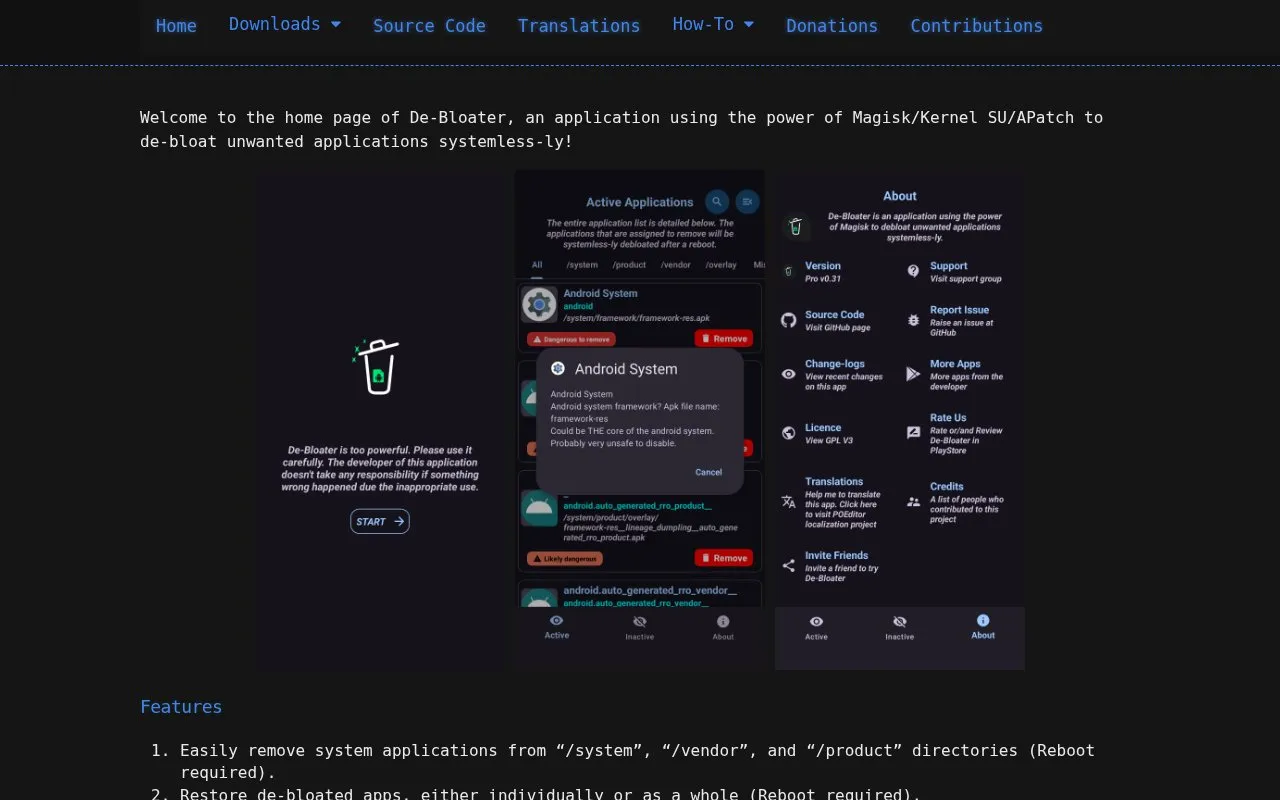
De-Bloater is an Android application that removes unwanted system apps using Magisk, KernelSU, or APatch. It works systemlessly and can remove apps from the /system, /vendor, and /product directories. Changes take effect only after a reboot.
Users can restore removed apps either individually or all at once. The app also includes pre-defined de-bloat scripts and a user interface with an automatic dark and light theme. The homepage mentions additional features without describing them, so they are not listed here.
Key features
Removes system apps from /system, /vendor, and /product directories
Requires a reboot to apply app removal
Restores de-bloated apps individually or as a whole
Includes pre-defined de-bloat scripts
User interface with an automatic dark and light theme
Best for: Android users who already run Magisk, KernelSU, or APatch and want to remove unwanted preinstalled system apps.
Good for
Removed apps can be restored individually or all at once
Includes pre-defined de-bloat scripts
Interface supports an automatic dark and light theme
Watch out for
Requires Magisk, KernelSU, or APatch to be installed
Removal and restore actions require a reboot
Only targets apps in the /system, /vendor, and /product directories